17
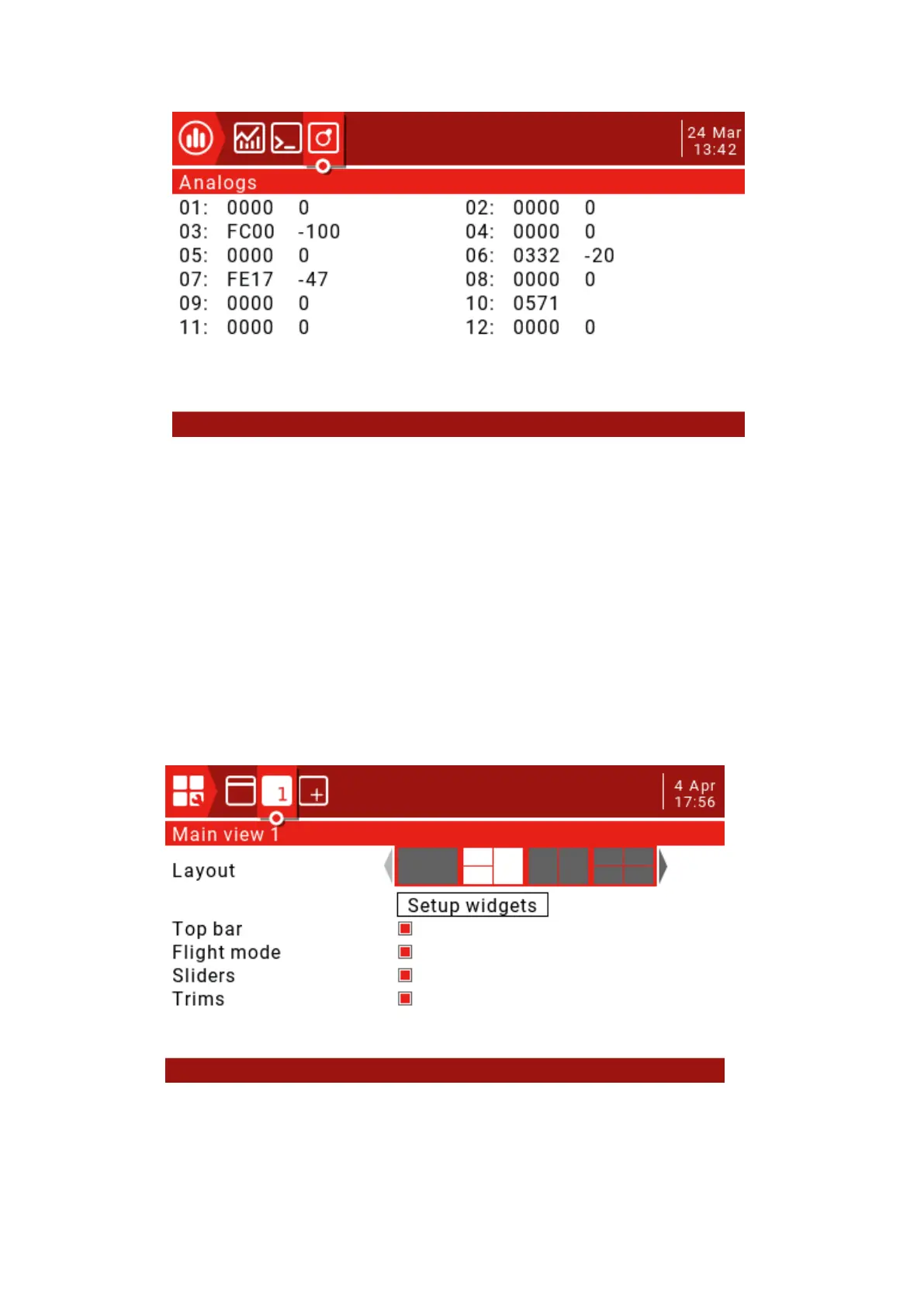
This page shows the raw data readings from the radio analog input device, with raw data on the
left and -100 to 100 values on the right side of the analog input.
The TELE key function is used to set user interface options, including top bar settings
and main view screen layouts, which are very flexible due to the use of widgets.
User Interface:
User interface options allow selection of themes as well as custom foreground and
background colors. This page also applies to the top bar settings. The top bar is displayed at
the top of the main view, and the right side includes status indicators for sound, battery and
RSSI levels, as well as time and date.
Main view:
Up to 5 main views can be defined to display various widgets that can display images,
radio information and all telemetry. Five different layout options can be selected between full
screen or up to 8 widget areas.
Main view settings:
Press and hold the TELE button to enter the telemetry and user interface settings page.



 To Next Page