34
9. Enable throttle adjustment for idle only.
10. Set up pre-flight inspection.
11. Set the display checklist.
12. Enable the center beep on the selected control.
13. Set up the internal RF module.
14. Set up the external RF module.
15. Set the coach mode.
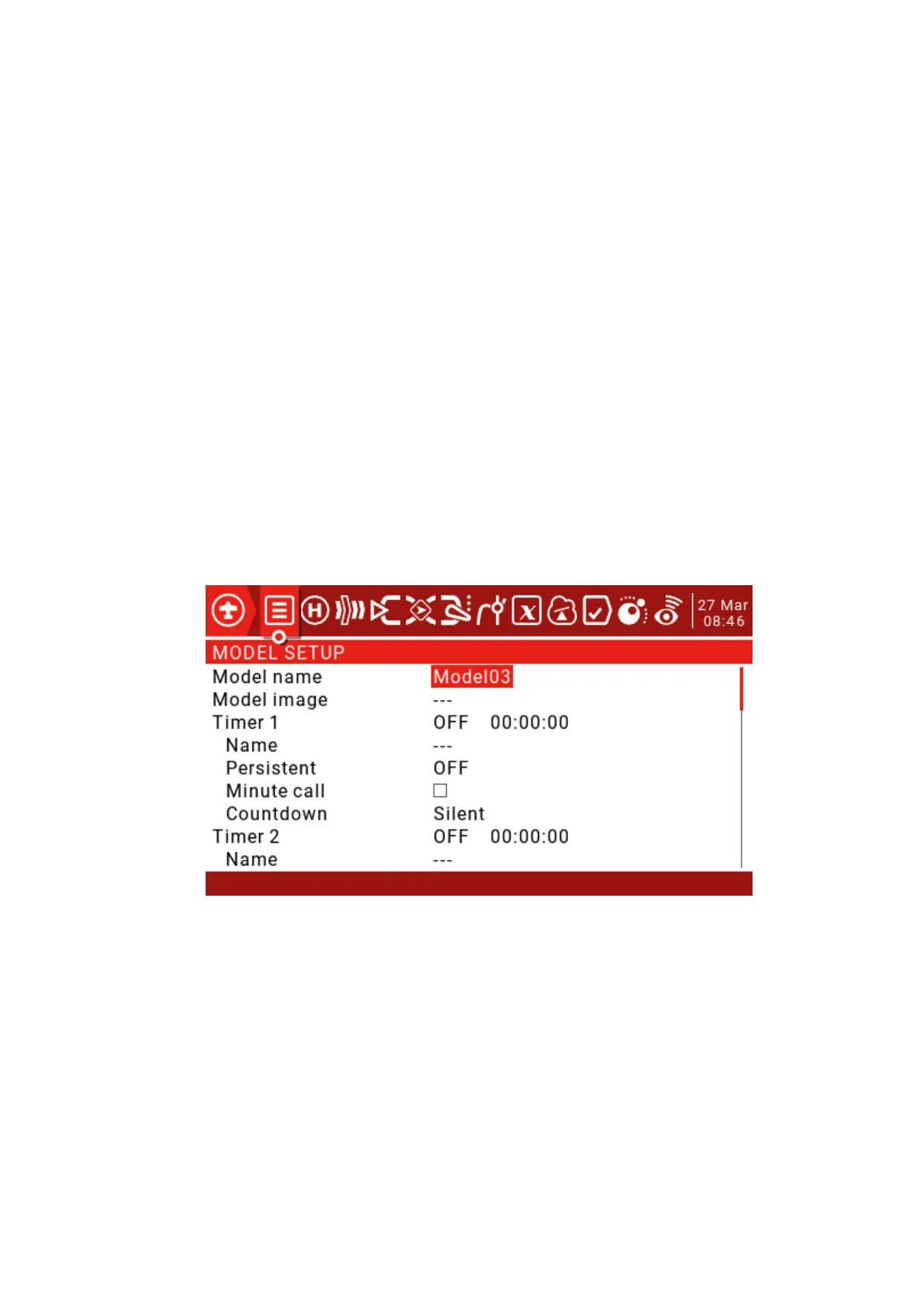
Press and hold the MDL button to enter the Model Setup page.
Model name: Model name, use the scroll wheel to select letters or numbers, long press the ENT key to
switch between upper and lower case, short press the ENT key to set the next one, short press the SYS
key to move the cursor to the left, short press the TELE key to move the cursor to the right, the longest
name Up to 15 characters.
Model image: Model icon, model icon file is stored in the SD card IMAGES folder, you can preview
these images in the system settings SD card page, the image format is 155*100 RGB JPG or PNG.



 To Next Page