48
Note that each row that is currently active and contributes to the channel output will
display its source in bold. This is useful for debugging when many lines are set on the channel
and the switch function is checked.
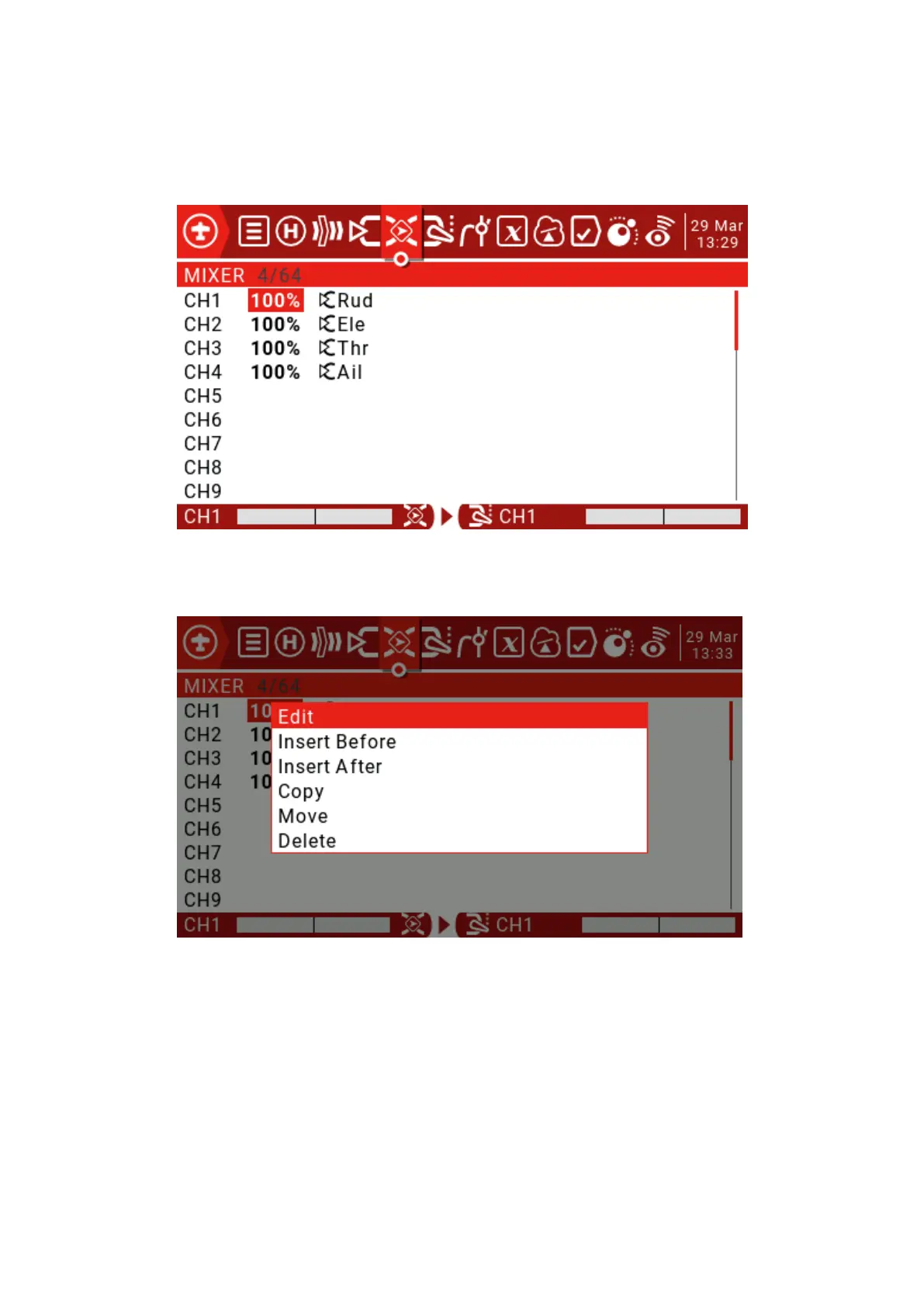
Use the scroll wheel to select the mix list, press and hold the ENT key to enter the edit
submenu. Select Edit and short press the ENT key.



 To Next Page