72
Select New Model and press the RTN button to exit the wizard in the New Model Wizard interface that
pops up.
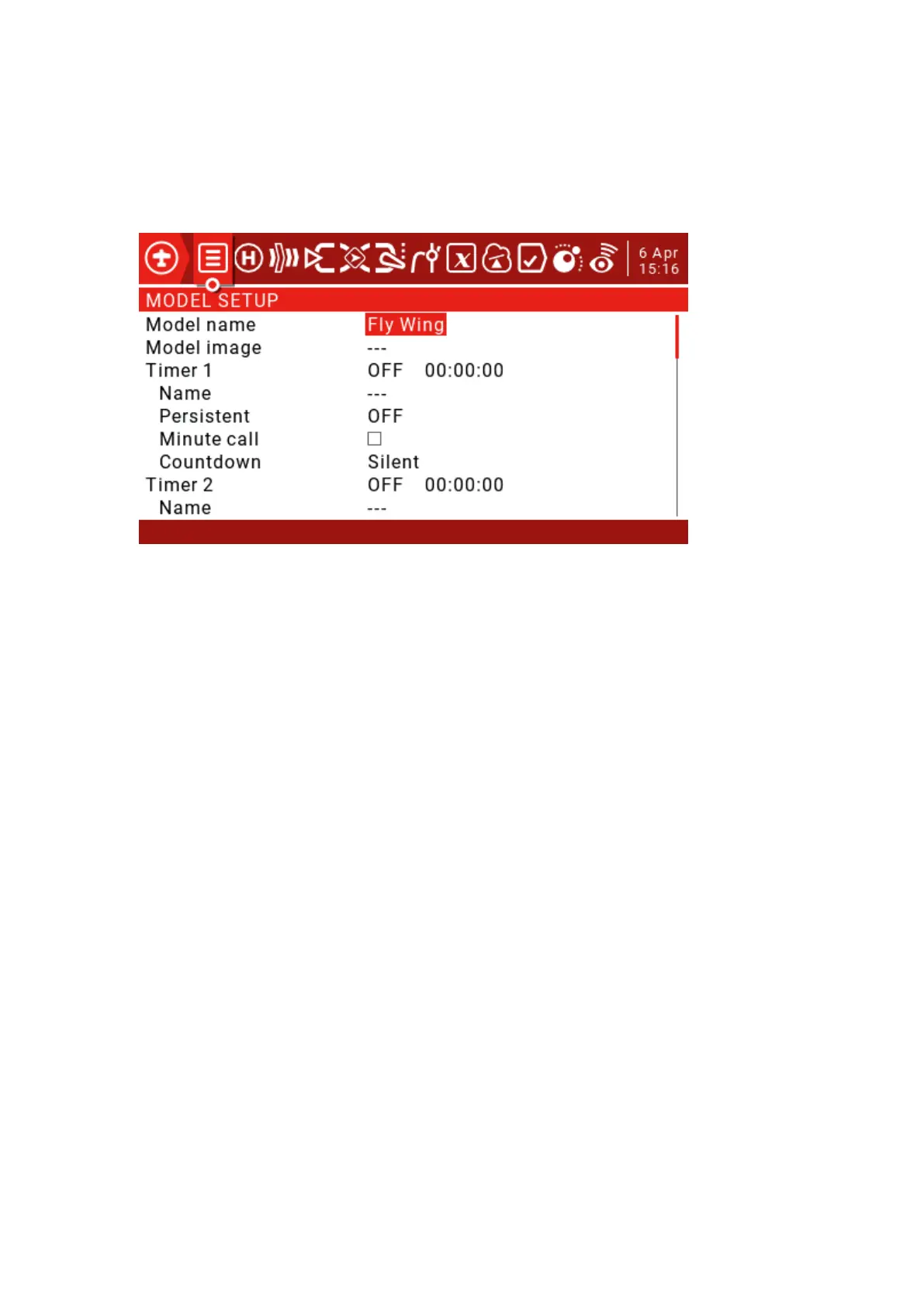
3. Model settings:
The Model Settings section contains all the initial settings required for input, mixing, output, and more.
Model name: Enter your model name.
Timers: Set a timer (for example, when the throttle is pushed, the timer will stop and the throttle will stop
timing).
Source: Set THs here.
Name: The name of the timer.
Persistent: Normally shut down or switch the model without storing the value of the timer, so use the
default value OFF here.
Inputs/Mixer/Outputs:
Determine the desired output (servo/channel).
Determine which physical input (joystick, knob, slider) to use.
Identify and configure the logical inputs to which the physical inputs will be mapped.
Determine the interaction between the input and the channel.
Convert the interaction to a blend definition.
Configure the output.



 To Next Page