74
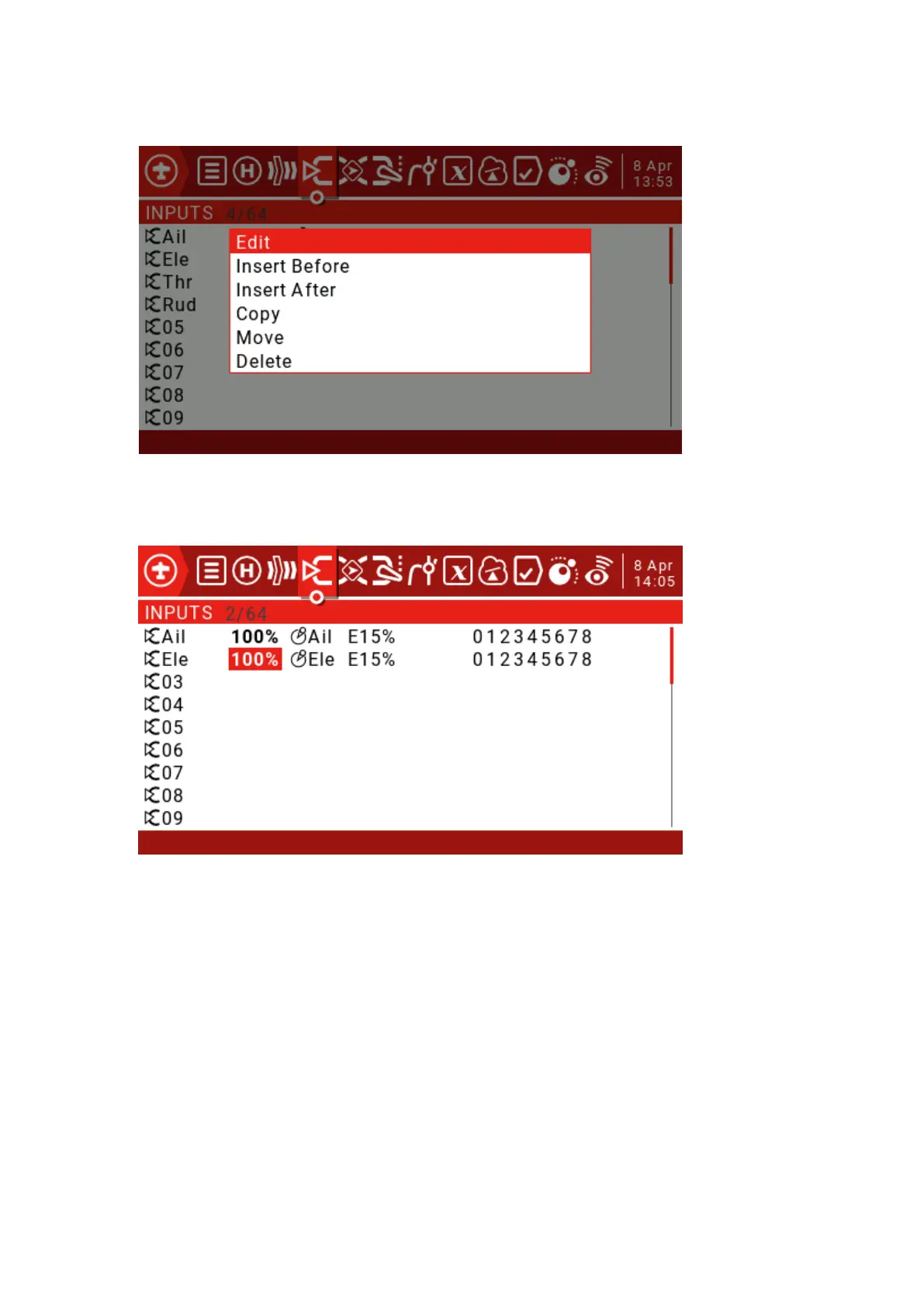
Move the cursor to Ail, long press ENT to enter the edit pop-up window, then select the Edit option and
press ENT. We use the 15% Expo curve to moderate the response around the neutral point (this can be
adjusted to your liking).
You can insert a new input line by moving the cursor to the input to which you want to add a line, then long
press the ENT key to bring up the edit menu. Select "Insert Before" to insert a new line before the current
input line.
You can set a switch to switch between different rudders



 To Next Page