102 Chapter 7 Learn Geode Connect for Android
Geode GNS3 Real-Time Sub-Meter GPS Receiver
Request a Quote
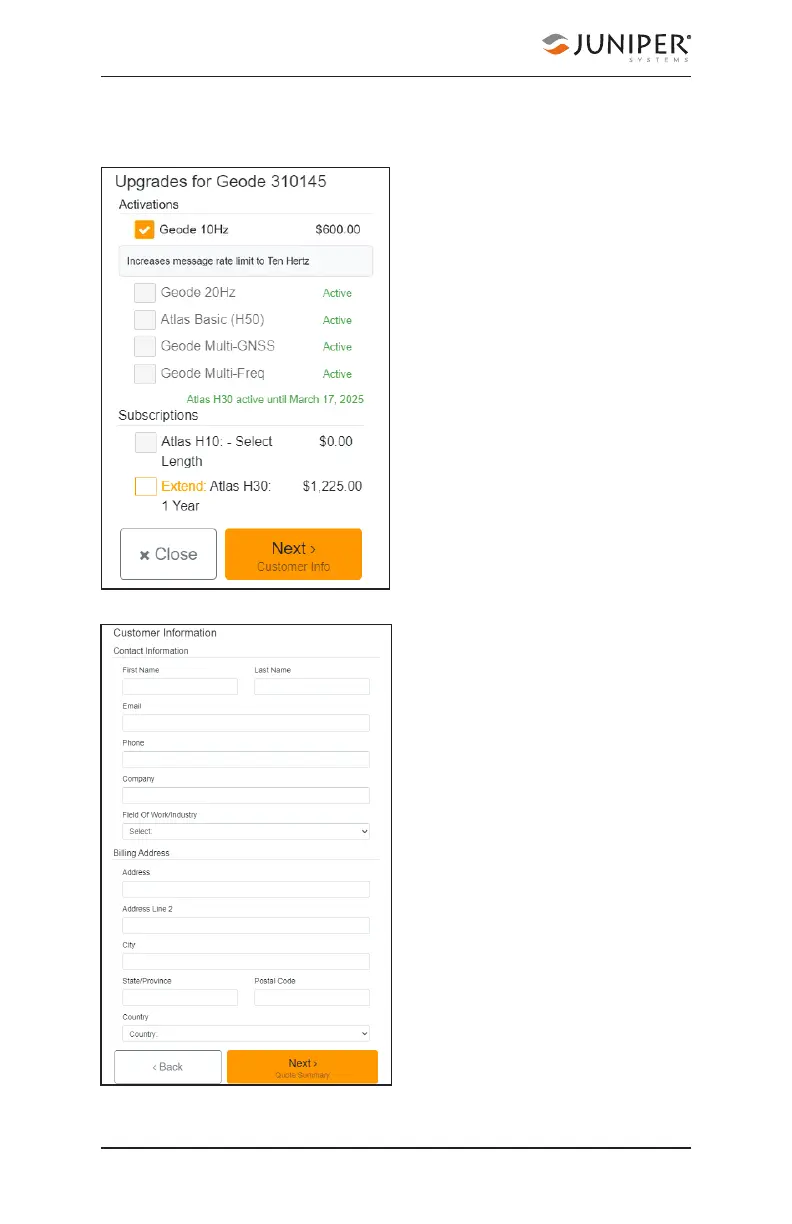
To request an activation or subscription quote,
1. Select the check
box next to one or
more activation or
subscription.
2. Select Next.
Note: If you have a single-
frequency Geode, the only
activations available are 10
Hz and 20 Hz.
3. Enter your contact
information.
4. Tap Next.



 To Next Page