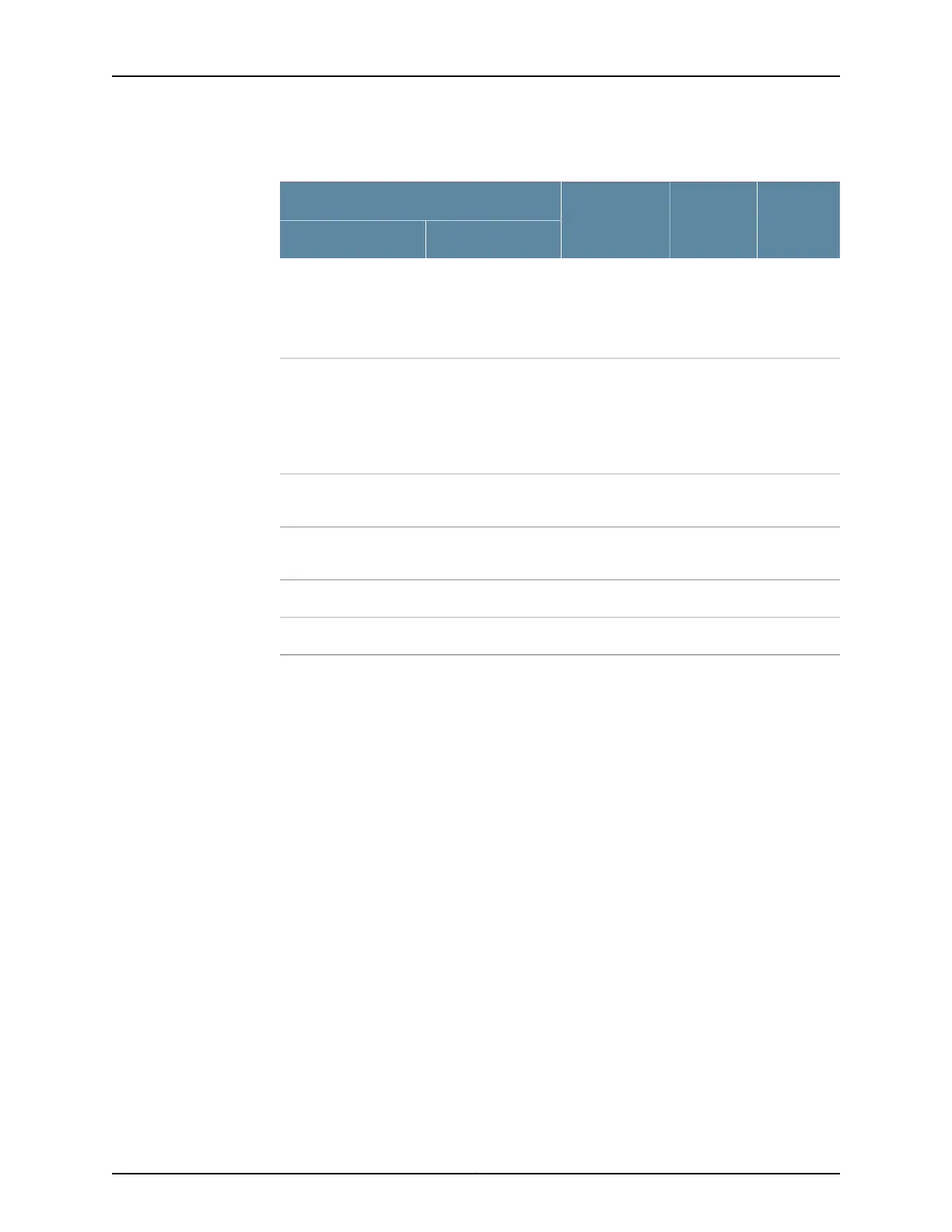
Table 13: DC Power Supply Feed LEDs (continued)
LED BLED ADC Output
DC Input
Input BInput A
GreenRed
(blinking)
Output is
normal.
Input is normal.Input is connected but
has failed because the
power supply fuse has
failed or input voltage
is low.
Red
(blinking)
GreenOutput is
normal.
Input is connected
but has failed
because the power
supply fuse has failed
or input voltage is
low.
Input is normal.
GreenRed
(blinking)
Output is
normal.
Input is normal.Input breaker open or
no DC input connected.
Red
(blinking)
Red
(blinking)
No output.Input has failed.Input has failed.
OffOffNo output.No input.No input.
(1) No output because of output side failure or an open connection.
Related
Documentation
• SRX240 Services Gateway Chassis on page 31
• SRX240 Services Gateway Front Panel and Back Panel Views on page 13
• SRX240 Services Gateway Built-In Interfaces on page 16
• SRX240 Services Gateway Boot Devices and Dual-Root Partitioning Scheme on page 10
• SRX240 Services Gateway Power Supply on page 25
• SRX240 Services Gateway Cooling System on page 23
Copyright © 2015, Juniper Networks, Inc.22
SRX240 Services Gateway Hardware Guide















 To Next Page