1. Position a mounting bracket on each side of the chassis. You can position the brackets
in:
•
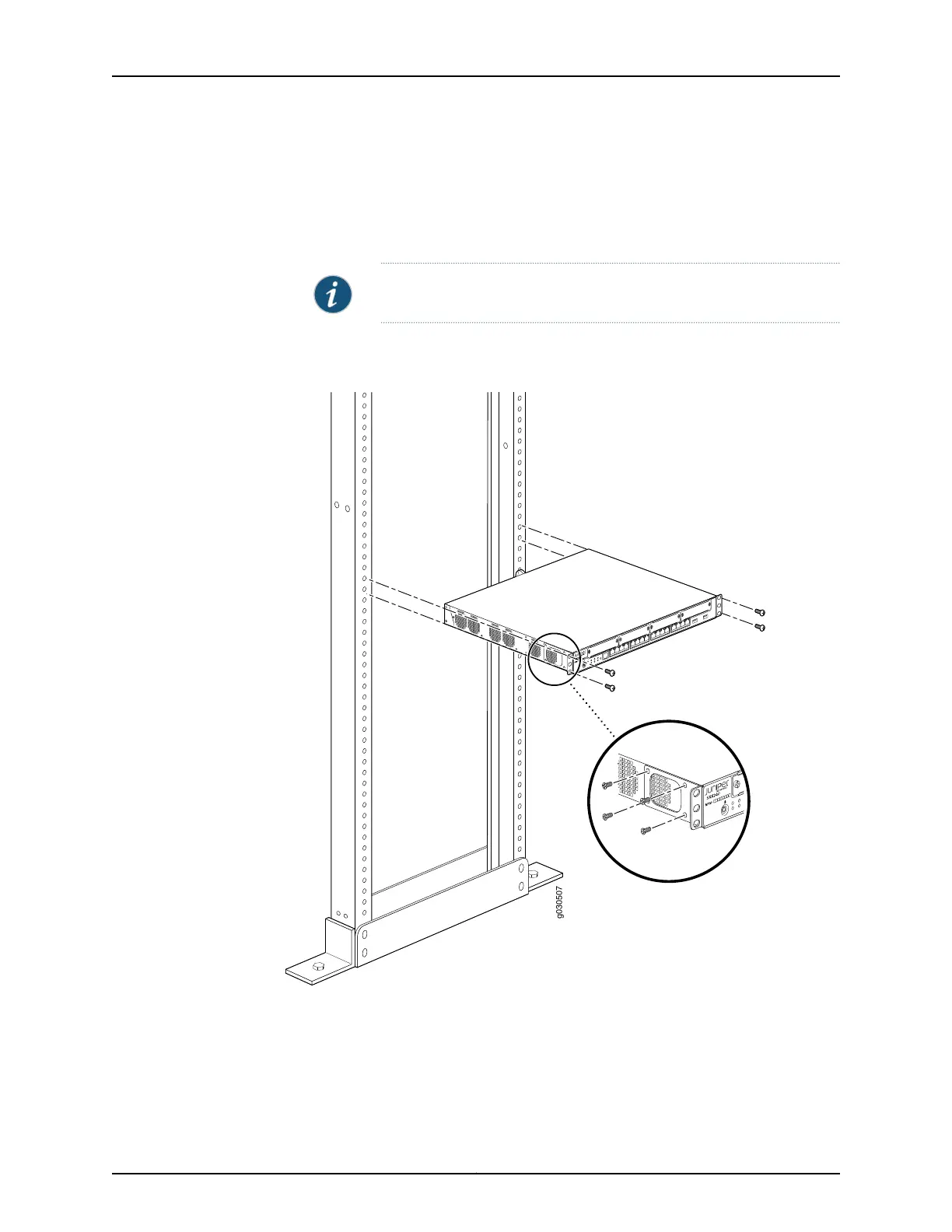
Front-mount position as shown in Figure 12 on page 55.
•
Center-mount position as shown in Figure 13 on page 55.
NOTE: Positioning the brackets in the center offers greater stability.
Figure 12: Installing the SRX240 Services Gateway in a Rack (Front-
Mount)
Figure 13: Installing the SRX240 Services Gateway in a Rack (Center-
Mount)
55Copyright © 2015, Juniper Networks, Inc.
Chapter 11: Installing the Services Gateway















 To Next Page