CHAPTER 9
Installation Overview
•
Installation Overview for the SRX240 Services Gateway on page 47
•
Required Tools and Parts for Installing and Maintaining the SRX240 Services
Gateway on page 48
•
SRX240 Services Gateway Autoinstallation Overview on page 49
Installation Overview for the SRX240 Services Gateway
After you have prepared your installation site, you are ready to unpack and install the
services gateway. It is important to proceed through the installation process as shown
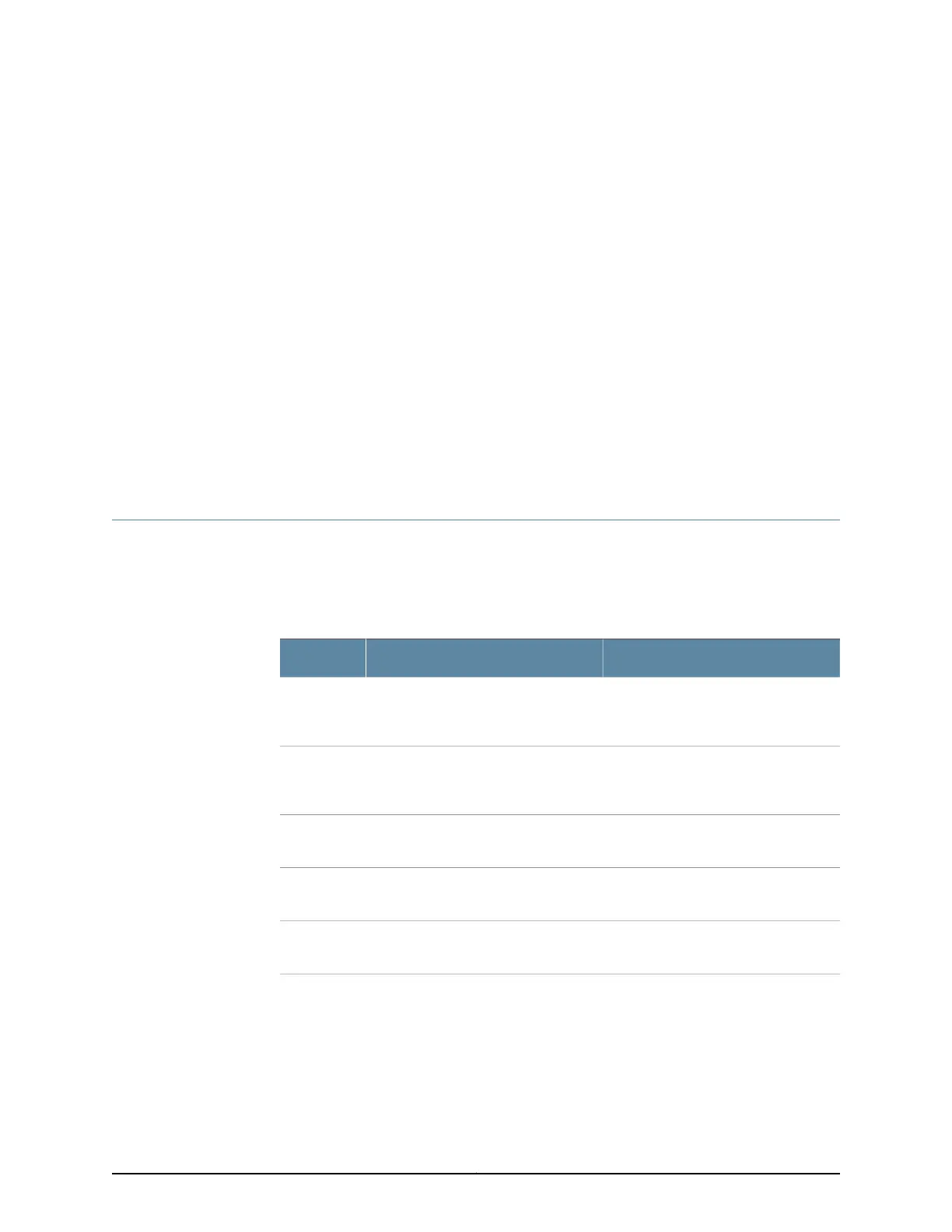
in Table 27 on page 47.
Table 27: Installation Process Sequence for the SRX240 Services Gateway
For More InformationProcessSteps
“SRX240 Services Gateway Safety
Requirements, Warnings, and
Guidelines” on page 139
Review the safety guidelines.1
“Site Preparation Checklist for the
SRX240 Services Gateway” on page 29
Verify that you have prepared your site
for the installation of the services
gateway using the checklist.
2
“Unpacking the SRX240 Services
Gateway” on page 51
Unpack the services gateway and verify
that the parts are received.
3
“Preparing the SRX240 Services
Gateway for Installation” on page 53
Prepare the services gateway for
installation.
4
“Installing the SRX240 Services
Gateway” on page 53
Install the services gateway.5
47Copyright © 2015, Juniper Networks, Inc.















 To Next Page