111
APPENDIX III
PARAMETER DEFINITIONS
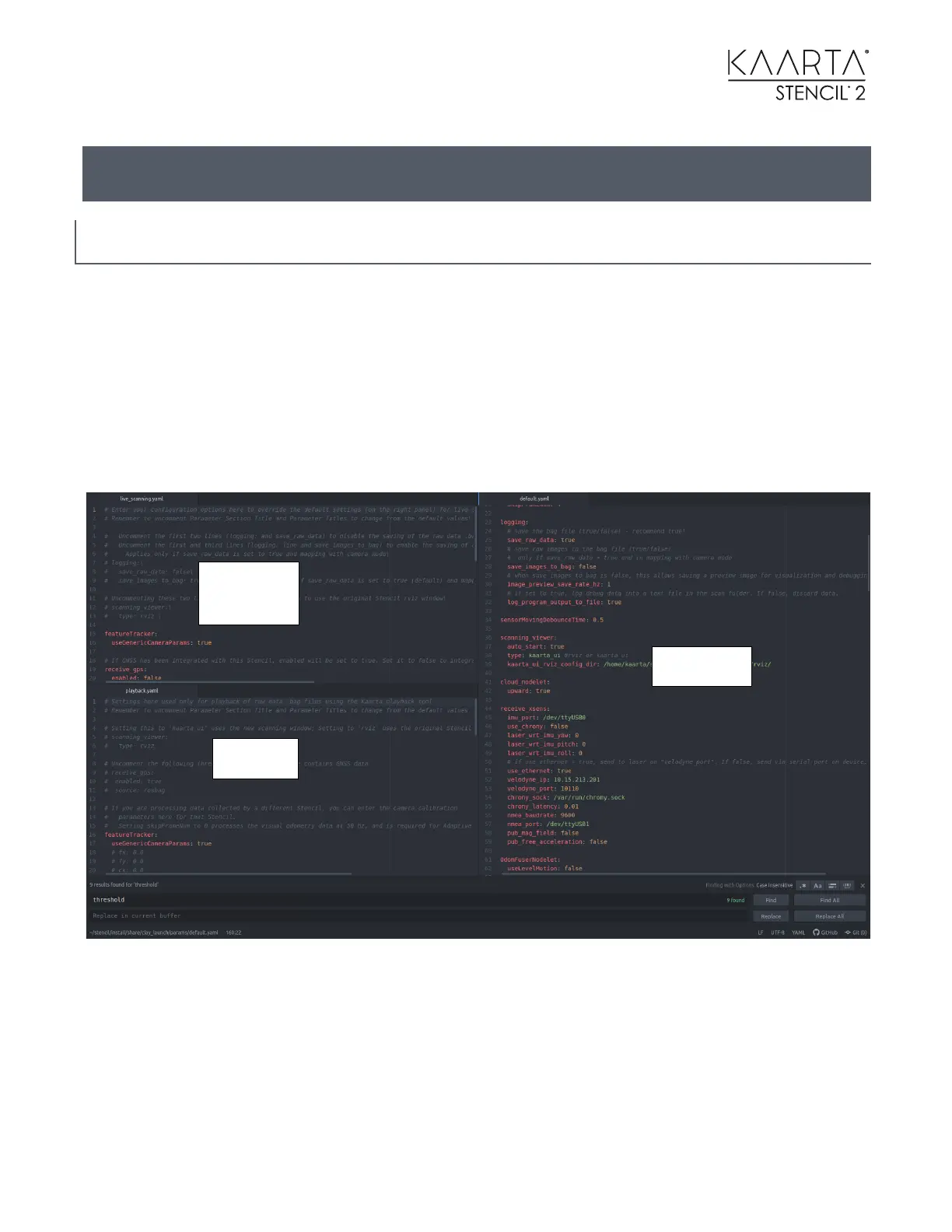
Changing parameters currently uses the Atom text editor to make changes. The editing window
is split into three parts. The right side are the default parameters (default.yaml) which are not
changed by the user. The upper left editing window is the user parameters (live_scanning.yaml)
to override the default ones for use during live scanning. The lower left editing window is the set
of override parameters for playback mode (playback.yaml). Note that the live scanning and the
playback parameters only apply to scanning or playback modes. Parameters set to override live
scanning parameters need to be added to the playback parameters as well if you want them to
work in playback mode.
If you want to restore the user or playback parameters as shipped, you can copy and paste the
user and playback parameters from the Documentation Folder on the Desktop into the
applicable windows opened by the Stencil Settings Desktop Icon.
The parameters with their defaults in the default.yaml are:



 To Next Page