77
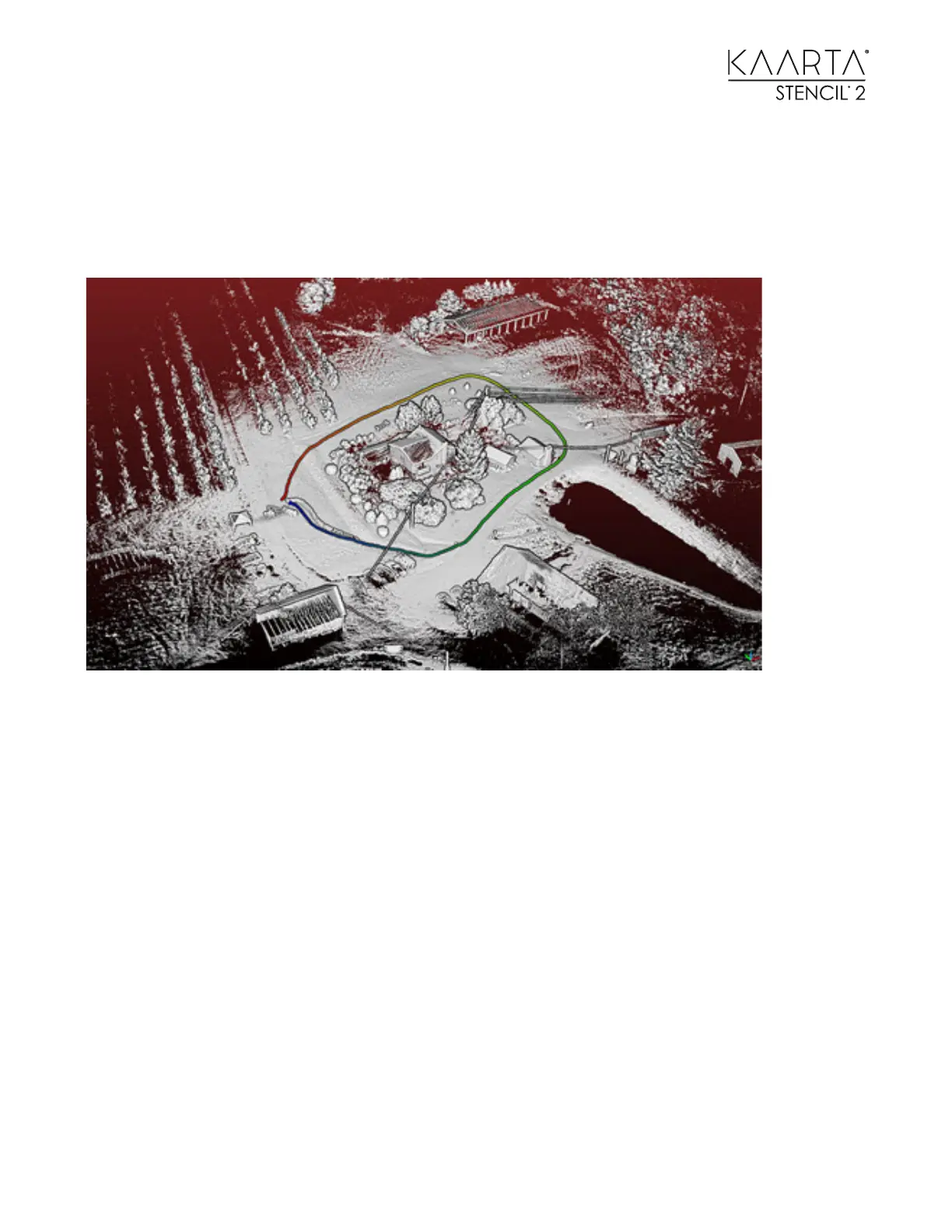
CASE STUDY 3: AIR- GROUND COLLABORATIVE MAPPING
Ground-based mapping covers the surroundings of structures and establishes a reference for
aerial mapping. Aerial mapping covers the tops of the structures, e.g. building roofs.
• Choose a mapping mode, (use with Camera if needed.) Build a ground-based map by hand-
holding Stencil 2 or mounting it to a ground vehicle and moving around the structure.
• Verify the map has no drift. Run Loop Closure if needed.
• Use Choose Map for Localization.
• Choose a localization mode; with Camera is REQUIRED for aerial applications.
• Start mapping at origin or the end of the ground-based map depending on the localization
mode selected by mounting Stencil 2 to a Drone.
• The aerial points will be built in the same coordinate system as the map used for
localization and can be seen in green.



 To Next Page