20
DESKTOP ICONS
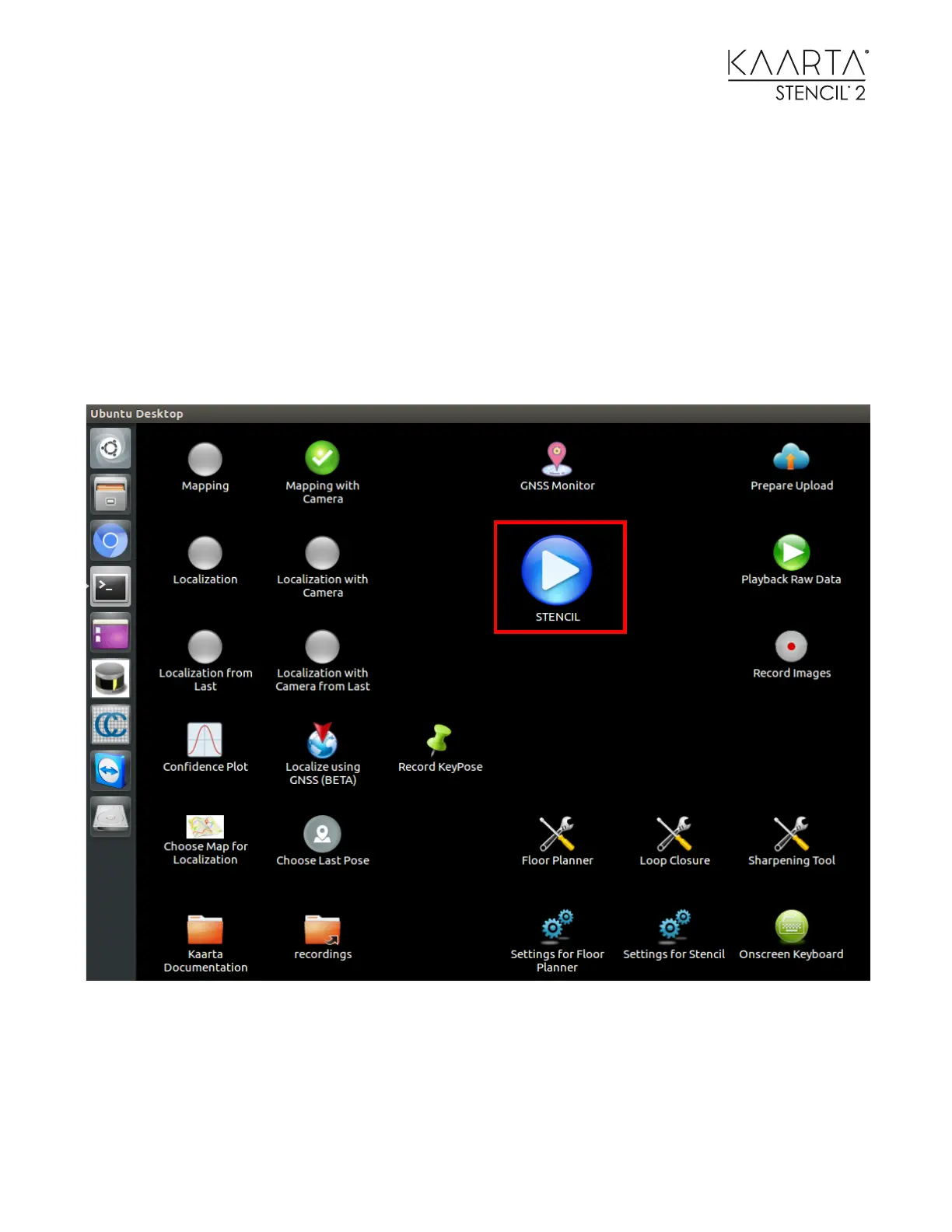
In addition to the back-panel buttons, Stencil 2 has Desktop icons that control the modes as well
as providing a user interface to the many Stencil 2 features.
START / STOP
The Start / Stop icon is a large play icon that starts and stops mapping/localization according the
mode set and visually changes depending on whether you started mapping/localization or
stopped mapping/localization.



 To Next Page