89
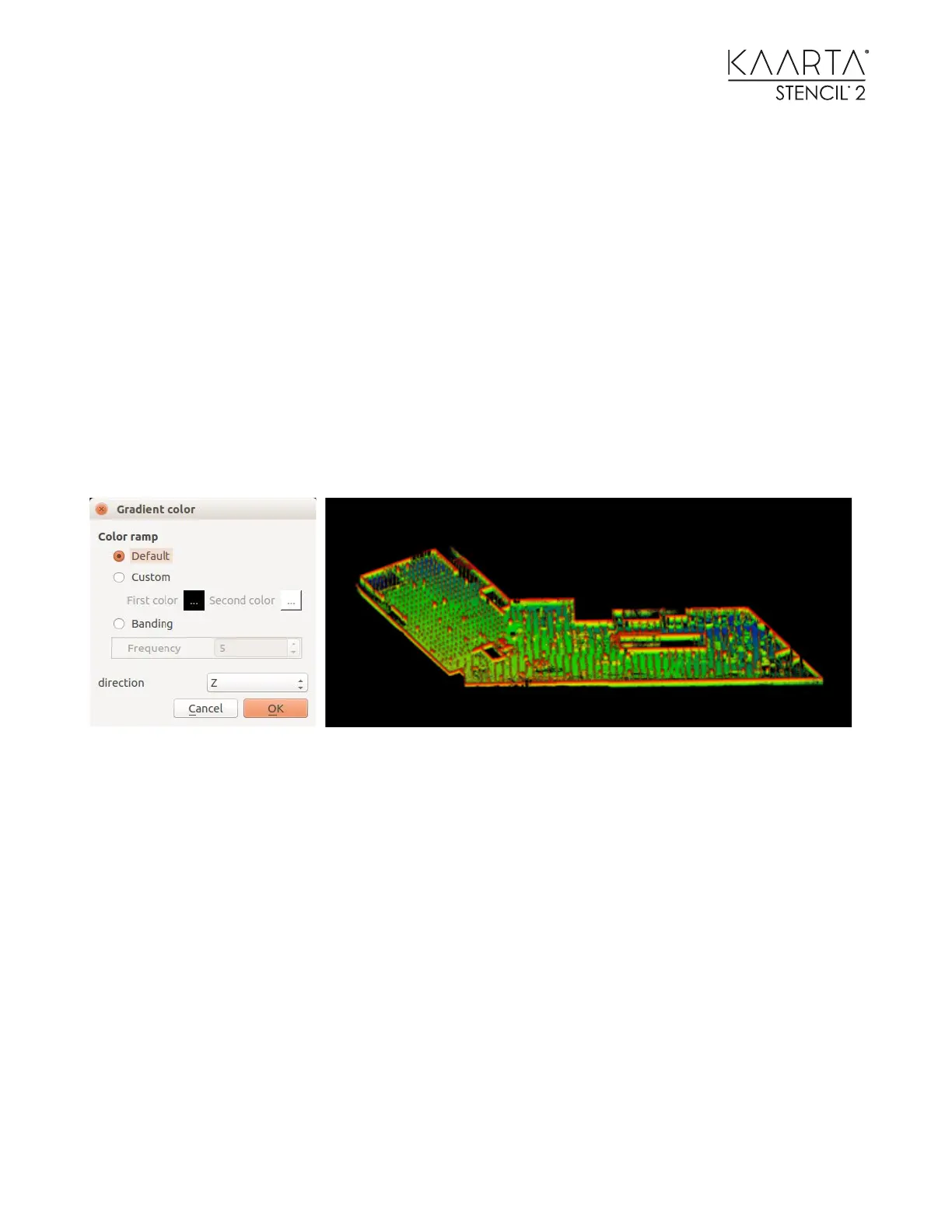
COLORIZE POINT CLOUD BY Z - COORDINATES
If you want to colorize the point cloud based on Z-coordinates (elevation), select
edit>colors>height ramp from the top menu bar. There are many options to customize the
banding effects and color profiles. Maximize the gradient appearance by leveling the point cloud
first or removing superfluous points above and below the point cloud before applying the height
ramp.
Alternatively, you can select Edit>Scalar Fields>Export Coordinate(s) to SF(s) from the menu bar
to colorize the point cloud based on Z-coordinates (elevation). Next, find the Properties toolbox
(below the DB Tree toolbox) and scroll down to the Color Scale section and change the Current
Color option. We recommend Blue>White>Red. You can also alter the color distribution by
clicking and dragging the red or blue handles from the SF display params menu in the Properties
toolbox.



 To Next Page