88
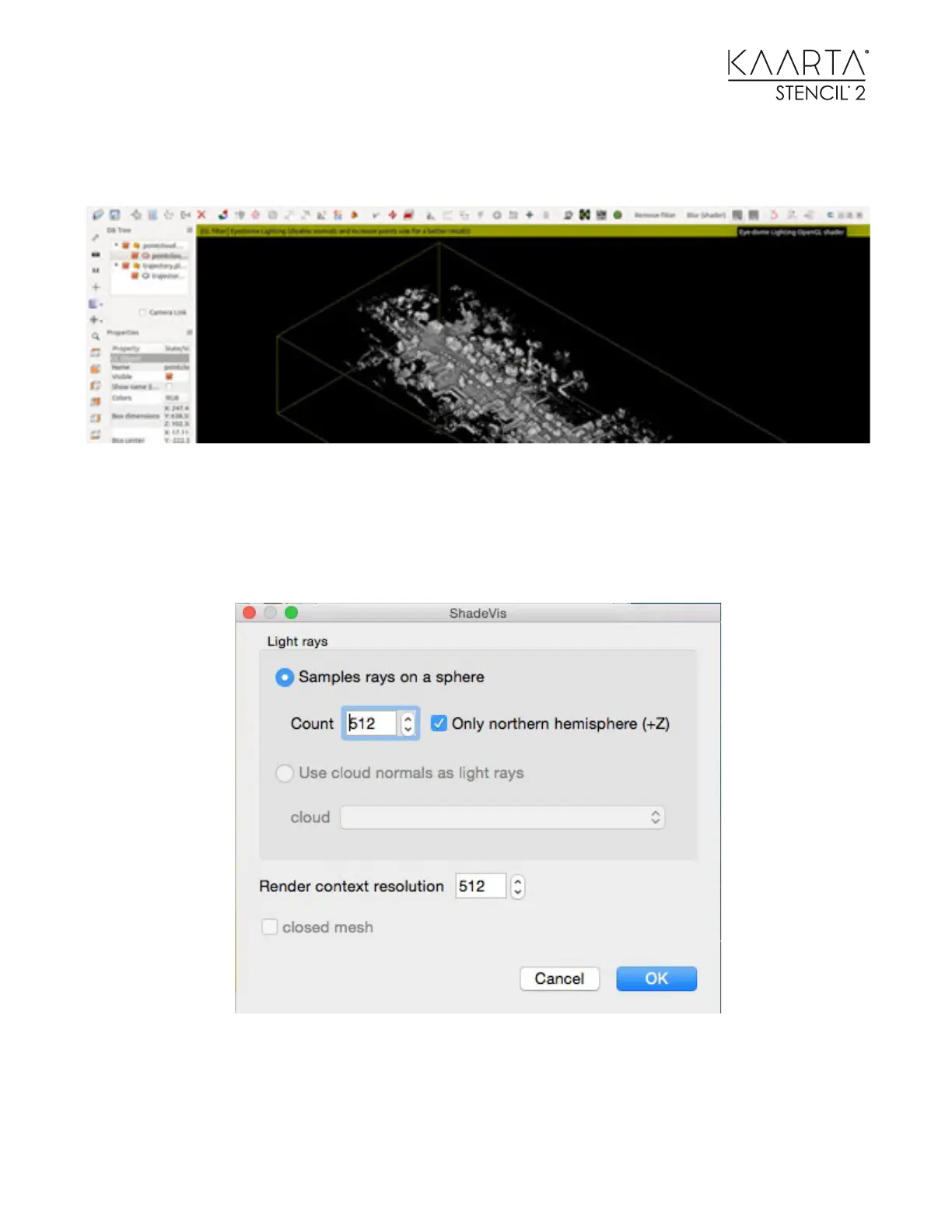
Typically, start with the Eye Dome Lighting (EDL) shader. It is very fast and outlines edges that
make it easier to visualize point clouds.
Alternatively, use PCV shading for other interesting effects. After selecting the point cloud to be
shaded in the DB Tree toolbox on the left side, select Plugins > P.C.V. (Ambient Occlusion) from
the top menu bar to create lighting/shadow effects. We start by changing the numbers in the two
boxes on this screen to 512 as shown below.
Note: This takes a much longer time.
These are just two shading techniques available using CloudCompare.



 To Next Page