22
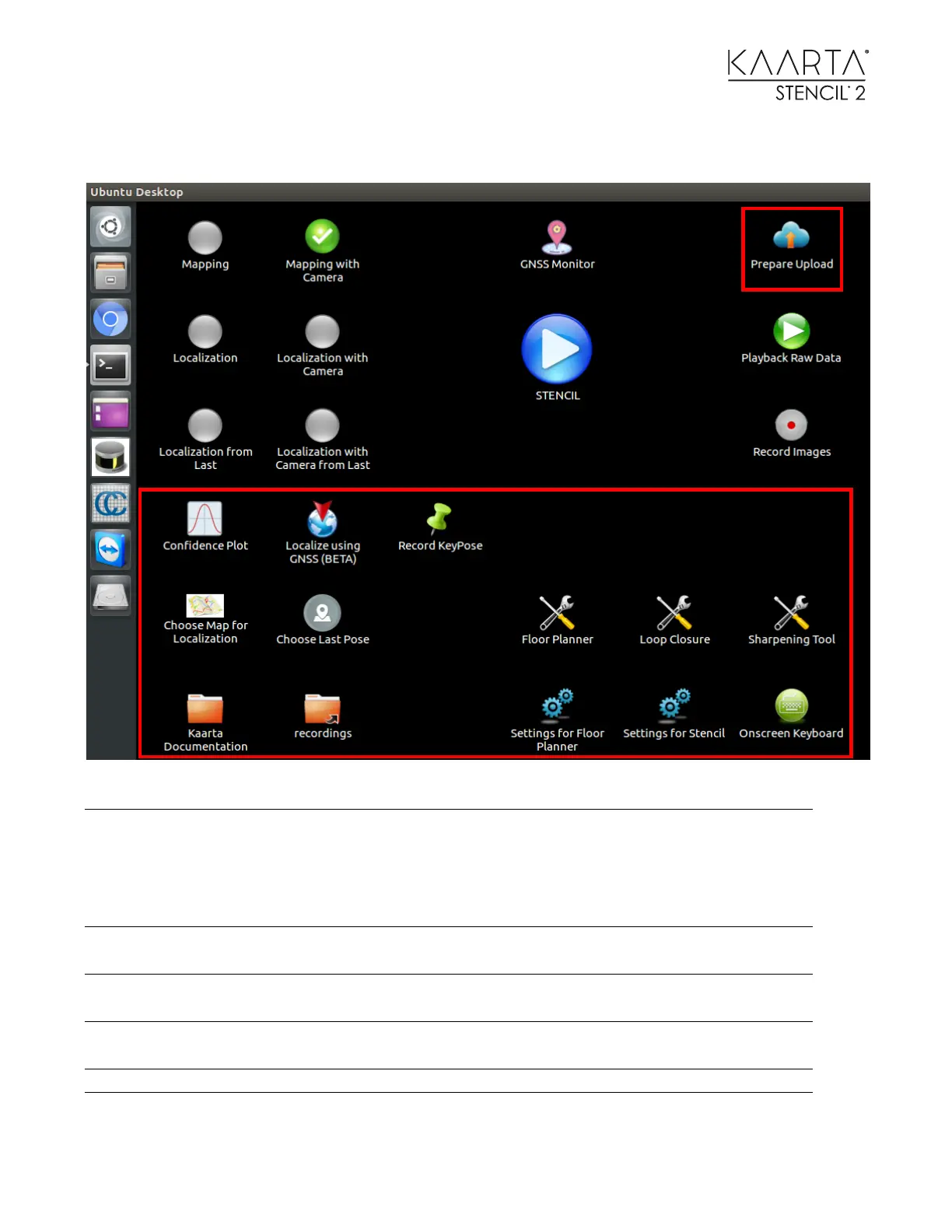
TOOL ICONS
Stencil 2 will have the ability to upload data to Kaarta
Cloud for users to do Replay and other Post Processing
operations without the processing and memory
limitations of Stencil. This icon will zip up the
appropriate files for manual uploading.
Plot showing the mapping confidence value and
threshold and a plot showing the localization confidence
Allows the user to localize using the current GNSS value
if a geo-registered map was loaded.
Allows the user to record specific waypoints in Stencil
trajectory coordinates and GNSS coordinates if available.
Choose Map for Localization
Selects a map to use as an apriori map for localization
Selects starting pose for Localization from last mode



 To Next Page