90
COLORIZING THE POINT CLOUD BY TIME USING SCALAR FIELDS
The trajectory.ply file contains all 6 DOF values of x, y, z, roll, pitch, and yaw. Load the trajectory
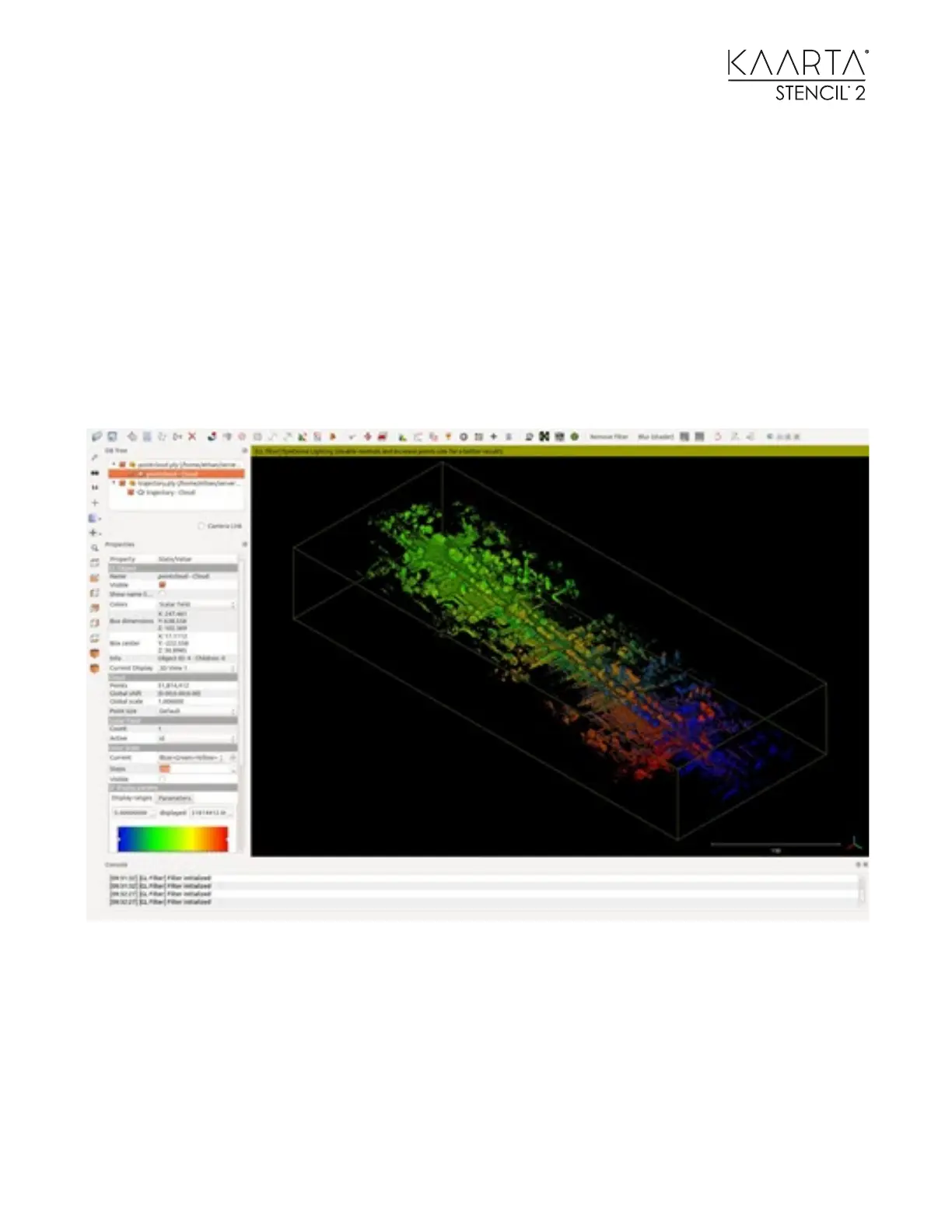
or the point cloud file into CloudCompare. Colorize it by time, starting at blue and ending in red
as shown below.
Once the file is loaded into CloudCompare, select it on the left side in the DB Tree window (a
bounding box will appear around the point cloud).
Select Edit on the upper toolbar, then Scalar fields, then Add point indexes as SF.
You will see the point cloud or trajectory path colorized from blue to red.
For the trajectory, change the default point size to 3 to enlarge the individual points that
make up the path for better visualization.
If you notice double registrations with one in red and the other in blue (or other color
differences), you will need to run the Loop Closure Tool to correct.
Other defects may need to be cleaned up as shown in the Cleaning and Merging ply files section
of this manual.



 To Next Page