34
LOCALIZATION
There are situations where you may wish to generate maps from multiple scans. This is done by
first creating a baseline map that Stencil 2 uses as a reference map while collecting more
detailed maps, extending maps, or building maps of more complex environments.
The desktop icons allow the user to build additional maps using the same coordinate frame as
the first map. This localization process allows the user to increase overall map accuracy by
minimizing drift in the baseline map. This approach eliminates the registration step required
when merging maps. This feature extends the environments that can be successfully mapped.
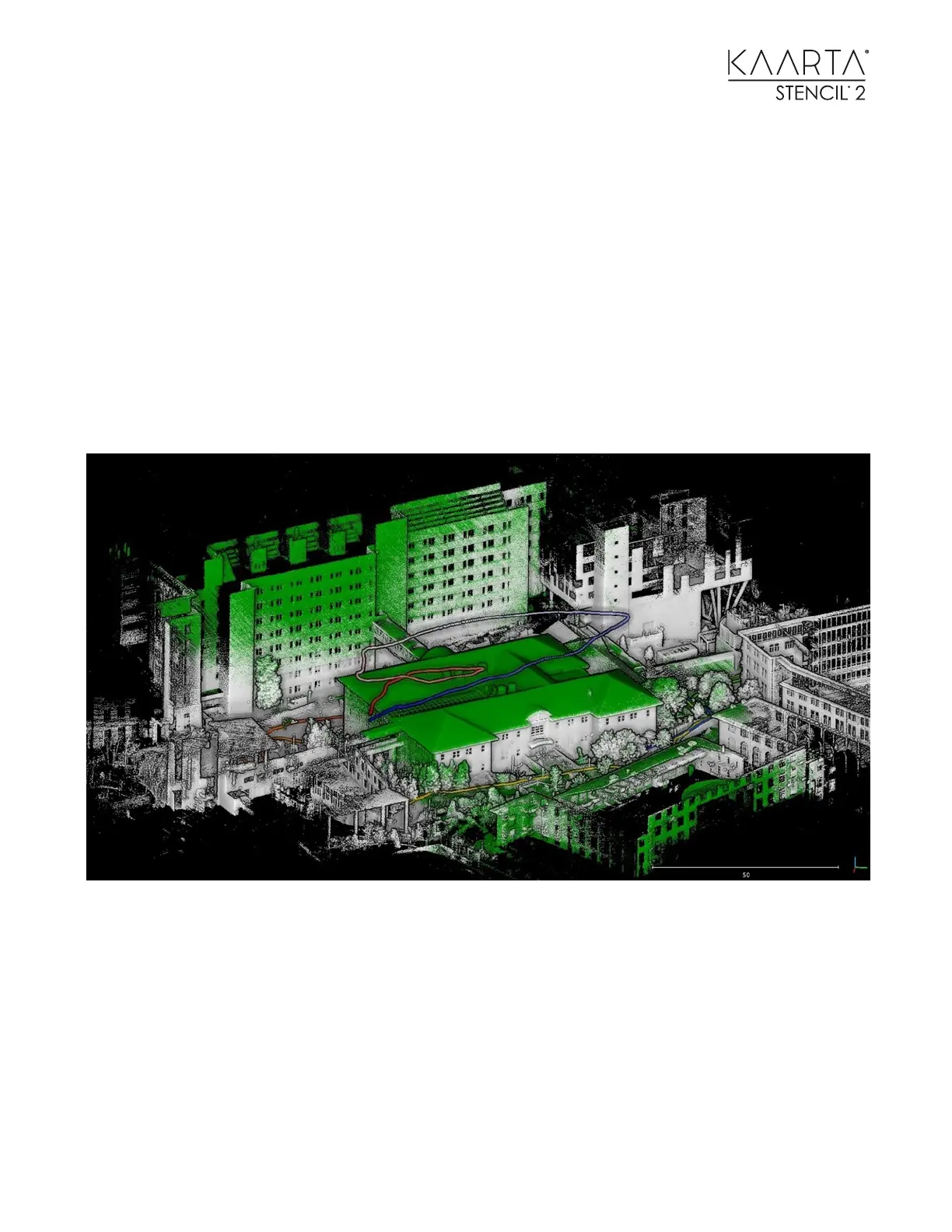
As an example, you could build a ground-based map and use that as the reference map for filling
in more details or trying to map higher structures with less 3D features in the Field of View, or as
shown below mounted below a drone to fill in the roof structure.
Green points are from the second map created from a drone based on the prior map built from
the ground shown as the white points



 To Next Page