24
MAPPING WITH THE FEATURE TRACKER
Stencil 2 is preset to mapping mode without Feature Tracking prior to shipping. Depending on
your specific application, mapping without Feature Tracker sometimes produces the best maps.
If you record your original scan with the feature tracker turned on, you can always replay the
data without the feature tracker to see the difference.
WHEN TO USE FEATURE TRACKER
Use Feature Tracker if you are mapping environments with minimal structures, such as large
open areas, or if you are mapping structures that require significant tilting to capture, such as
high rises or complicated structures.
Below are two examples where having Feature Tracker turned on produces the best mapping
results.
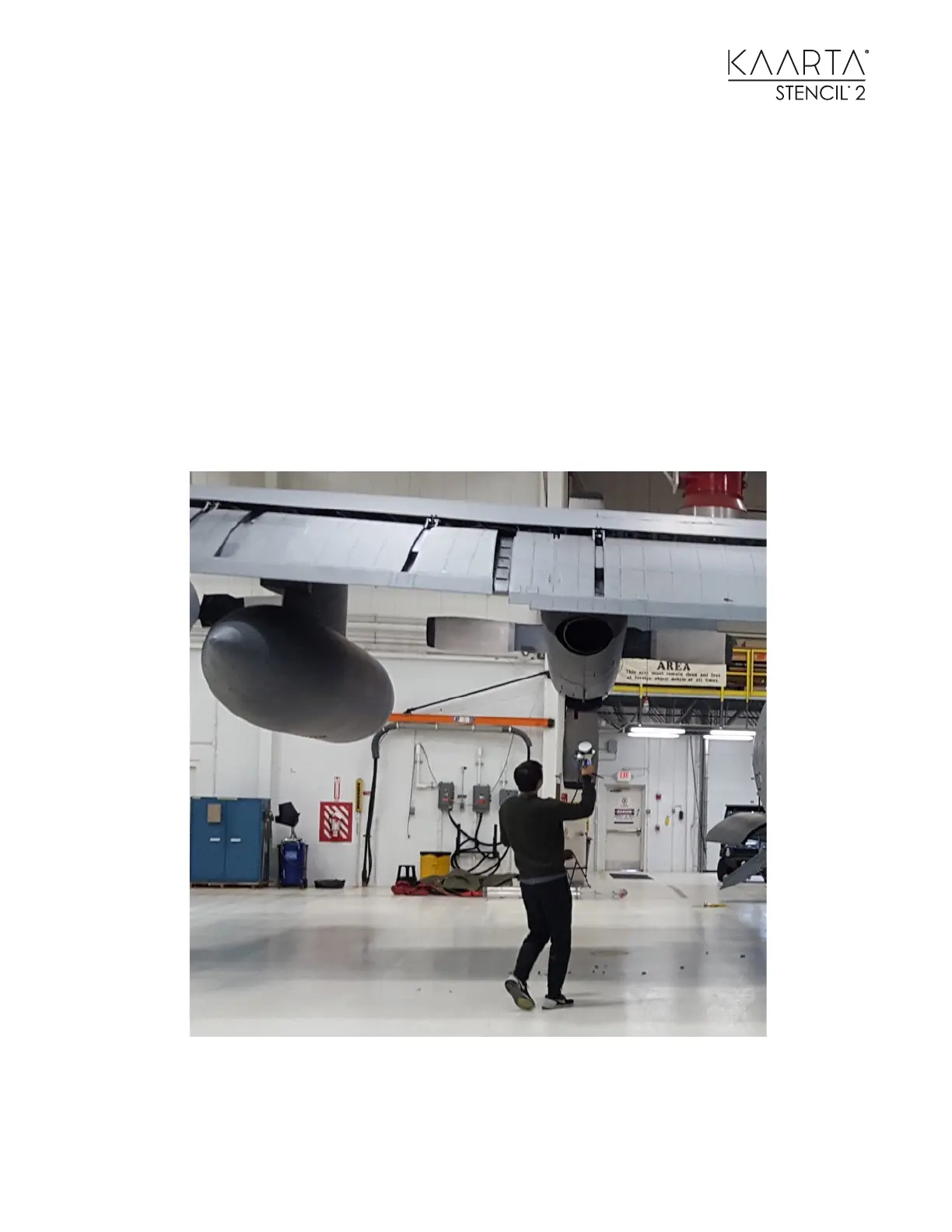
Following the complicated contour of an airplane is one application where tilting and rotation are
required to map the structure. This is where Feature Tracker will help produce a better map.



 To Next Page