21
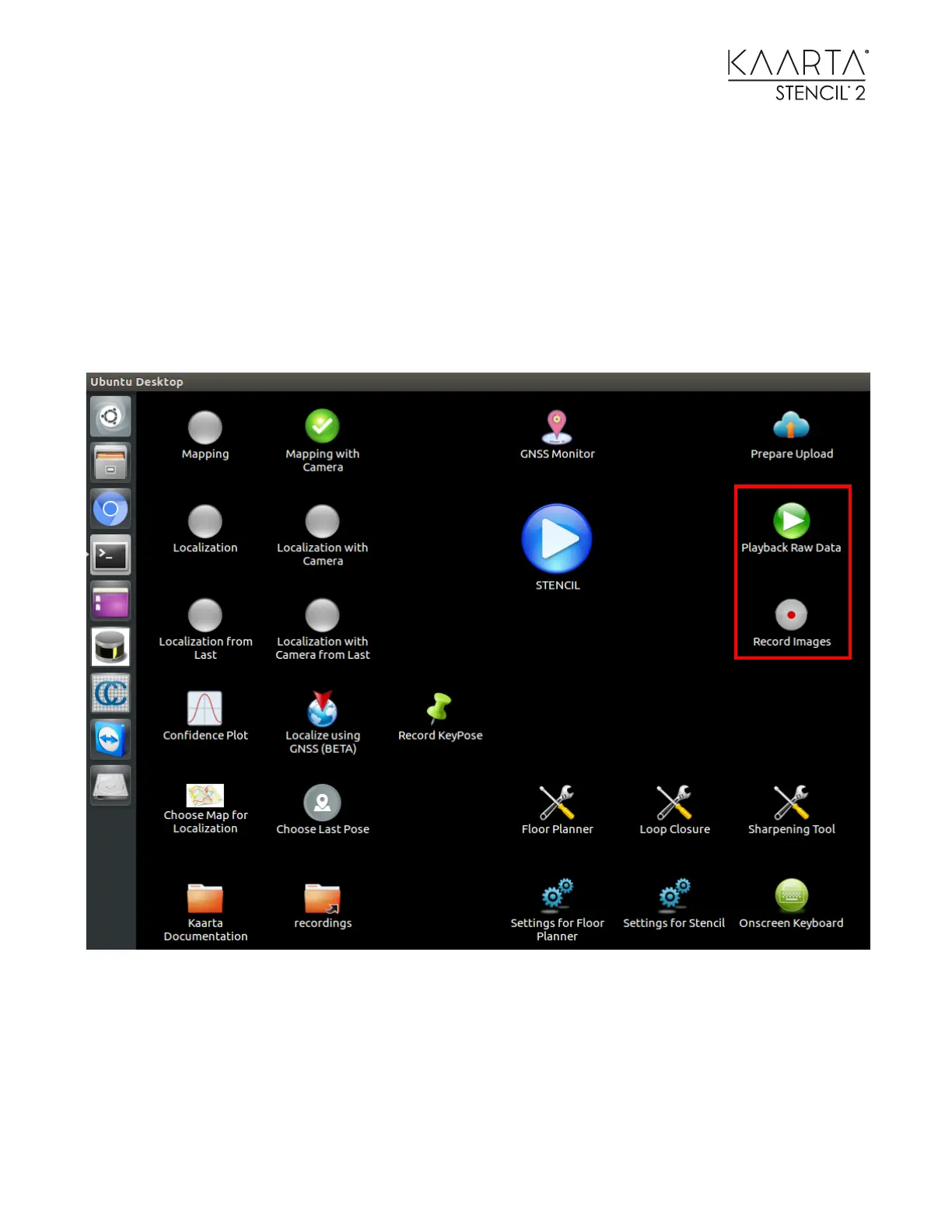
RECORD IMAGES / P LAYBACK RAW DATA
Located to the right of the Stencil Start/Stop button are the Playback Raw Data and Record
Images Icons.
The Record Images icon appears grey with a red-dot center when saving data/images are disabled.
The icon turns green with red-dot center when saving data/images are enabled.
The raw data/images are only saved while running one of the six operational mapping/localization
modes.



 To Next Page