19
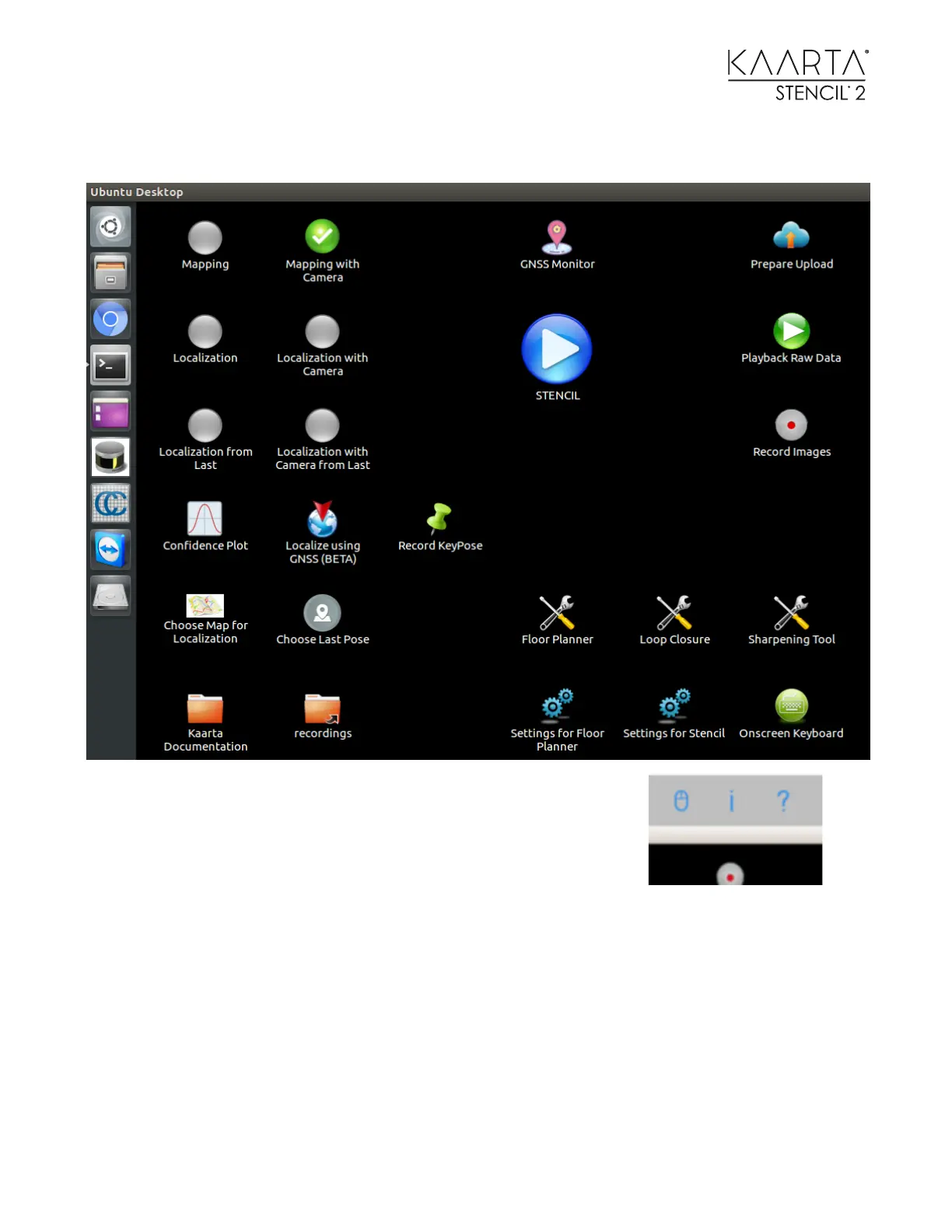
You should now see the Stencil 2 Desktop on the iPad.
The grey menu bar at the top of the screen brings up iPad options in
RealVNC.
Select the i icon to open the options window.
Choose between touchscreen interface or mouse interface.
Touchscreen moves the cursor to follow your finger on the screen. Mouse lets you move the
cursor on the screen by how you move your hand on the screen, even though the two are not in
the same place.
When using mouse mode, move the cursor to the desired option and then select to select the
option.



 To Next Page