29
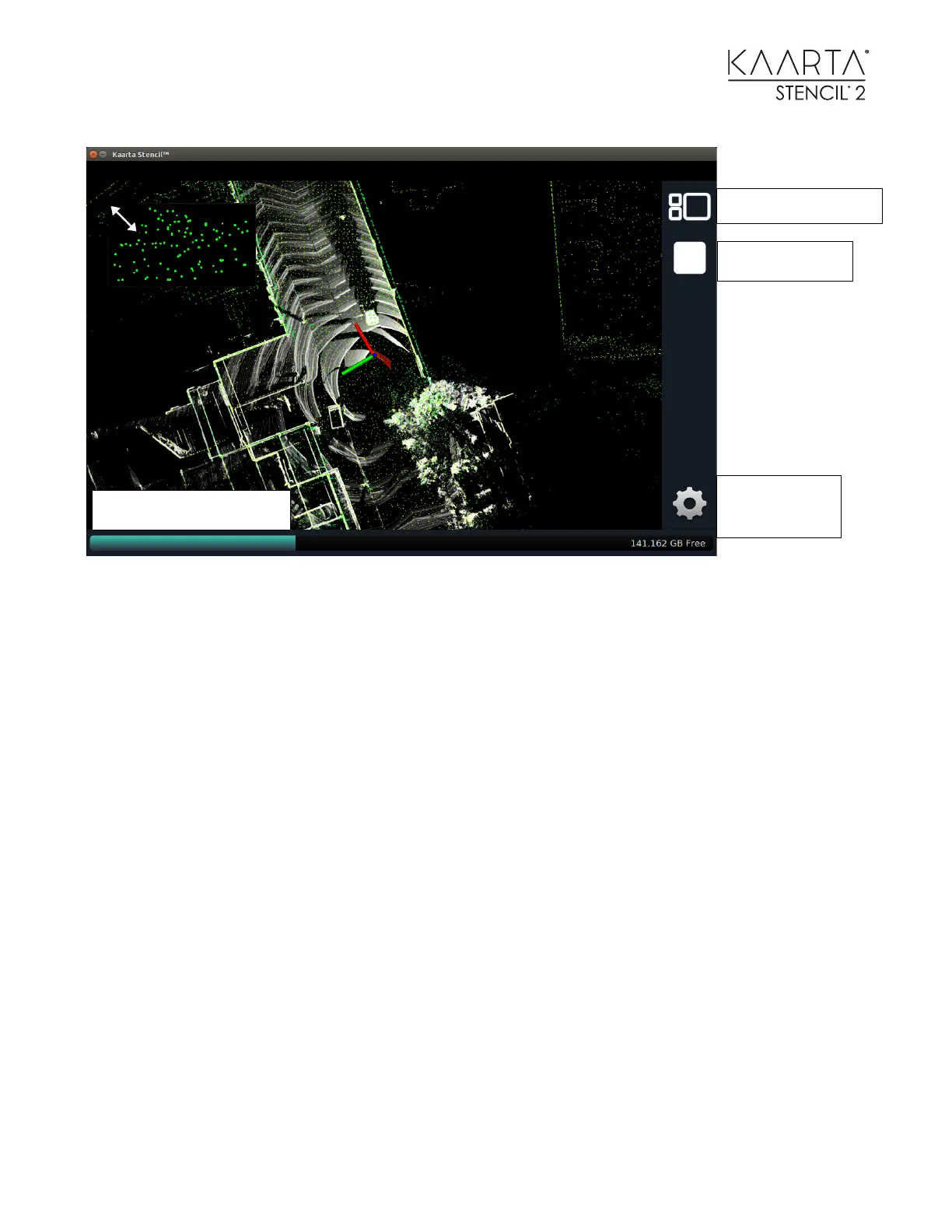
The window manager switches the interface between showing two windows (Image / Feature
Points and the Point cloud) and one window showing one or the other. The window switcher
swaps the larger view (currently with the point cloud in it) with the smaller view (currently with
feature points in it). When you use the Window Manager to switch to one view it will enlarge
whatever is in the larger view to fill the window and hide the smaller view.
The Stop Button is the same as pressing the Stencil Stop button. The Disk Space Status Bar
shows the current amount of memory that is used (teal) and free. The View / Zoom Settings gear
will bring up the following menu of options:



 To Next Page