51
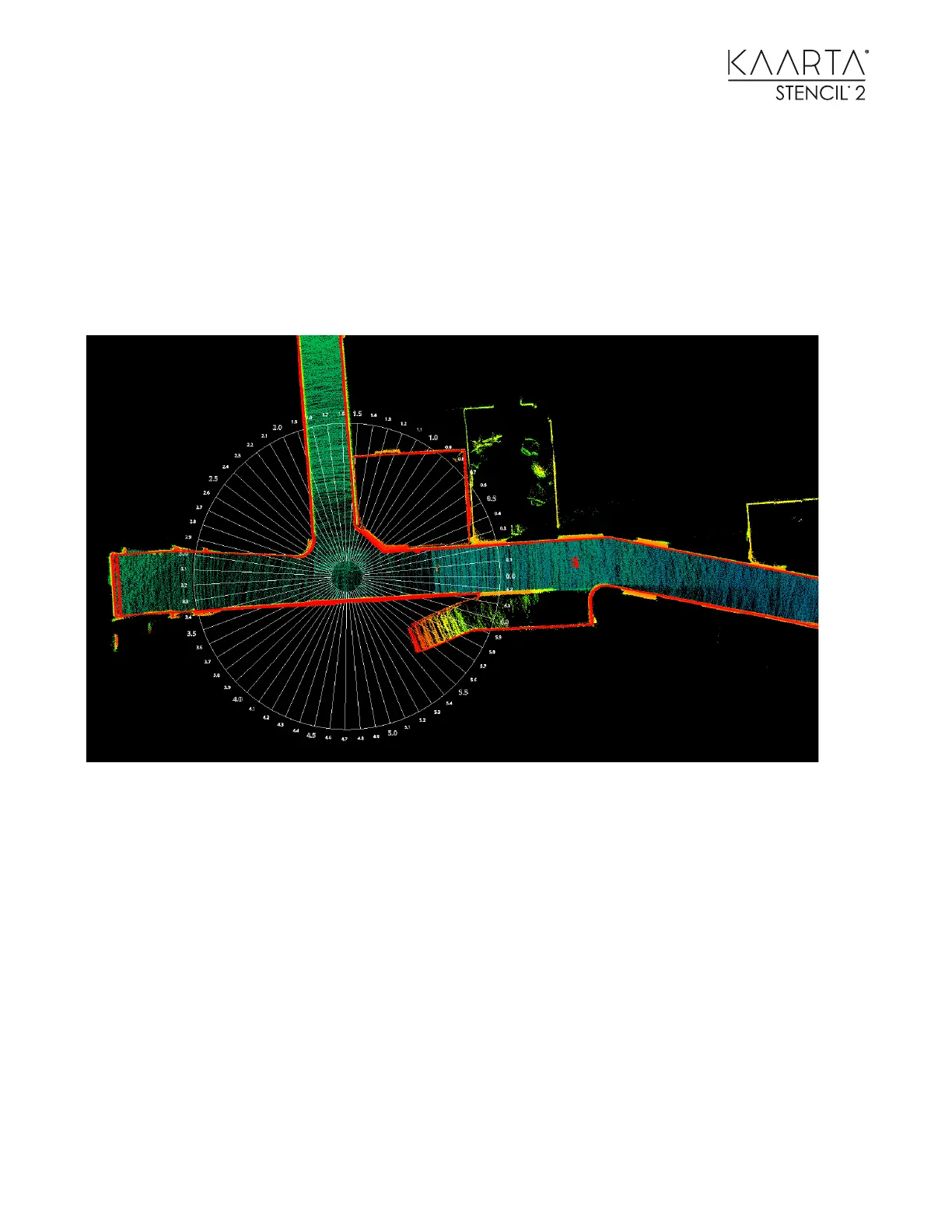
To adjust the starting location when mapping to a different portion of the map, translate and
rotate the point cloud (not the radian circle) in CloudCompare to align it to the
Circle_Centered.obj. Be sure the record the 4 X 4 translation matrix to be used to reset the
location of the new point cloud collected during localization to the original coordinate system. Do
this by applying the inverse of the 4 X 4 matrix in CloudCompare to the original or the map
created by localization. This option is a check box in the Edit > Apply transformation input box.
Using Circle_Centered.obj to determine origin of other point clouds.



 To Next Page