On/Off
Audio Pause
Patient Mode
Jun 22 2006
15:38
58:23
Continuous
0 mmHg
Therapy Off
®
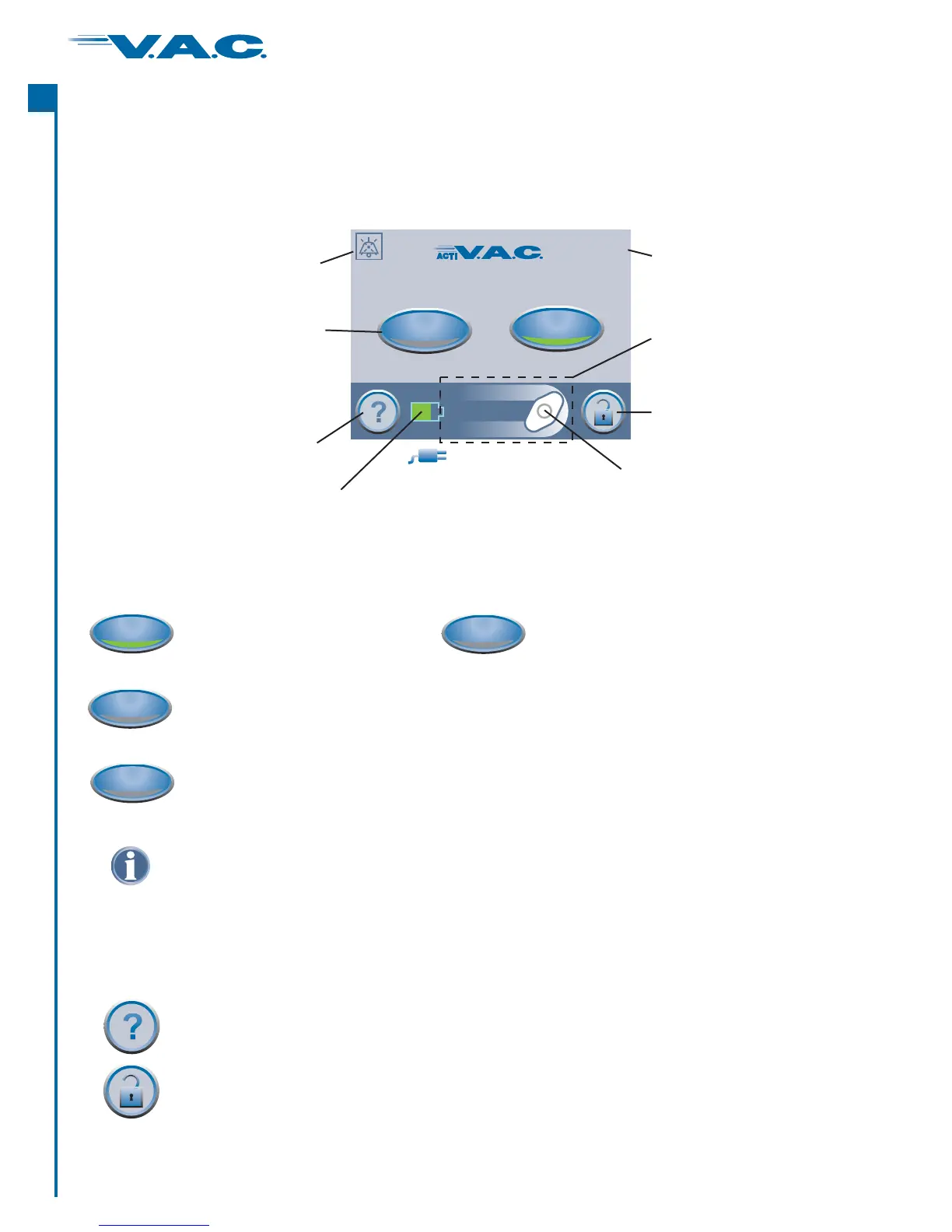
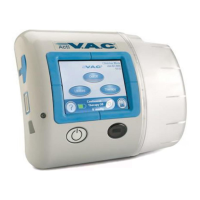
Patient Mode
This icon rotates when the
ActiV.A.C. Therapy Unit is
applying negative pressure.
®
Audio Pause
Indicator with
Countdown Timer
Mode Indicator
Current Date
Current Time
Therapy Status
Bar and Display
Area.
Screen Guard
Battery Level Indicator
Help Button
Therapy On/Off
Button
This “plug” indicator
while plugged
into .
appears
a wall outlet
Patient ‘Home’ Screen
Common Screen Control Buttons
accesses screensHelp .
activates the feature .Screen Guard to help prevent unintentional changes This
feature should be used when cleaning the Touch Screen User Interface.
To release Screen Guard, press ‘1’ and then ‘2’.
A green lighted crescent
means the function is on.
An unlit crescent
means the function is off.
On/Off
starts or stops V.A.C. Therapy.
®
Audio Pause
When the Audio Pause button is selected, alerts that do not need immediate
attention will be silenced for 60 minutes. A Countdown Timer and Audio Pause
Indicator will be displayed in the upper left hand corner of the screen.
Alarms needing immediate attention override this feature.
Most screens have one or more common control buttons. These are:
8
®
A
c
t
I


 To Next Page