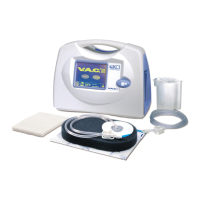
1 . Press to restart V.A.C. Therapy1 on the Touch Screen User Interface . Verify
the dressing compresses.
®
On/Off
Canister Latch Guide
7
8
(1.)
(2.)
9
Flap covering
Multi-function Hook
Built-in
Belt Loop
(underneath)
Buckles
(shown connected)
Center Zipper
with Covering Flap
Access Flap with Hook
and Loop Fastener
Tubing Storage
Pocket with Zipper
and Covering Flap
Carrying Case Parts Identification (rear view)
7 therapy
i Guide
t c therapy
picture .
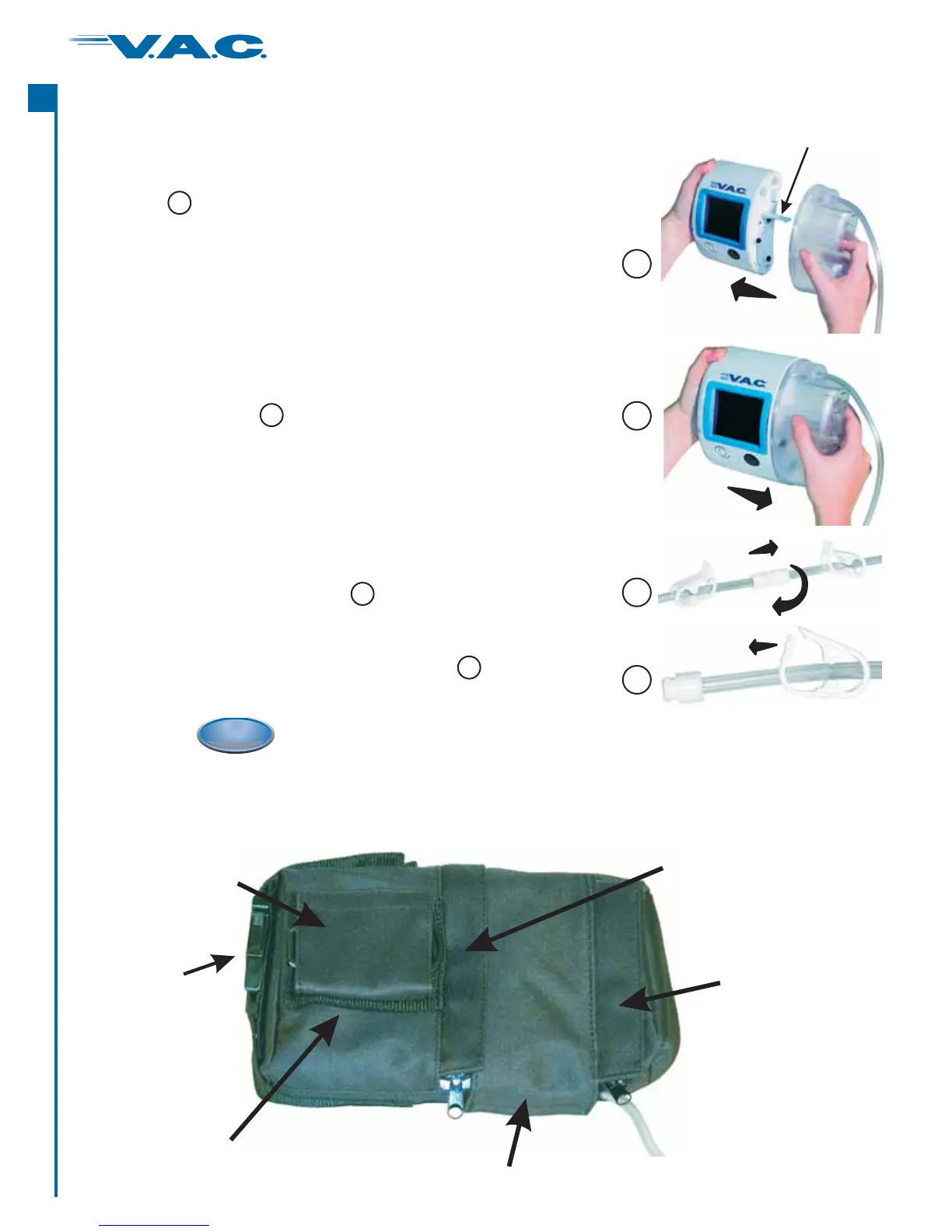
An audible “click” should be heard when canister is properly
installed.
. Install the new canister onto the unit by sliding the
opening n the canister over the Canister Latch . Ensure
he anister is installed directly onto the unit. See
Do not twist or turn the canister as it is being installed.
7
8 therapy
e picture .
. Ensure the canister is securely installed on the unit.
If the canister is properly installed, the canister cannot be
removed by gently pulling the canister directly away from the
unit. Se
8
9 dressing tubing :
(1.) the connectors
(2.) wisting the connectors
See picture .
. Reconnect the new canister tubing to the by
pushing together and
t until the locking tabs are fully
engaged.
9
10
10 both e picture .. Open tubing clamps. Se
10
Changing the Canister (cont.)
16
®
A
c
t
I


 To Next Page