Export Therapy History Report
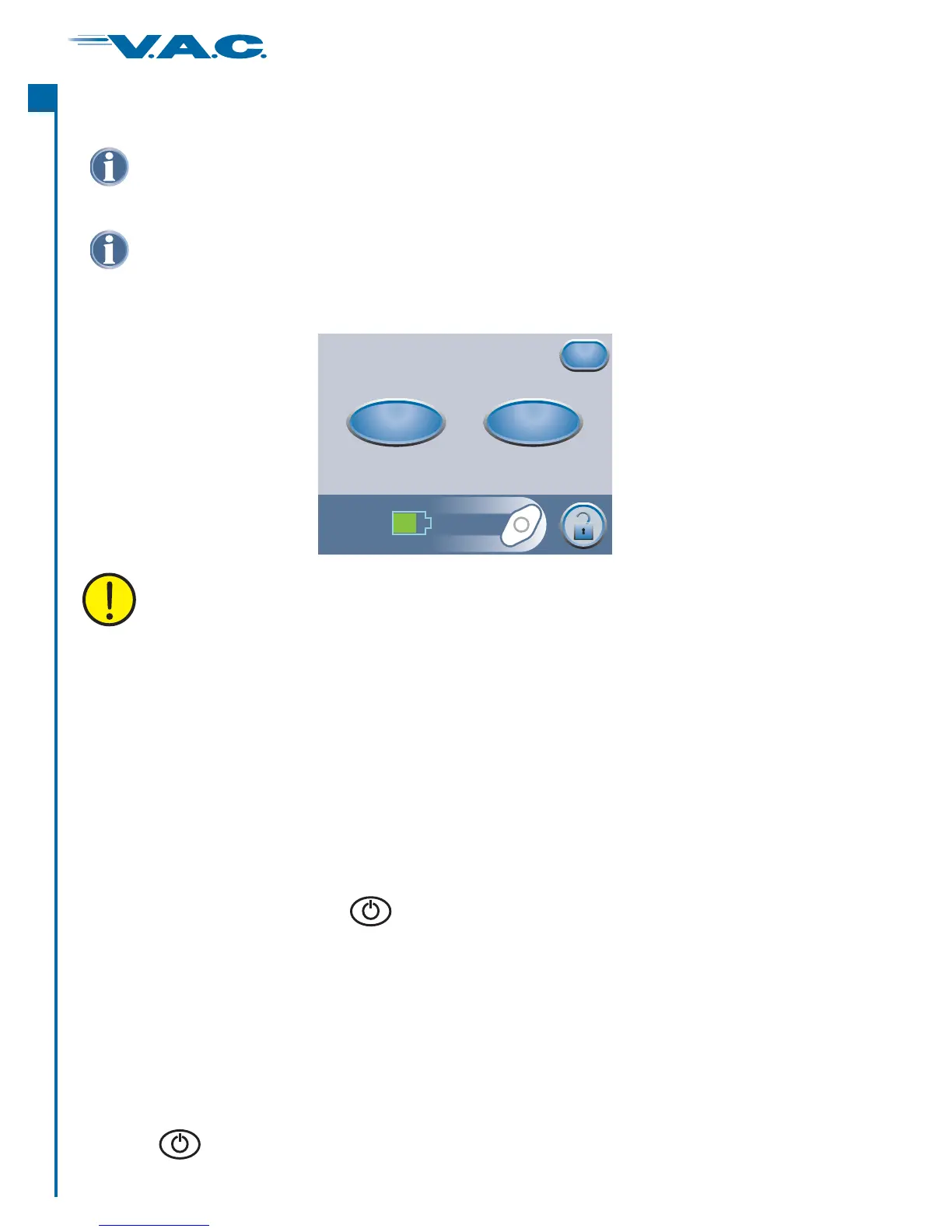
Press ‘ ’ to use USB transfer. Follow screen directions.
Press ‘ ’ to use IR (Infrared) transfer. Follow screen directions.
Export to USB
Export to IR
Export History
Data is exported with unit serial number,
but without patient identifier.
Export to IR
Export to USB
Exit
Press the ‘ ’ button on the screen to access this screen.Export History ‘Therapy History’
Press ‘ ’ to return to the screen.Exit ‘Therapy History’
Troubleshooting USB or Infrared Export Problems
The USB Data Port is to be used with non-powered memory sticks and drives only. No AC
or battery powered drives, computers, computer equipment, or other devices may be
used.
USB:
Infrared:
·
·
·
·
·
·
·
·
·
·
Ensure that the USB flash drive (memory stick) being used is USB 2.0 compatible.
Ensure that the flash drive is fully plugged into the therapy unit. It may be necessary to unplug and
re-plug the flash drive into the therapy unit.
Try using a different USB flash drive.
Remove the flash drive. Press to power the unit off and then on. Retry exporting Therapy
History.
If the above steps do not resolve the problem, contact KCI. See back cover of this User Manual for
country specific contact information.
Ensure that the Infrared Data Port on the receiving device is turned on and is in the receiving mode.
Ensure that the two Infrared Data Ports are properly aligned (pointed directly at each other) and are
within 1 meter (3 feet) of each other.
Ensure that the lenses of the Infrared Data Ports are clean, not significantly scratched or damaged.
Press to power the unit off and then on. Retry exporting Therapy History.
If the above steps do not resolve the problem, contact KCI. See back cover of this User Manual for
country specific contact information.
NOTICE: This data is protected by copyright law and is likely to be confidential. It is intended
only for use by or for KCI or clinicians using KCI products. This data is not directly associated
with a particular patient. Since this data can be altered if transferred to a different media, the
data may only be considered original when downloaded directly from the ActiV.A.C. unit.
®
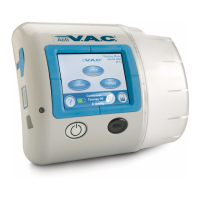
To access the USB or Infrared Data Ports, the ActiV.A.C. Therapy Unit must be removed from
the Carrying Case.
®
36
®
A
c
t
I


 To Next Page