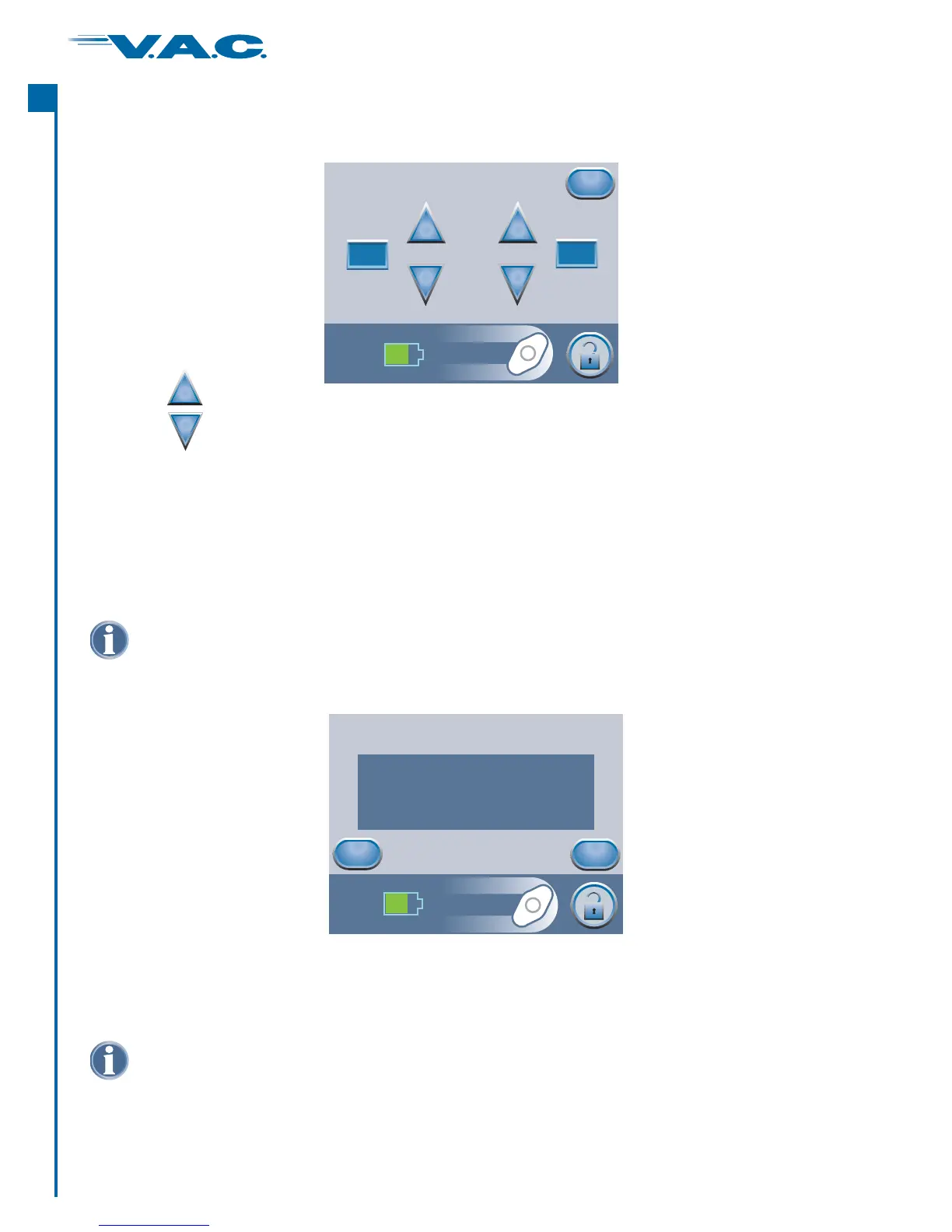
If ‘Intermittent’ Therapy was chosen on the previous screen, this ‘ ’ screen will appear.Intermittent
Press when finished with this screen.‘Exit’
Settings Guide (cont.)
Confirm
Back
OK
Partial Thickness Burns
Pressure: 125 mmHg
Mode: Intermittent
Intensity: Low
Settings Guide Confirmation
Once the settings are chosen, this ‘ ’ screen will appear.Confirm
Exit
Intermittent
+
_
+
_
On Time
Minutes
On Time
Minutes
Off Time
Minutes
Off Time
Minutes
2
5
Settings take effect after ‘ ’ is pressed.OK
Settings Guide Intensity default is low. Intensity can only be changed using the Manual
Therapy Settings.
Use the buttons to change the desired On and Off Time (in minutes).
Both On and Off Times can be set from 1 minute to 10 minutes in 1 minute increments.
+
_
If the displayed settings are as desired, press ‘ ’ to continue to the Clinician Mode Home
screen. Otherwise, press ‘ ’ to change any settings that are incorrect.
OK
Back
®
A
c
t
I
30


 To Next Page