Clinician Operating Instructions
The ActiV.A.C. Therapy Unit should be delivered already set to the Clinician Mode.
®
The ActiV.A.C. Therapy Unit will return to the Patient Mode after about 15 minutes of
Touch Screen User Interface inactivity. Refer to Clinician Help Menu section of this manual
if necessary.
®
The ActiV.A.C. Therapy Unit will go through a self-check routine and then presents a ‘
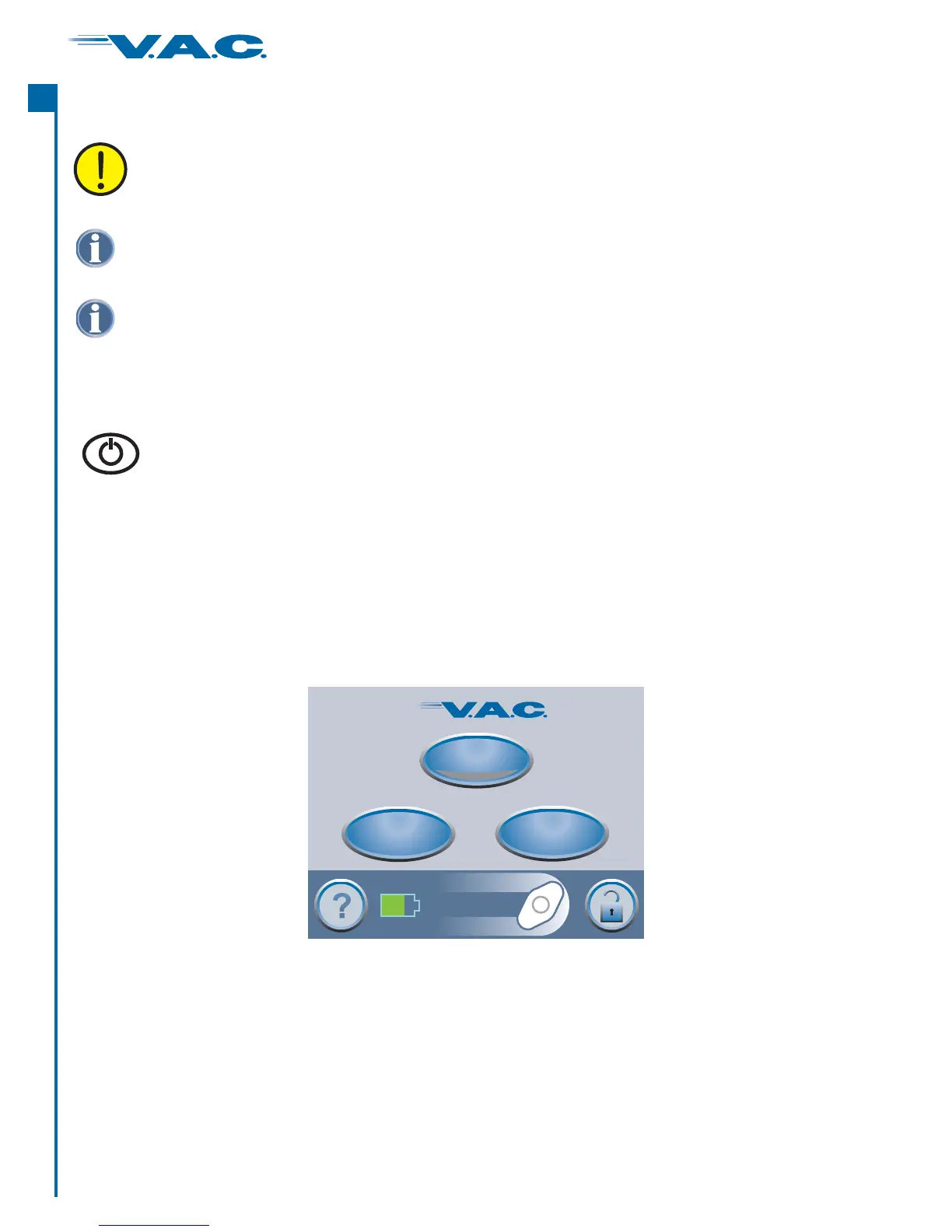
’ screen. Press ‘ ’ to continue to this Clinician Mode Home screen (shown below).
®
Warning
Message OK
Power the ActiV.A.C. Therapy Unit On or Off
®
®
A
c
t
I
On/Off
Therapy
Utilities
Clinician Mode
Jun 22 2006
15:38
Continuous
0 mmHg
Therapy Off
Press and hold the button for approximately 2 seconds to turn the
ActiV.A.C. Therapy Unit On or Off.
Power On/Off
®
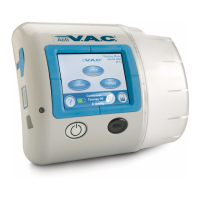
The Power On/Off button is located immediately below and to the left of the Touch
Screen User Interface.
CAUTION NOTICE TO PATIENTS:
This section contains specific information intended for clinicians ONLY. Do not
attempt to perform any applications or setting adjustments in this section without
the express direction and supervision of your treating physician.
24
®
A
c
t
I


 To Next Page