Audio system
315
Using options during a call
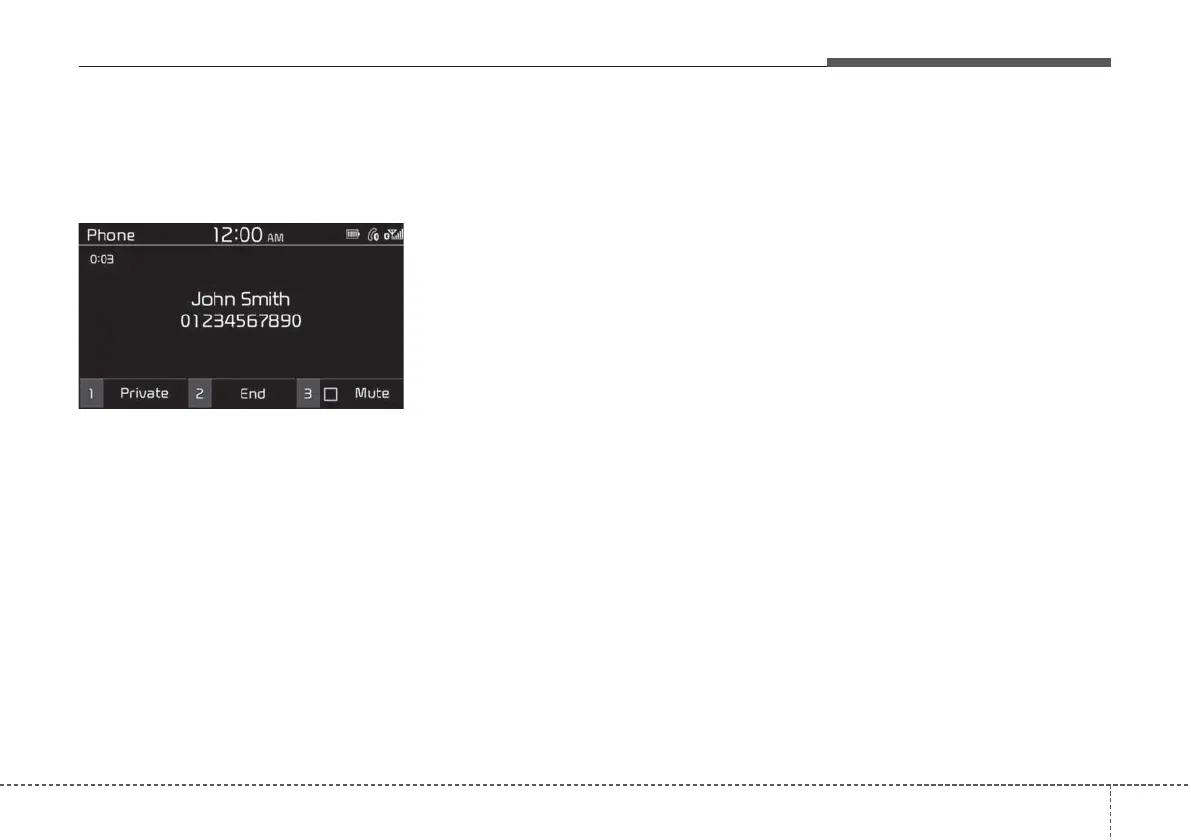
During a call, you will see the call
screen shown below. Press a button
to perform the function you want.
To switch the call to your mobile
phone, press the [1] button on the
control panel to select Private.
• Alternatively, press and hold the
Call/Answer button on the steering
wheel.
To end the call, press the [2] button
on the control panel to select End.
• Alternatively, press the Call end
button on the steering wheel.
Press the [MENU] button on the con-
trol panel to access the following a
menu option:
• Microphone Volume: Adjust the
microphone volume or turn off the
microphone so the other party can-
not hear you.
NOTICE
• If the caller information is saved
in your contacts list, the caller’s
name and phone number will be
displayed. If the caller informa-
tion is not saved in your contacts
list, only the caller’s phone num-
ber will be displayed.
• You cannot switch to any other
screen, such as the audio screen or
the settings screen, during a
Bluetooth call.
• Depending on the mobile phone
type, call quality may vary. On
some phones, your voice may be
less audible to the other party.
• Depending on the mobile phone
type, the phone number may not
be displayed.
• Depending on the mobile phone
type, the call switching function
may not be supported.



 To Next Page