TOS93 Series User’s Manual 191
Auto Test | Program Operation Configuration
Step start operation (Trigger Source)
You can select the condition for starting the next step when a step is completed.
1
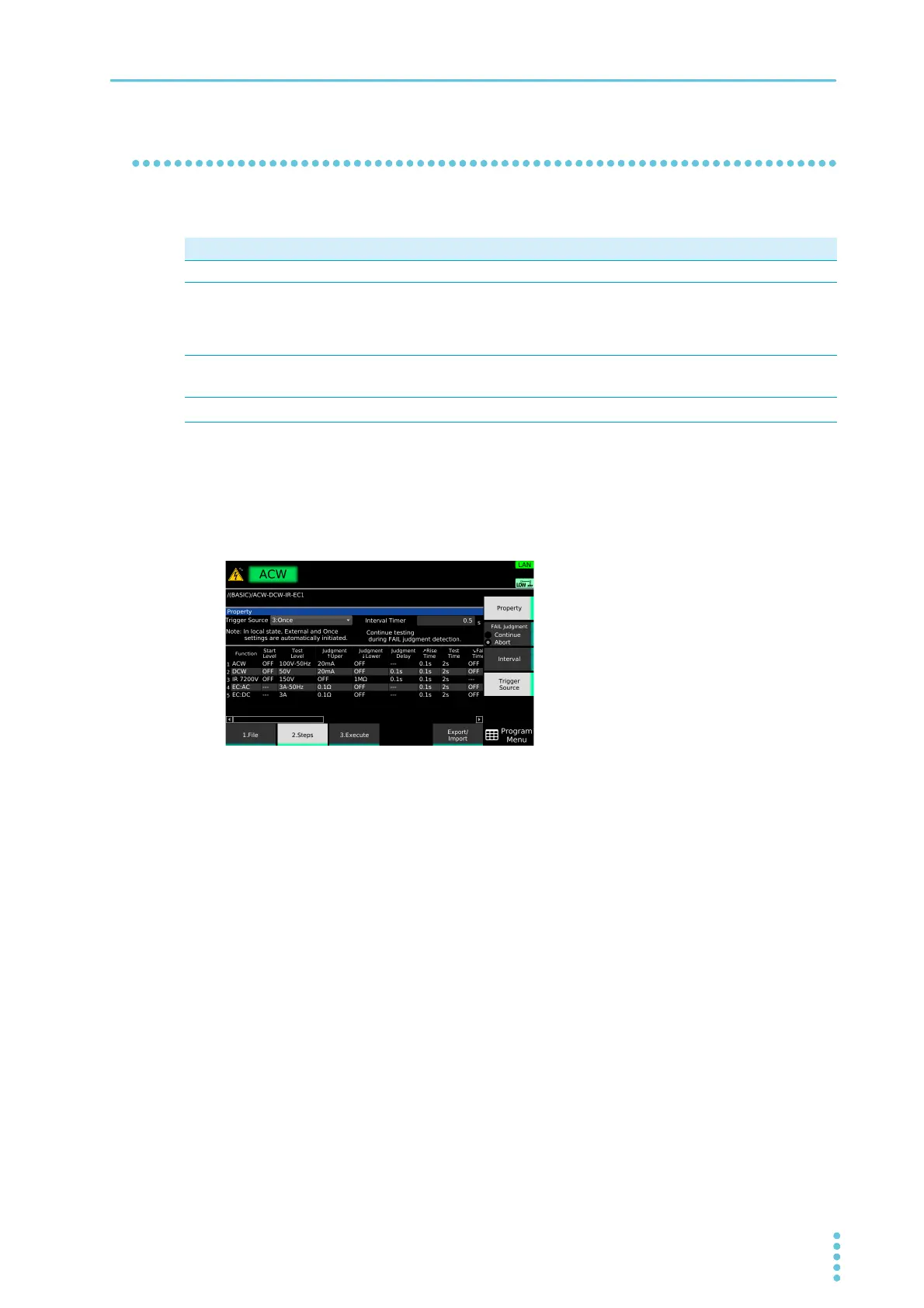
On the step editing screen (p.187), press Property.
2
Press Trigger Source.
3
Turn the rotary knob to select the value.
This completes the setting.
Value Description
Immediate When you press Initiate, all the steps are executed consecutively.
BUS Pressing Initiate causes the product to enter the auto test trigger wait state. When in the trigger
wait state, the step starts when you press START or send a *TRG command from the PC. After a
step is completed, the operation is paused. When you press START or send another *TRG, the
next step starts.
External
The step starts when you perform a start operation.
1
After a step is completed, the operation is
paused. When you perform another start operation, the next step starts.
1 Any of the following operations: pressing START on the front panel, pressing the START switch on the device con-
nected to the REMOTE connector, or sending a START signal to the SIGNAL I/O connector.
Once
When you perform a start operation,
*1
all the steps are executed consecutively.



 To Next Page