22 User’s Manual TOS93 Series
Safety Precautions for Testing
Protection Functions
When one or more protection function activation conditions are met, the protection function will be acti-
vated, and you will no longer able to perform test in this state (PROTECTION mode).
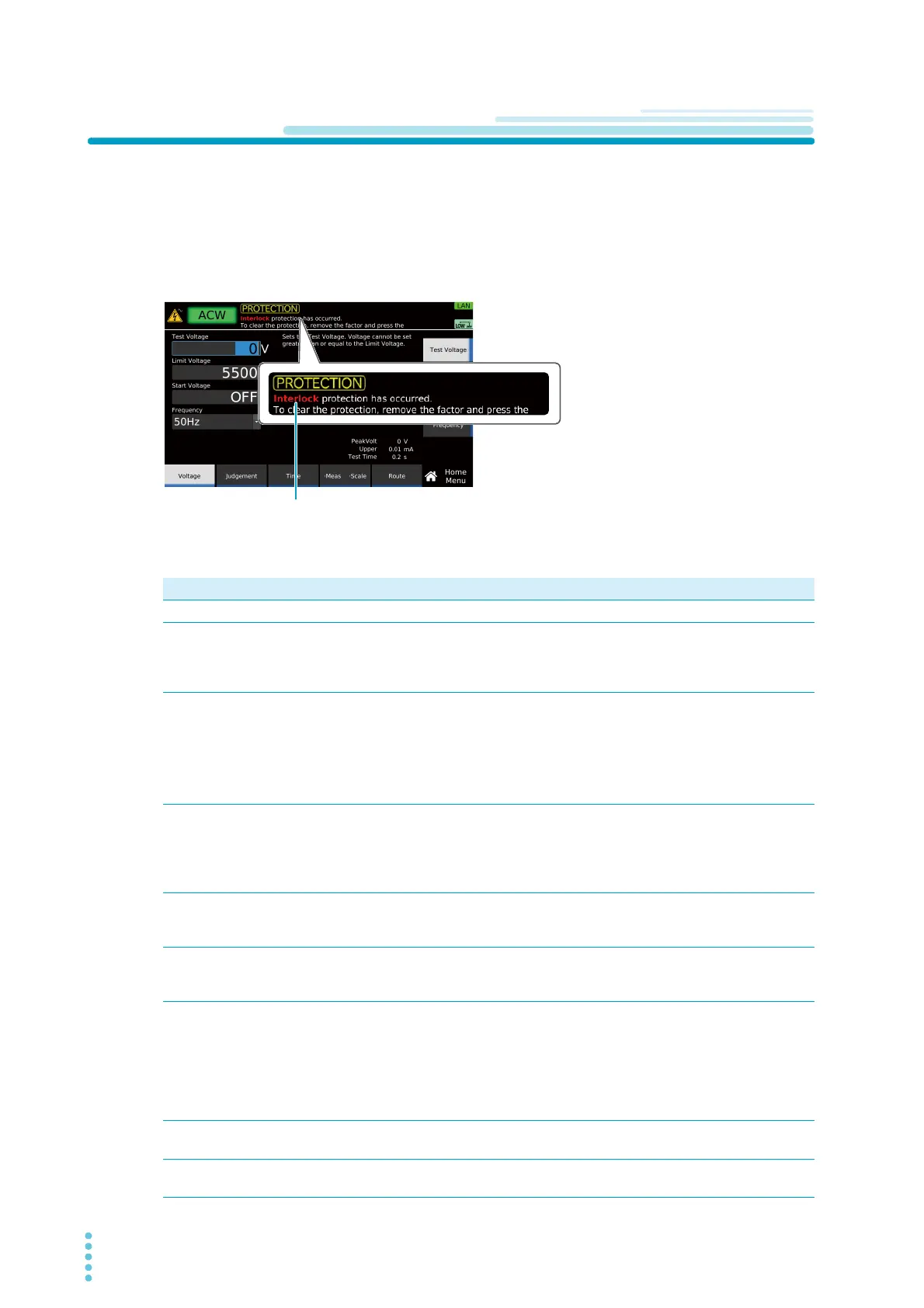
When a protection function is activated, the word “PROTECTION” is indicated on the display along with
the type of protection. If a PROTECTION mode occurs during a test, the output is shut off and the test is
stopped immediately. If a leakage current (LC) test is in progress on the TOS9303LC, the power supply to
the EUT is stopped, and the A and B terminals are opened.
Use the following table to check the type of protection function, activation condition, and remedy, and
release PROTECTION mode.
Type of protection Activation condition Remedy
Interlock Interlock is activated. Release the interlock (p.204).
Power Supply There is an error in the power supply section. Pressing STOP releases the PRO-
TECTION mode, but the product
needs to be repaired. Contact your
Kikusui agent or distributor.
Output Error An output voltage outside of the following range
is detected.
ACW, DCW, IR test: ±(10 % of setting + 10 V)
EC test: ±(10 % of setting + 5 A)
This error may also occur when the output
changes suddenly.
Eliminate the cause of the error, and
press STOP.
Over Load An output power outside of the following range is
detected.
ACW: 550 VA, DCW: 110 W, EC: 240 VA,
LC: AC LINE OUT current at approx. 15.75 A or
power at 1600 VA
Eliminate the cause of the error, and
press STOP.
(TOS9303LC only) Disconnect the
EUT from AC LINE OUT, and press
STOP.
Over Heat The internal temperature of the product is abnor-
mally high.
Confirm that the internal temperature
of the product has decreased, and
then press STOP.
Over Rating During a withstanding voltage test, an output
current is generated for a length of time that
exceeds the output time limit (p.77).
Press STOP, and wait the necessary
rest time.
Cal The preset calibration period is exceeded. Setting Protection under Calibration
(p.224) to Disable and pressing
STOP releases the PROTECTION
mode, but the product needs to be
calibrated. To have your product cali-
brated, contact your Kikusui agent or
distributor.
Remote The REMOTE connector is connected or discon-
nected.
Check the REMOTE connector, and
then press STOP.
Signal I/O There is a change in the SIGNAL I/O connec-
tor’s ENABLE signal.
Press STOP.
Type of protectionType of protection



 To Next Page