90 User’s Manual TOS93 Series
Earth Continuity Test | Setting Test Conditions
Test time
Set the test time to on or off.
1
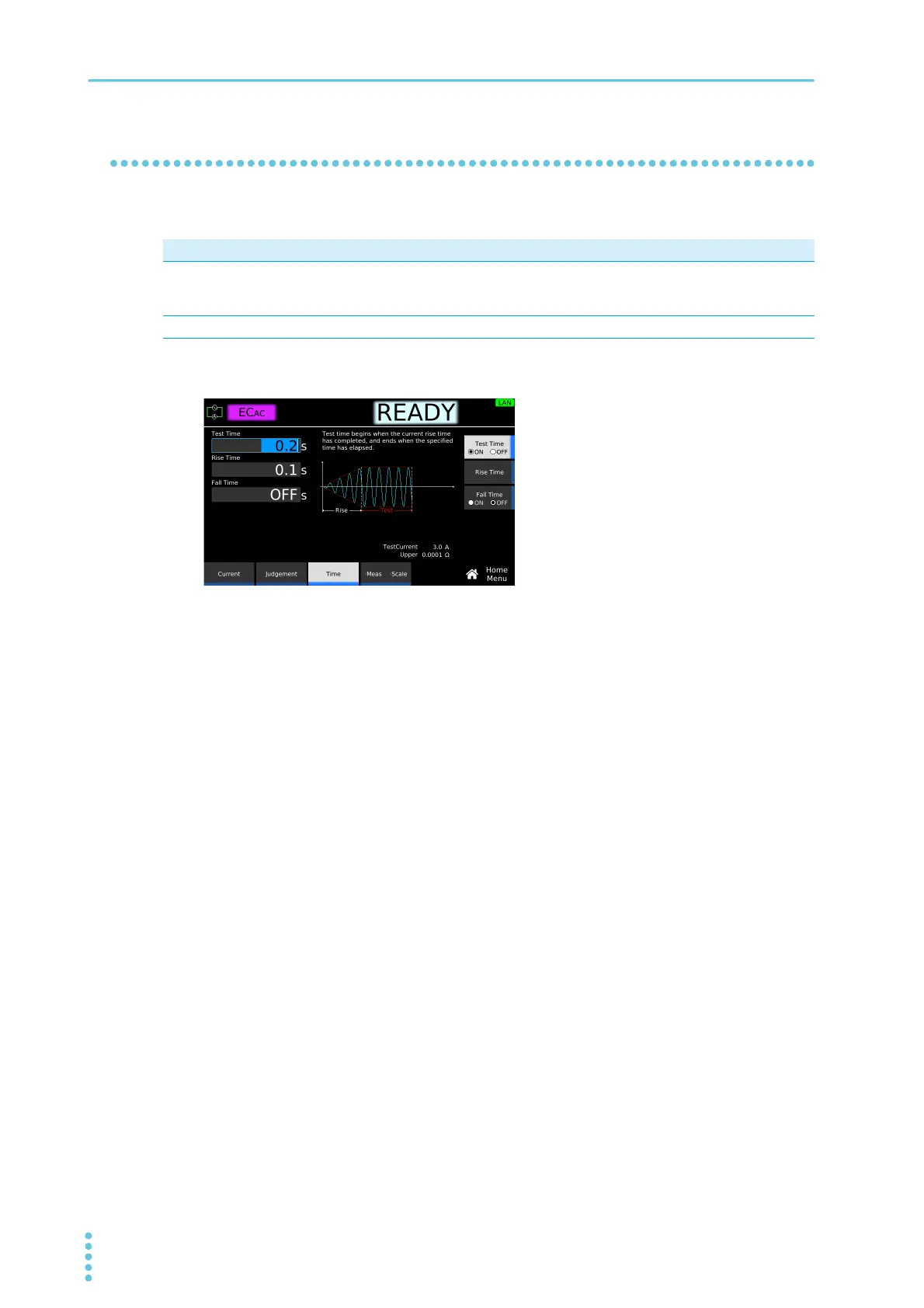
On the Home menu screen, press Time > Test Time.
2
Press Test Time to switch between on and off.
Test Time switches between on and off each time you press the key.
3
If you select on, use the numeric keypad or the rotary knob to enter the time.
Setting range: 0.1 s to 1000.0 s
This completes the setting.
Value Description
ON Set the time from when the Current rise time (p.91) has passed to the end of the test. If upper
limit judgment (U-FAIL) or lower limit judgment (L-FAIL) does not occur during a test, the test
will result in PASS.
OFF The test continues until the STOP switch is pressed. Pass judgments are not made.



 To Next Page