228 User’s Manual TOS93 Series
System Settings | Displaying and Changing CONFIG Settings
PASS judgment result hold time
Sets the length of time or condition that a PASS judgment result display will be held.
When a FAIL judgment occurs, the FAIL judgment results remain displayed until you press STOP, regard-
less of the value of the Pass Hold setting.
1
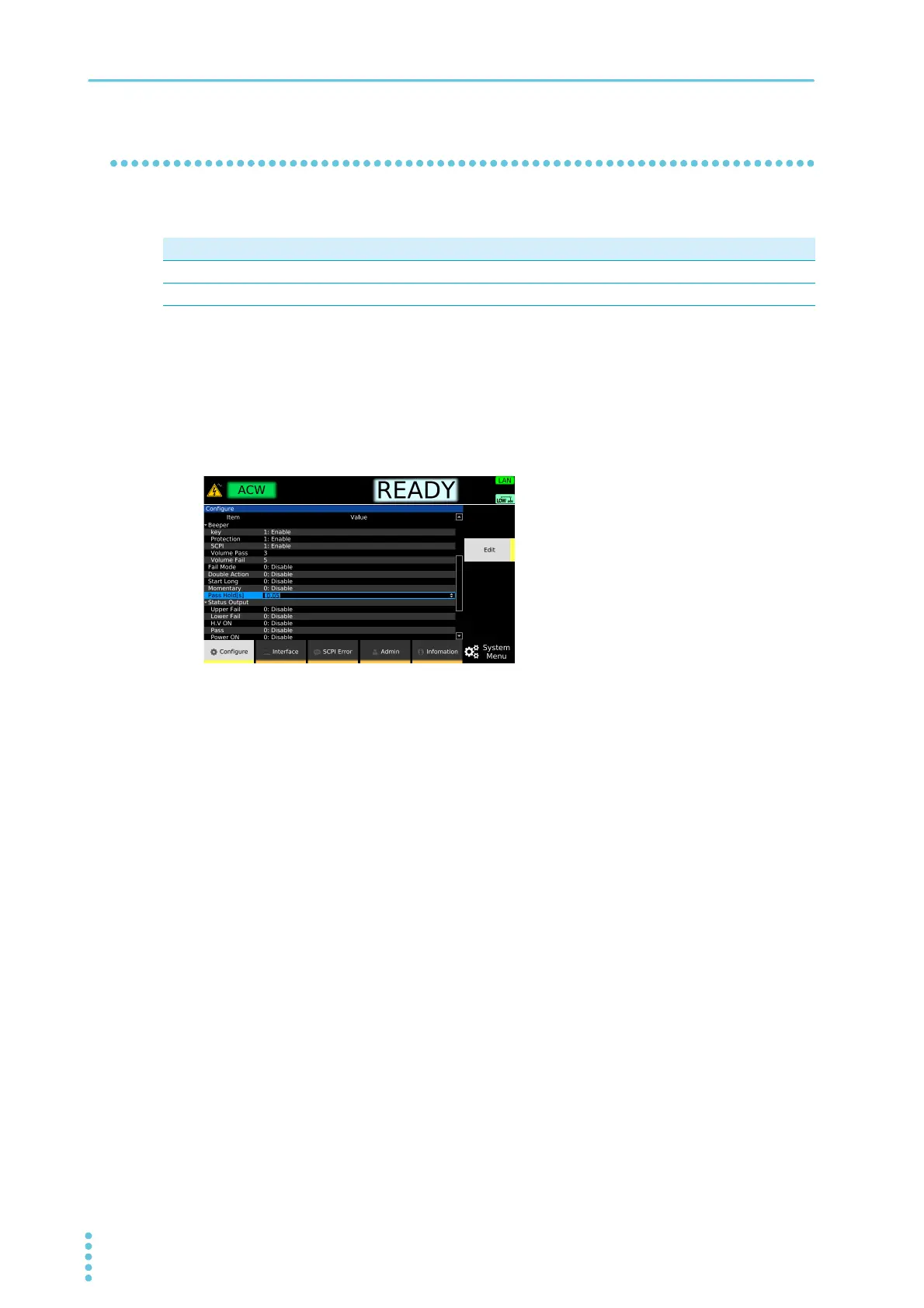
Press SYSTEM > Configure.
The CONFIG setup screen appears.
2
Select Pass Hold, and then press Edit.
3
Use the rotary knob to select a value, and then press ENTER.
This completes the setting.
Parameter Description
0.05 s to 10.00 s Pass judgment results are displayed until the specified time elapses.
Infinity Pass judgment results are displayed until you press STOP.



 To Next Page