52 User’s Manual TOS93 Series
Withstanding Voltage and Insulation Resistance Tests | Setting Test Conditions
Limit voltage
Set the upper limit of the voltage to apply to the EUT. This prevents unnecessarily high voltage from being
applied to the EUT by mistake.
1
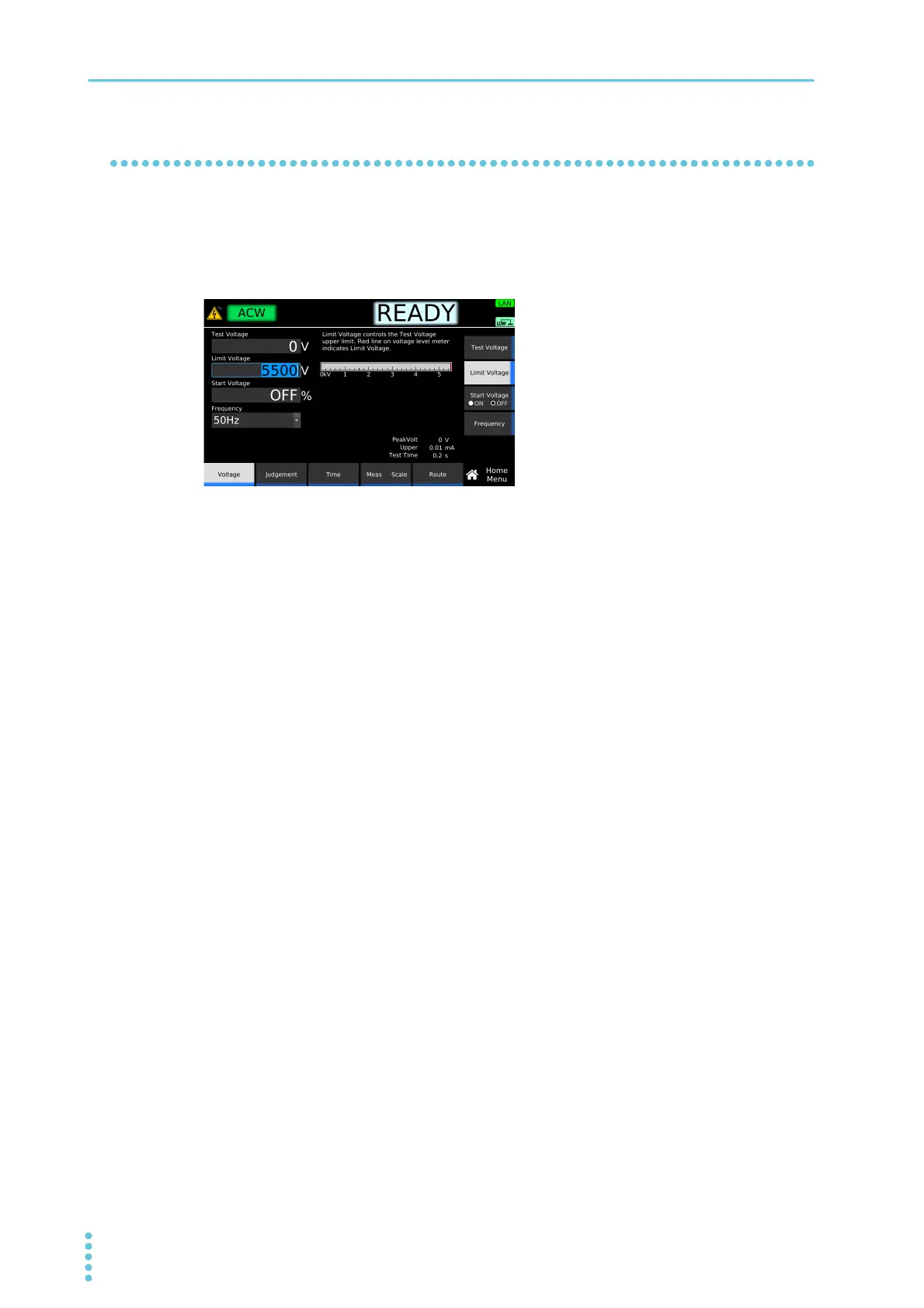
On the Home menu screen, press Voltage > Limit Voltage.
2
Use the numeric keypad or the rotary knob to enter the voltage.
ACW setting range: 0 V to 5500 V
DCW setting range: 0 V to 7500 V
IR setting range: 0 V to 1020 V (-1000 V test), 0 V to 7500 V (7200 V test)
This completes the setting.
Example: Home menu screen of ACW



 To Next Page