TOS93 Series User’s Manual 237
System Settings
Updating
You can update the product’s firmware by using a USB memory device.
If there is an update, you can obtain it from the download service on the Kikusui website (http://www.kiku-
sui.co.jp/en/download/).
1
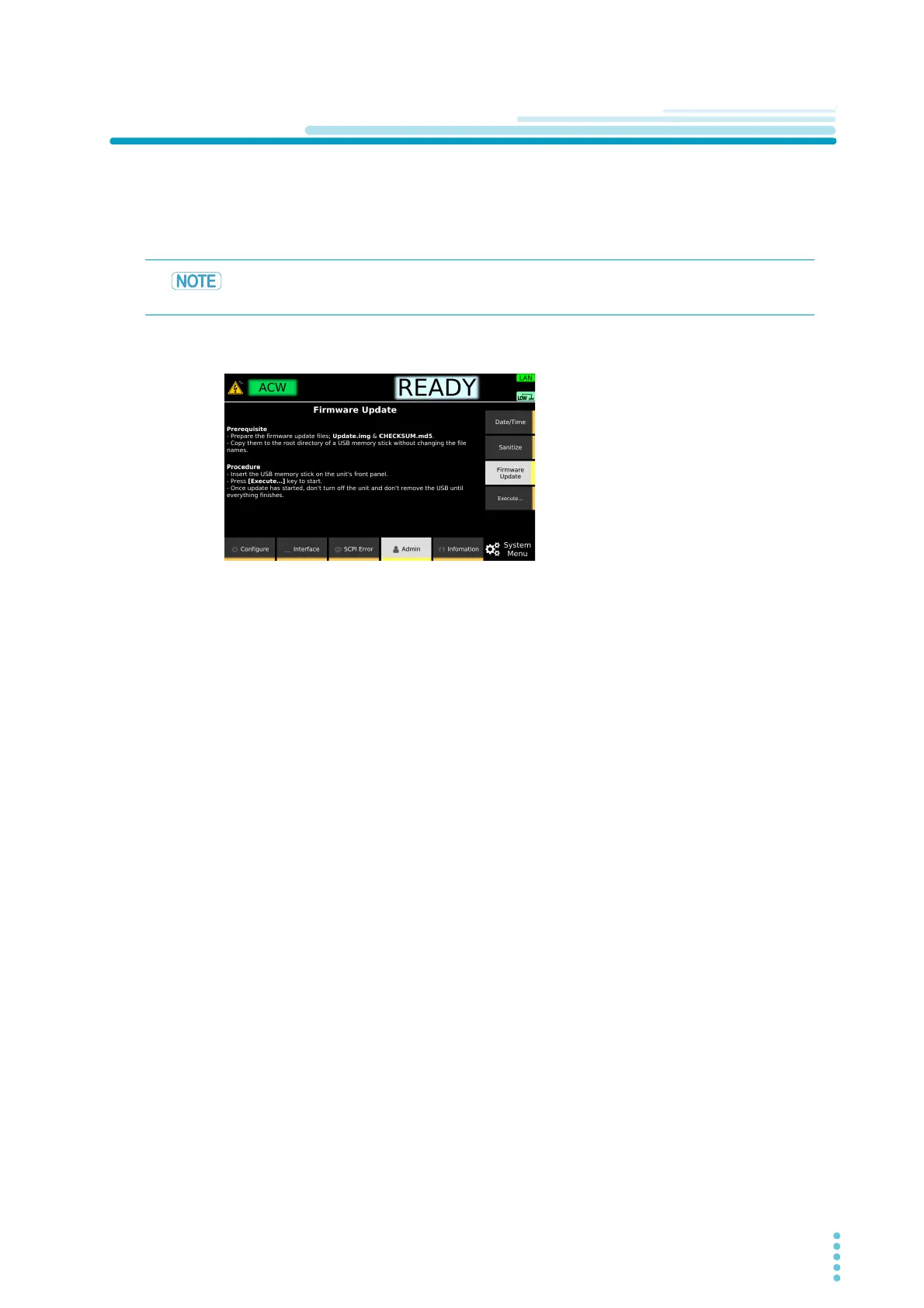
Press SYSTEM > Admin > Firmware Update .
2
Insert the USB memory device on which the update files have been saved into the
USB port on the front panel, and then press Execute.
An update screen appears.
3
Press ENTER.
The update process begins. Do not turn off this instrument while updating is in progress. Do not
remove the USB memory device.
4
If “Cycle the unit power...” is displayed, remove the USB memory device, and turn
the product off and then back on.
Updating is complete.
Save the update files (Update.img, CHECKSUM.md5) in the root directory of the USB mem-
ory device. Do not change the names of the update files.



 To Next Page