96 User’s Manual TOS93 Series
Earth Continuity Test
Starting a Test
We recommend that you perform a pre-test inspection (p.240) before executing a test.
Output time limit
When earth continuity tests are performed consecutively, output time limit and rest time may become nec-
essary depending on the upper limit.
The following table shows the output time limit and rest time that are necessary when the ambient tem-
perature is 40 °C or less. If you exceed the limit, the temperature of the output section may increase. This
may cause the protection function to be activated and “OVER HEAT” to be indicated on the display. If this
happens, stop testing and wait for the temperature to return to normal by referring to the rest time. If
“READY” is displayed in the upper right of the display when you press the STOP switch, the temperature is
back to normal.
Starting a test
1
Check that the product is correctly connected to the EUT.
2
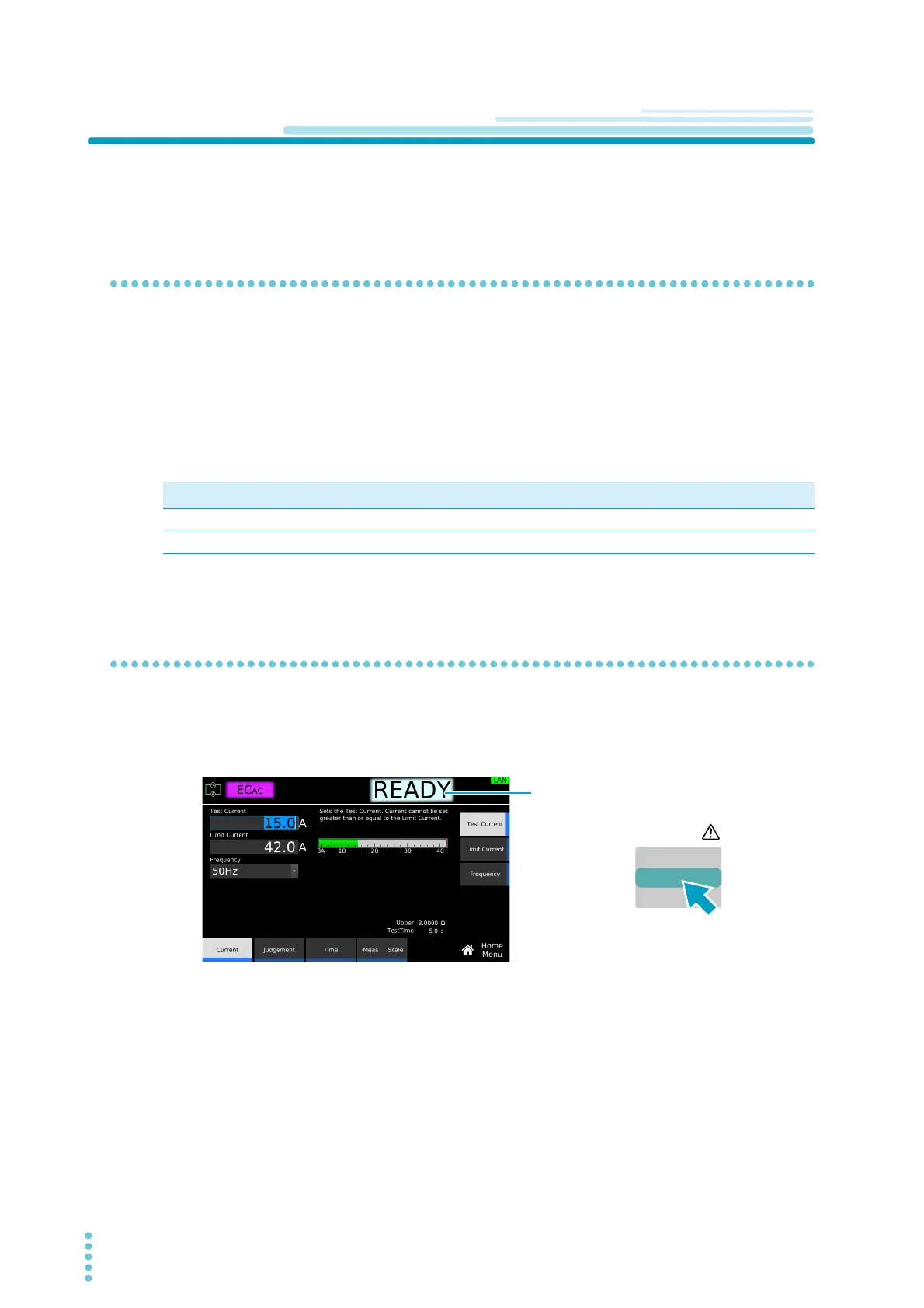
Check that “READY” is shown on the display, and then press START.
The DANGER LED lights, and the test starts.
If the test does not start, see “Unable to start a test” (p.286).
Upper limit (i)
Output time
1
limit
1 Includes the voltage rise time, test time, and voltage fall time.
Rest time
i ≤ 20 A No limit Not necessary
20 A < i ≤ 40 A 30 min. max. At least the length of time the voltage was output



 To Next Page