TOS93 Series User’s Manual 67
Withstanding Voltage and Insulation Resistance Tests | Setting Test Conditions
Setup procedure
1
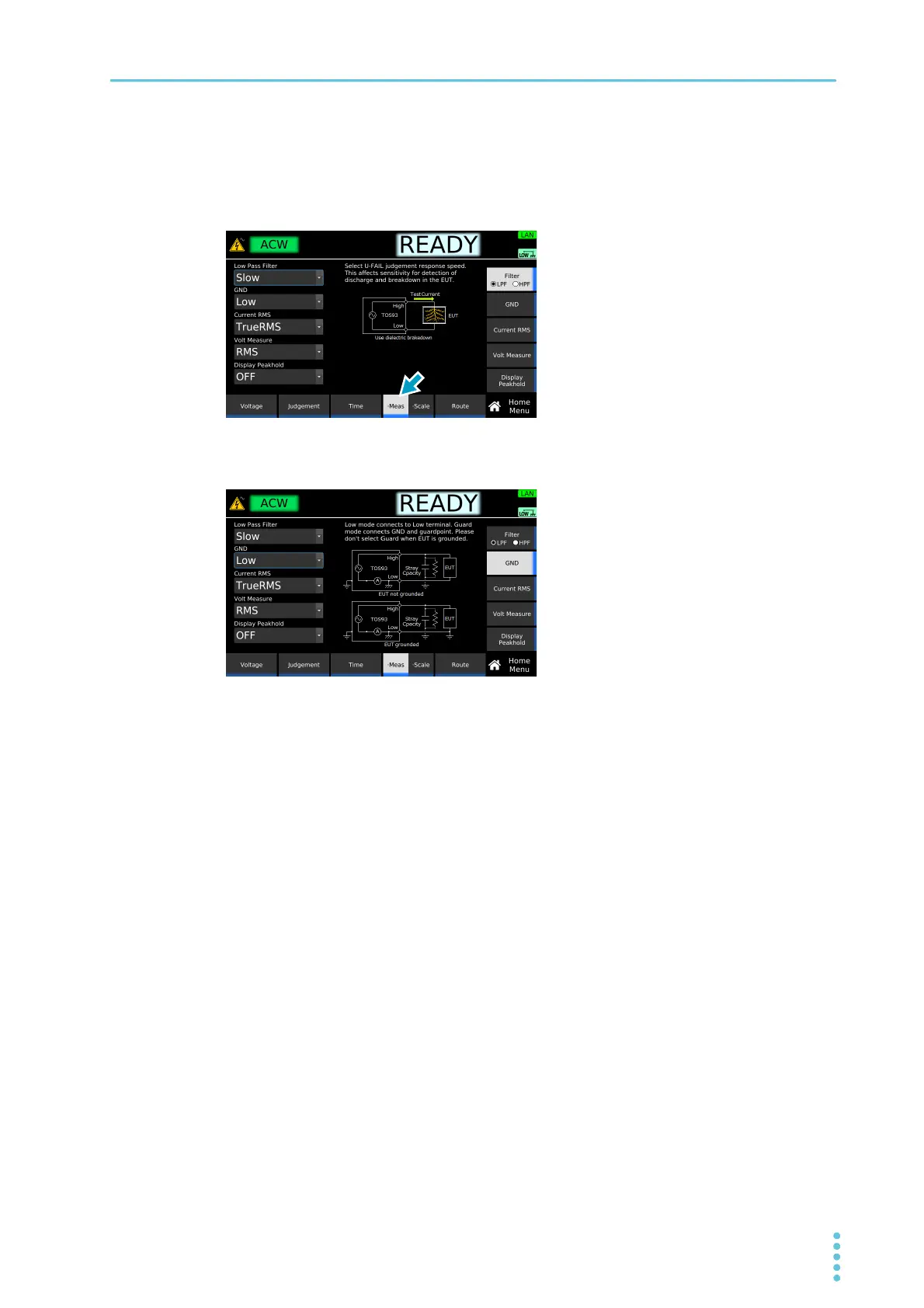
On the Home menu screen, press Meas repeatedly until Meas is selected.
Each time you press the key, the setting changes between Meas and Scale.
2
Press GND, and then turn the rotary knob to change the value.
This completes the setting.
Example: Home menu screen of ACW



 To Next Page