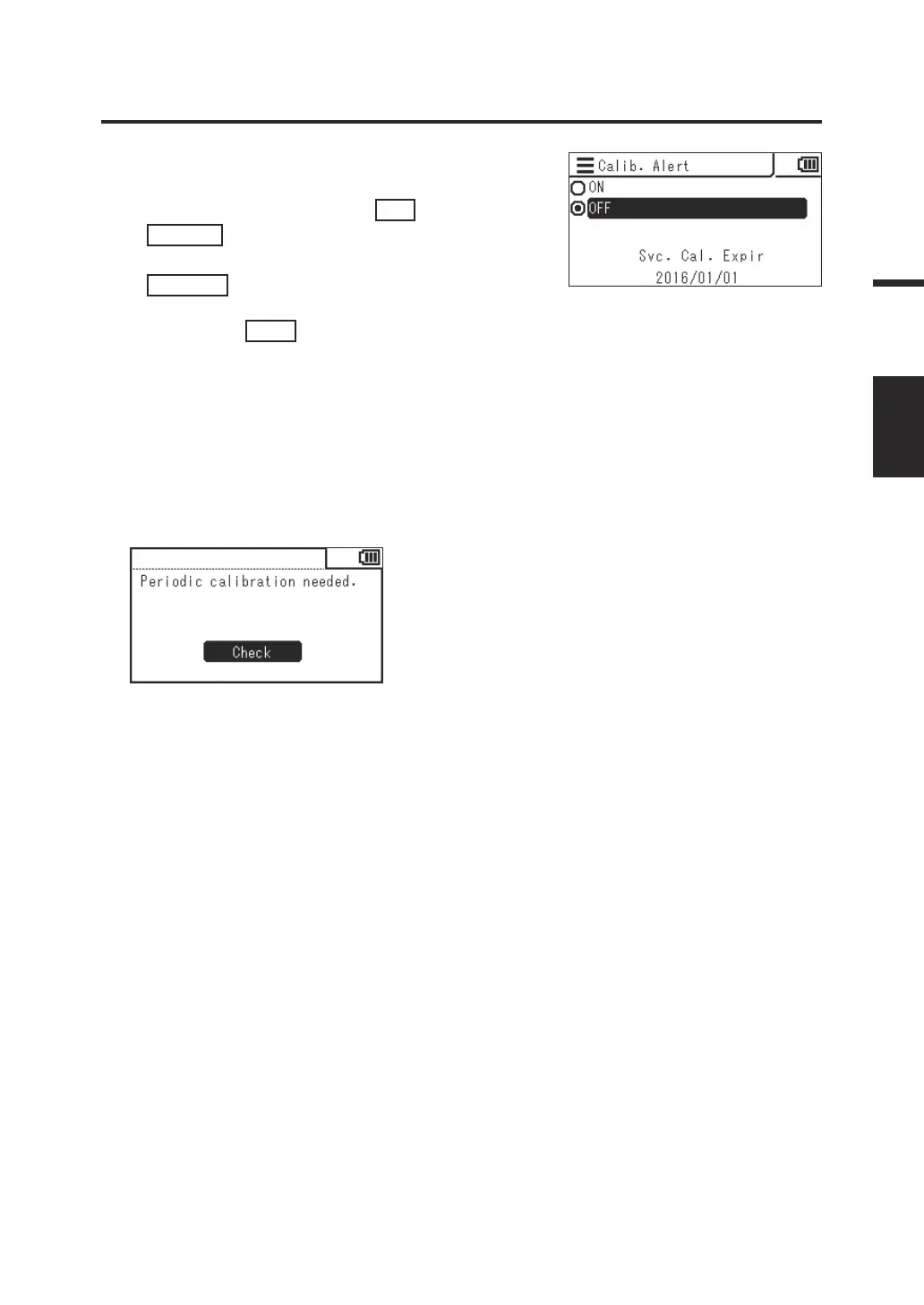
4. The screen for selecting whether or not
to display the periodic calibration alert
is displayed. Press the
UP
key or
DOWN
key to select [ON] (enabled) or
[OFF] (disabled), and then press the
ENTER
key.
5. Press the
ESC
key.
The measurement screen is displayed on the
LCD screen.
The periodic calibration alert setting is stored
even when the power switch is set to OFF ().
Alert screen notifying periodic calibration overdue
When the periodic calibration time arrives, contact a
KONICA MINOLTA-authorized service facility.
53
Settings
CALIB.
ALERT















 To Next Page