Setting the Display Brightness
[Options] -
[Brightness]
You can set the brightness of the external LCD screen of the instrument.
* Factory setting: 3 (Normal)
Operating Procedure
1
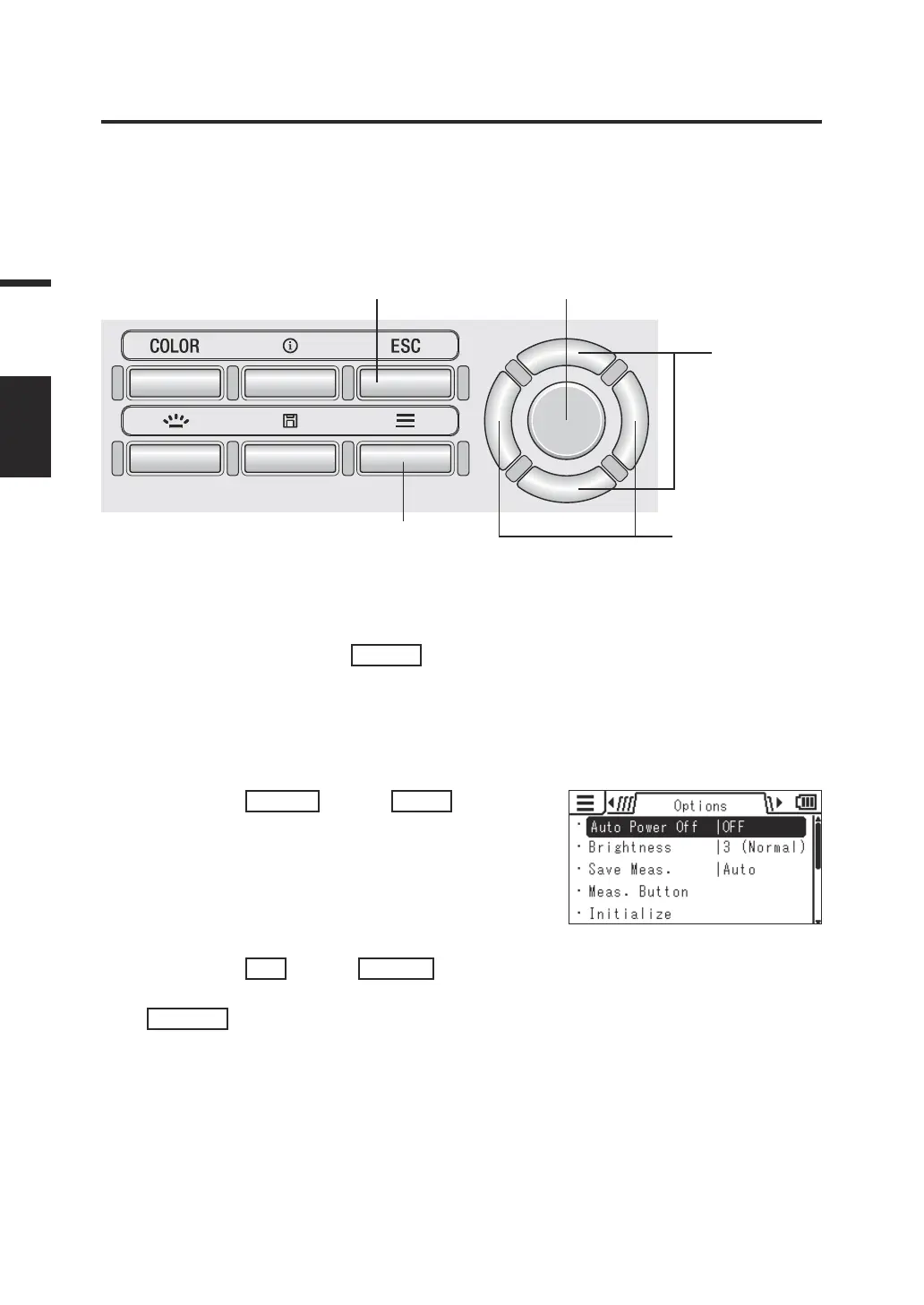
5 3
2
3, 4
1. While the measurement screen is
displayed, press the
MENU
key.
The setting screen is displayed on the LCD
screen.
2. Press the
RIGHT
key or
LEFT
key to
display the [Options] screen.
3. Press the
UP
key or
DOWN
key to
select [Brightness] and then press the
ENTER
key.
48
Settings
BRIGHTNES















 To Next Page