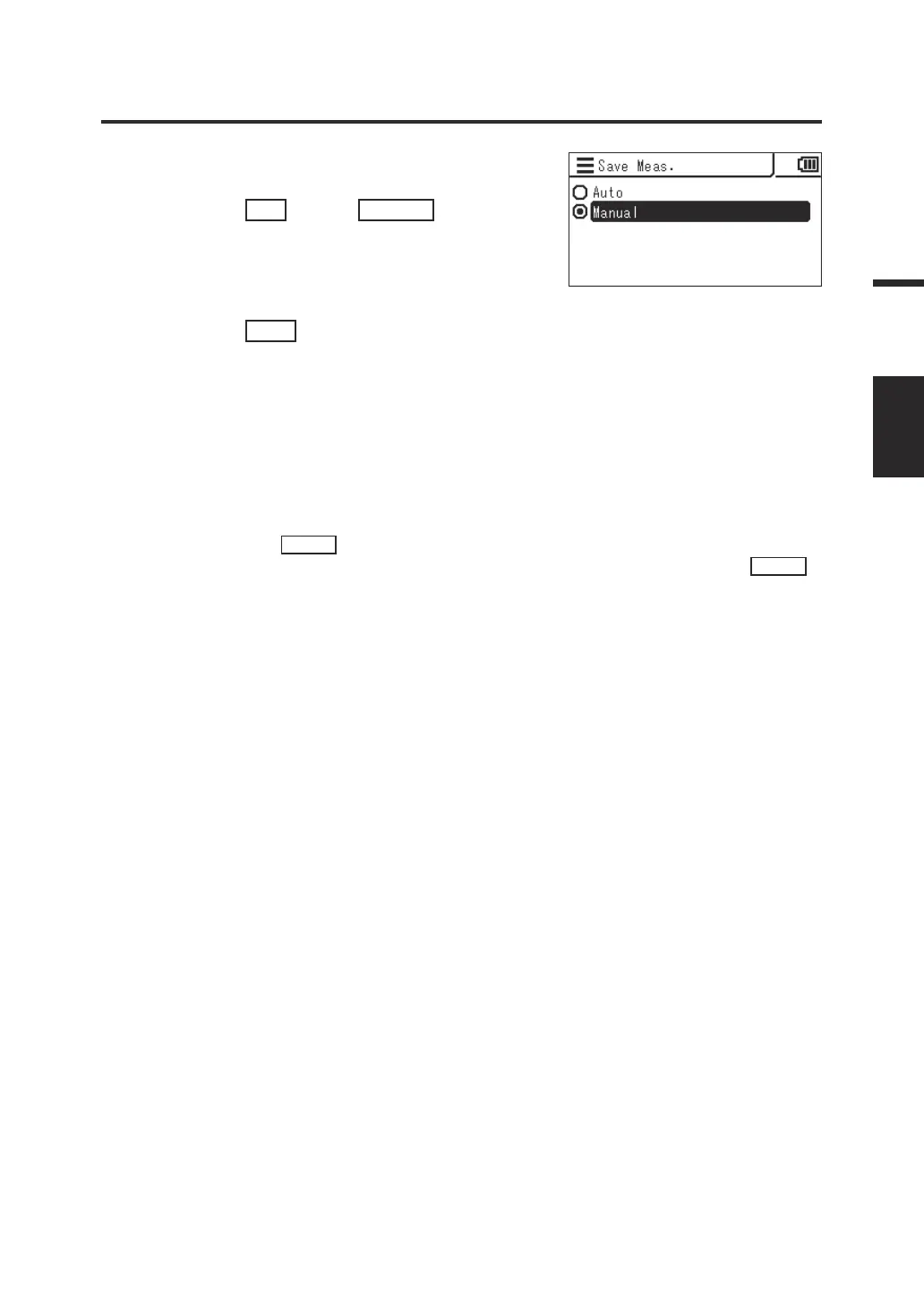
4. The screen for selecting automatic
saving or manual saving is displayed.
Press the
UP
key or
DOWN
key to
select [Auto] or [Manual].
5. Press the
ESC
key.
The measurement screen is displayed on the
LCD screen.
The setting of measurement result saving is
stored even when the power switch is set to
OFF ().
When [Auto] is selected, a measured value is saved into the memory for every
measurement and the
SAVE
key becomes disabled.
When [Manual] is selected, a measured value is saved into the memory when the
SAVE
key is pressed after measurement.
In either case, the saved data can be checked from MENU.
47
Settings
SAVE
MEAS.




 To Next Page