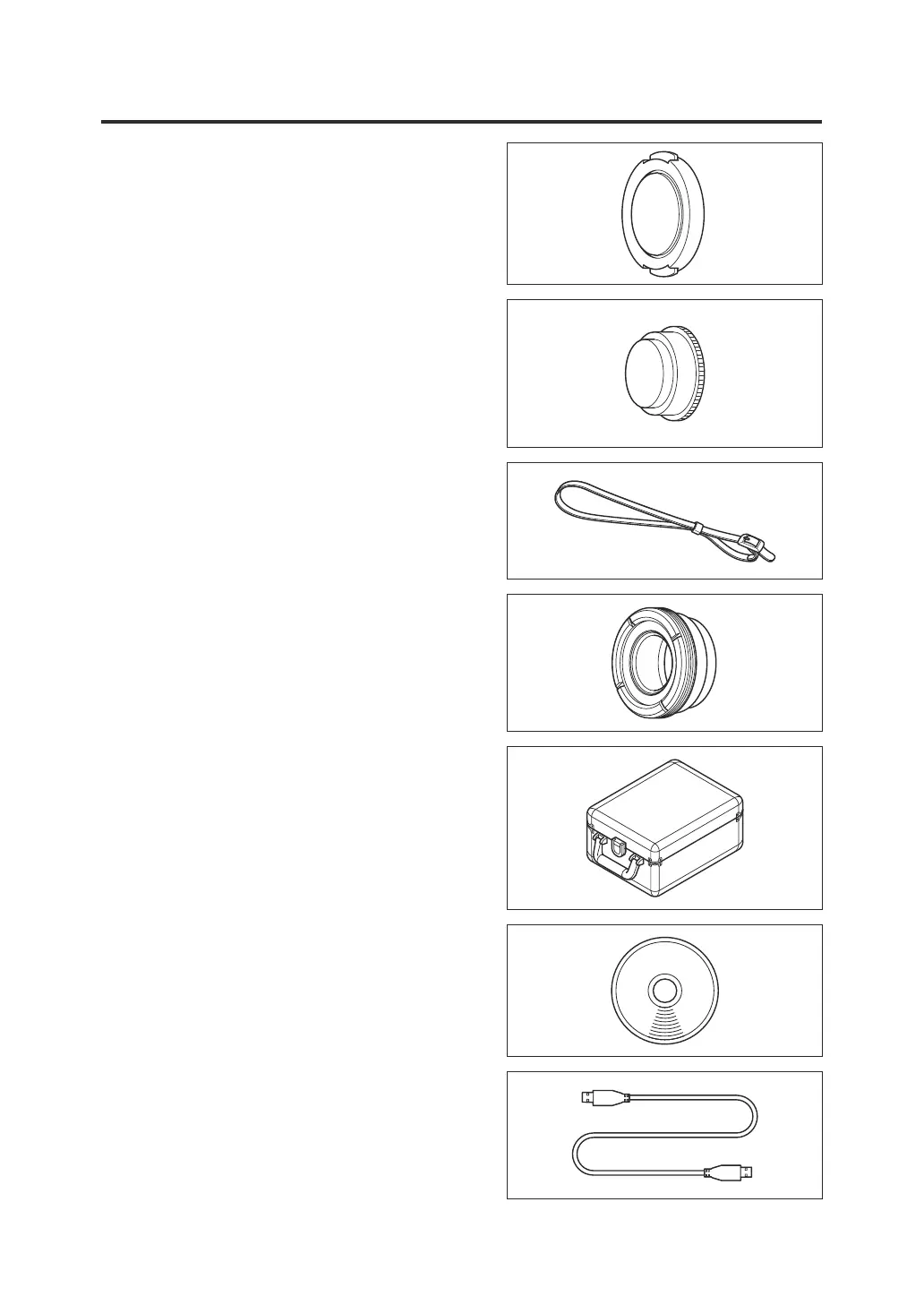
Standard Accessories
Lens cap
• When the instrument is not in use, attach
this cap to protect the lens.
Eyepiece cap
• When the instrument is used in a xed
position, the presence of a bright light
source on the viewnder side may affect
operation. In such cases, attach the
supplied eyepiece cap on the eyepiece
frame of the viewnder.
Wrist strap CS-A13
• Prevents accidental dropping of the
instrument.
Eyepiece ND lter
• Reduces glare when you look into the
viewnder to measure bright objects. Always
attach this lter on the viewnder when you
measure bright objects.
Hard case CS-A12
• Used to contain the instrument together with
its accessories for storage or hand-carrying.
This case must not be used for freight
transportation.
Data management software CS-S20
• Software that allows you to operate the
instrument from a personal computer (PC)
and perform data management.
USB cable (2 m) T-A15
• Used to connect the instrument to a PC.
This cable is also used for supplying power
with the AC adapter.
8



 To Next Page
 Loading...










