Deleting Stored Data
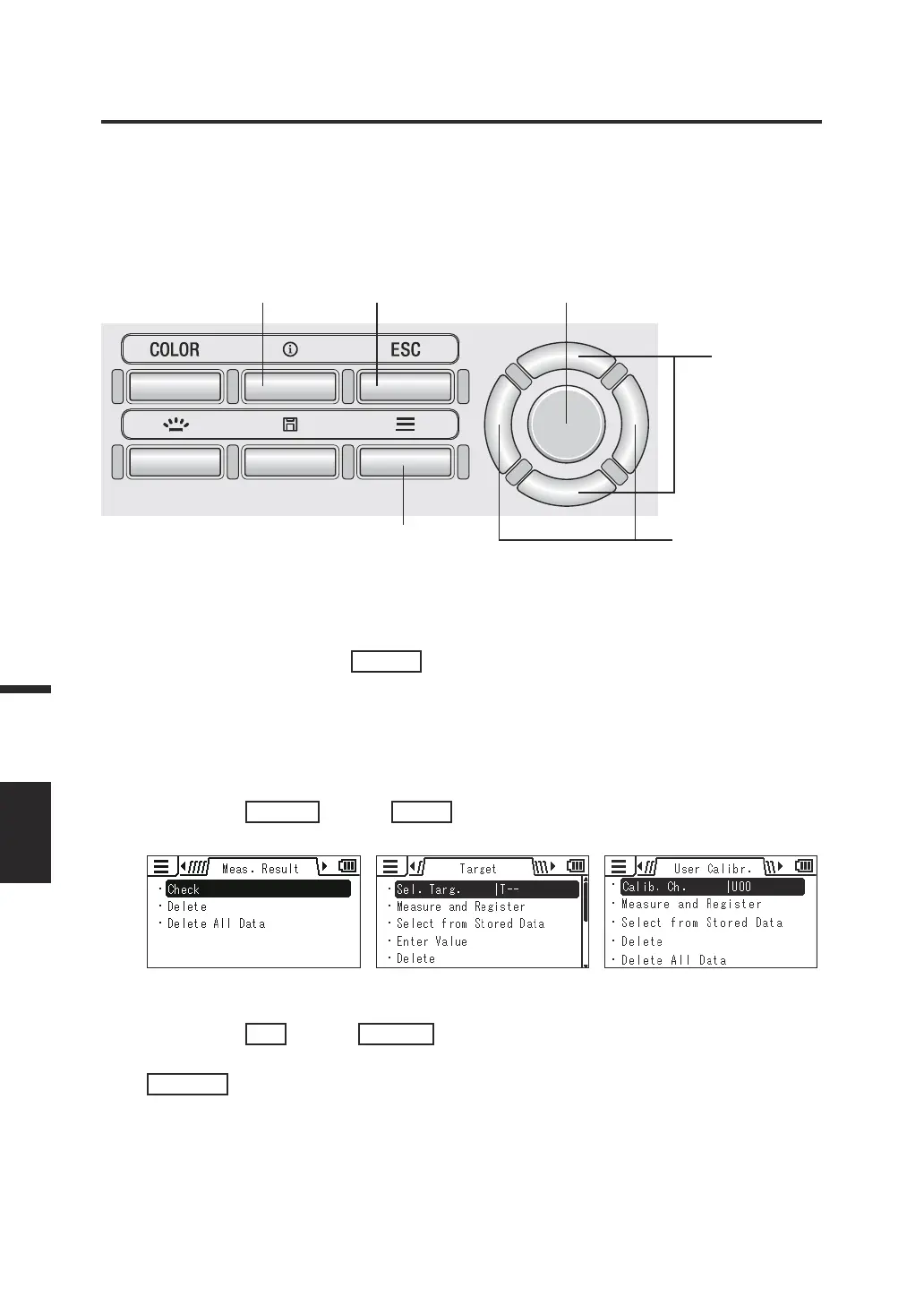
[Meas. Result]/[Target]/
[User Calibr.] - [Delete]
You can delete the stored measured values by following the procedure below.
Operating Procedure
1
64 3, 5
2, 4, 5
3, 4
1. While the measurement screen is
displayed, press the
MENU
key.
The setting screen is displayed on the LCD
screen.
2. Press the
RIGHT
key or
LEFT
key to display the [Meas. Result],
[Target] or [User Calibr.] screen.
3. Press the
UP
key or
DOWN
key to
select [Delete] and then press the
ENTER
key.
88
Measurement
DELETE



 To Next Page
 Loading...










