118
Using the Set-up Menu (Cont’d)
Specifying the basic camera set up
-You can use this procedure to specify basic camera settings such as the
date and time and the custom settings.
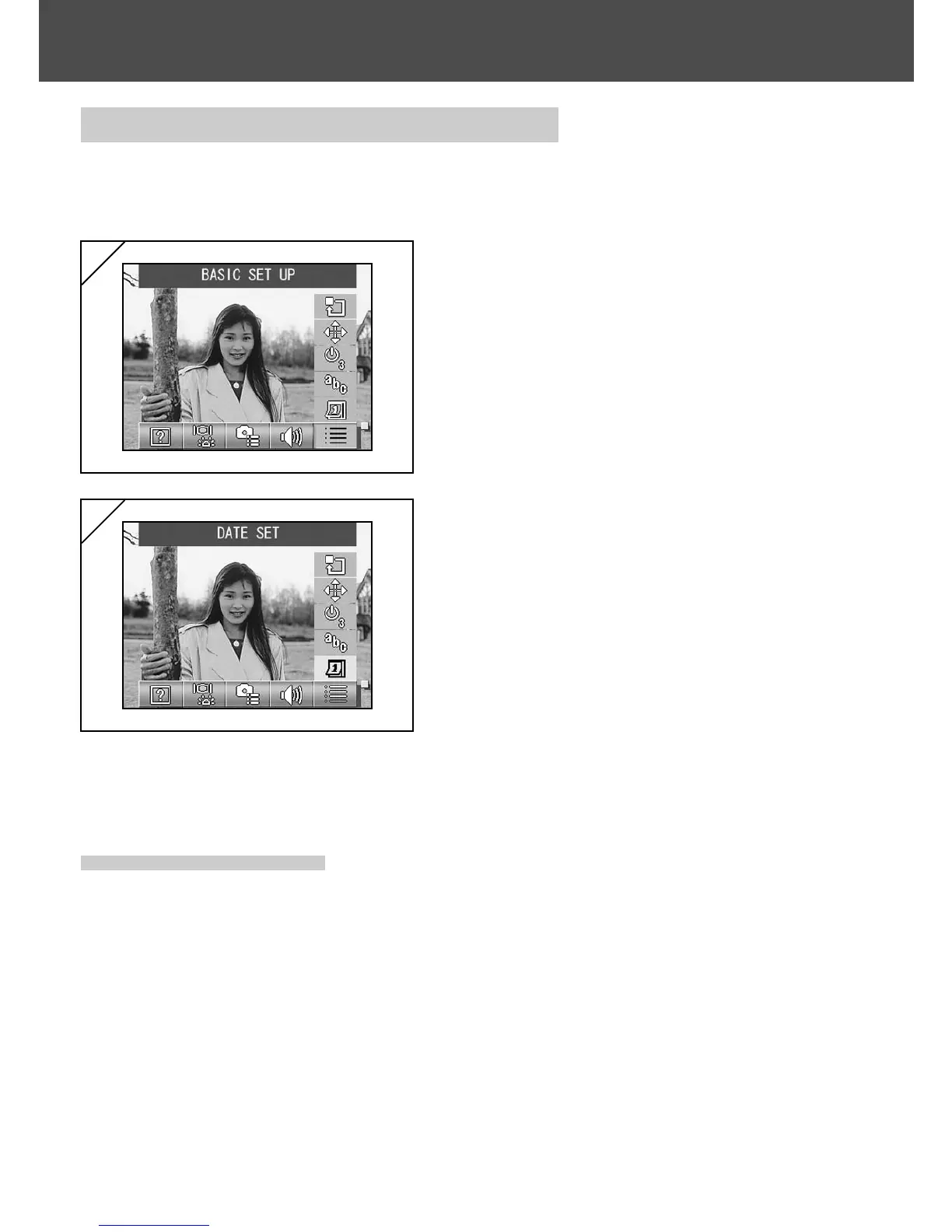
1. Select “BASIC SET UP”.
2. Use the or button to select the
mode.
Then use the SET/DISP. button to turn
each mode ON or OFF.
3. When you have completed the settings,
press the MENU button.
When the settings are completed, the
SET UP menu screen reappears.
2
1
● Available modes
-DATE SET :Allows you to adjust the date and time settings. (p.119)
- LANGUAGE :You can change the language setting. (p.119)
-AUTO POWER OFF : Allows you to change the time setting for the Auto Power Off
function. (p.119)
- CUSTOM :You can specify custom settings for shooting modes. (p.120)
- DEFAULT :Allows you to restore the default camera settings. (p.120)



 To Next Page
 Loading...











