6 CONTROLS 18
6.11 Speedometer
6.11.1 Overview
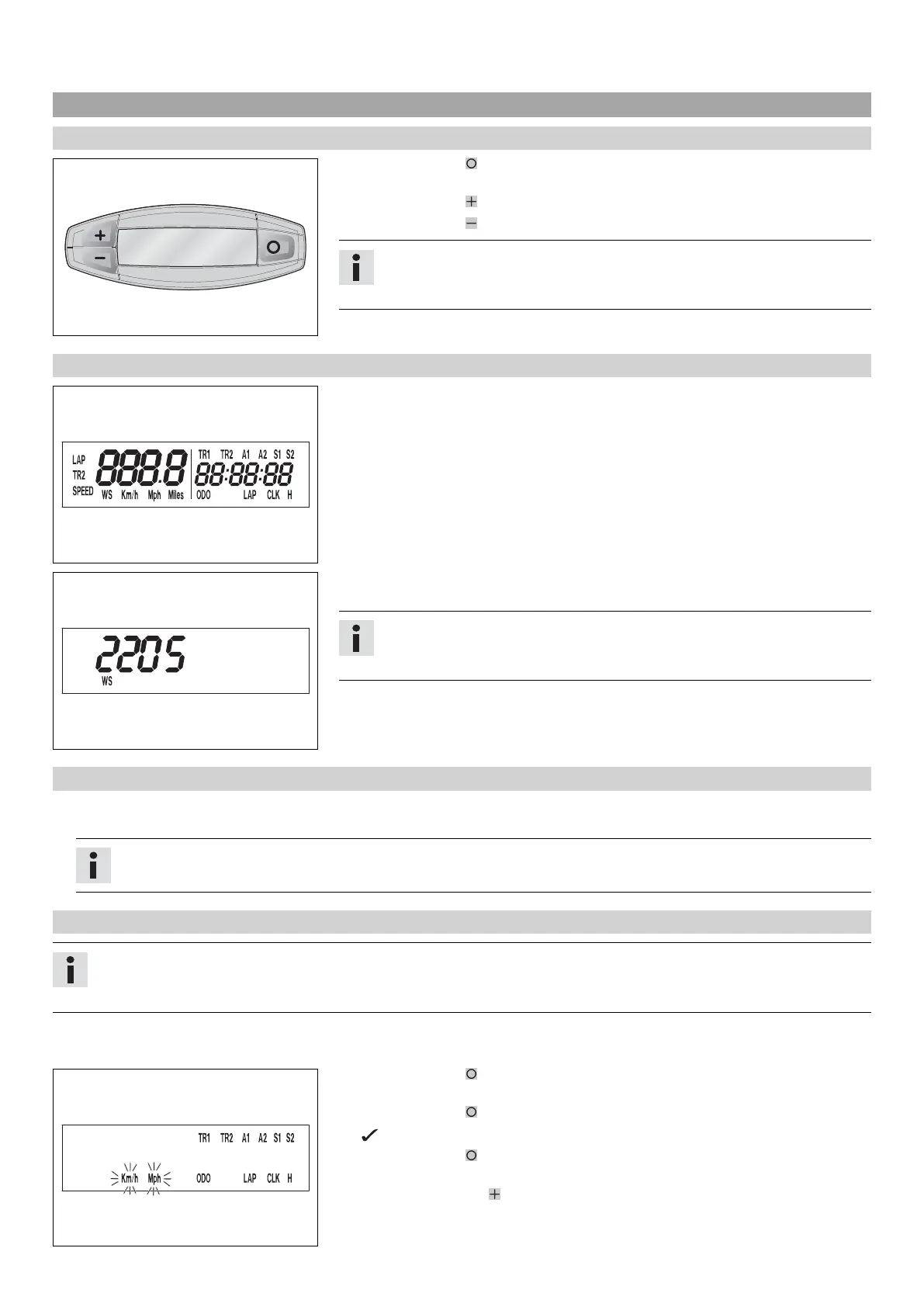
400312-01
– Press the button to change the display mode or change to one of the Setup
menus.
– Press the button to control different functions.
– Press the button to control different functions.
Info
When the vehicle is delivered, only the SPEED/H and SPEED/ODO display modes
are activated.
6.11.2 Activation and test
400313-01
Activating the speedometer
The speedometer is activated when one of the buttons is pressed or an impulse comes
from the wheel speed sensor.
Display test
To enable you to check that the display is functioning properly, all display segments
light up briefly.
400314-01
WS (wheel size)
After the display function check, the wheel size WS is displayed briefly.
Info
The number 2205 equals the circumference of the 21" front wheel with stan-
dard tires.
The display then changes to the last selected mode.
6.11.3 Tripmaster switch
(Option: Tripmaster switch)
The tripmaster switch is used to control the functions of the speedometer from the handlebar.
Info
The trip master is an optional accessory.
6.11.4 Setting kilometers or miles
Info
If you change the unit of measure, the ODO value is retained and converted accordingly.
The values TR1, TR2, A1, A2 and S1 are cleared when the unit of measure is changed.
Condition
The motorcycle is stationary.
400329-01
– Press the button briefly and repeatedly until H appears at the bottom right of the
display.
– Press the button for 3 - 5 seconds.
The Setup menu is displayed and the active functions are shown.
– Press the button repeatedly until the Km/h/Mph display flashes.
Adjusting Km/h
– Press the button .



 To Next Page