6 CONTROLS 21
6.11.10 Display mode SPEED/CLK (clock)
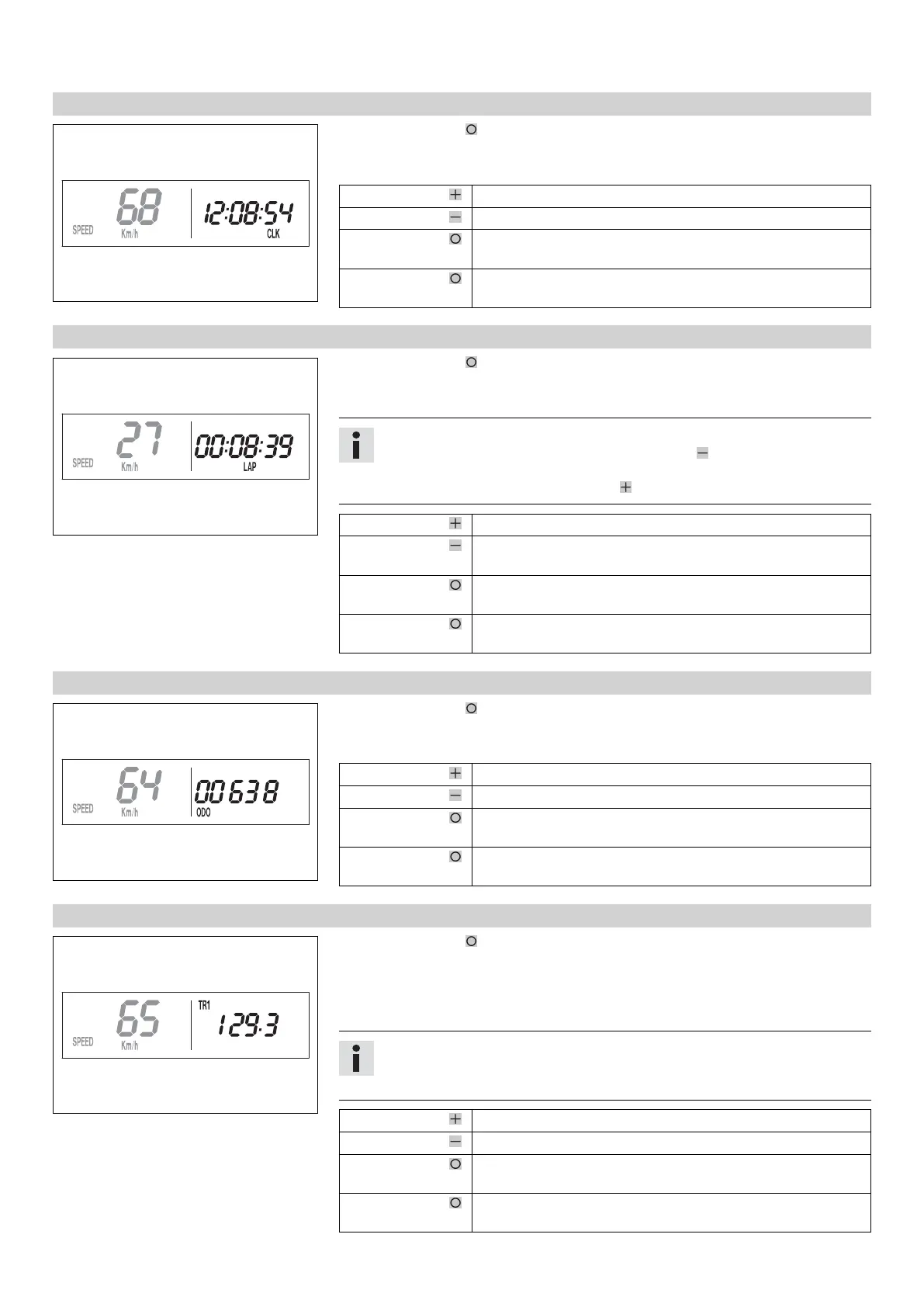
400319-01
– Press the button briefly and repeatedly until CLK appears at the bottom right of
the display.
The time is displayed in CLK display mode.
Press the button . No function
Press the button . No function
Press the button
for 3 - 5 seconds.
The display changes to the Setup menu of the clock.
Press the button
briefly.
Next display mode
6.11.11 Display mode SPEED/LAP (lap time)
400320-01
– Press the button briefly and repeatedly until LAP appears at the bottom right of
the display.
In the LAP display mode, up to 10 lap times can be timed with the stop watch.
Info
If the lap time continues after you press the button , 9 memory locations are
already occupied.
Lap 10 must be timed with the button .
Press the button . Starts or stops the clock.
Press the button . Stops the current lap time and saves it, and the stop watch
starts the next lap.
Press the button
for 3 - 5 seconds.
The stop watch and the lap time are reset.
Press the button
briefly.
Next display mode
6.11.12 Display mode SPEED/ODO (odometer)
400317-01
– Press the button briefly and repeatedly until ODO appears at the bottom right of
the display.
The total distance traveled is displayed in the ODO display mode.
Press the button . No function
Press the button . No function
Press the button
for 3 - 5 seconds.
–
Press the button
briefly.
Next display mode
6.11.13 Display mode SPEED/TR1 (trip master 1)
400323-01
– Press the button briefly and repeatedly until TR1 appears at the top right of the
display.
TR1 (trip master 1) runs constantly and counts to 999.9.
You can use it to measure trips or the distance between refueling stops.
TR1 is coupled with A1 (average speed 1) and S1 (stop watch 1).
Info
If 999.9 is exceeded, the values of TR1, A1 and S1 are automatically reset to
0.0.
Press the button . No function
Press the button . No function
Press the button
for 3 - 5 seconds.
The TR1, A1 and S1 displays are reset to 0.0.
Press the button
briefly.
Next display mode



 To Next Page