CONTROLS 22
Table of conditions and activability
Display Vehicle at a stand-
still
Menu can be acti-
vated
SPEED/CLK display mode (time) •
SPEED/LAP display mode (lap time) •
SPEED/TR1 display mode (trip master 1) •
SPEED/TR2 display mode (trip master 2) •
SPEED/A1 display mode (average speed 1) •
SPEED/A2 display mode (average speed 2) •
SPEED/S1 display mode (stop watch 1) •
SPEED/S2 display mode (stop watch 2) •
5.29Fuel tap
500137-10
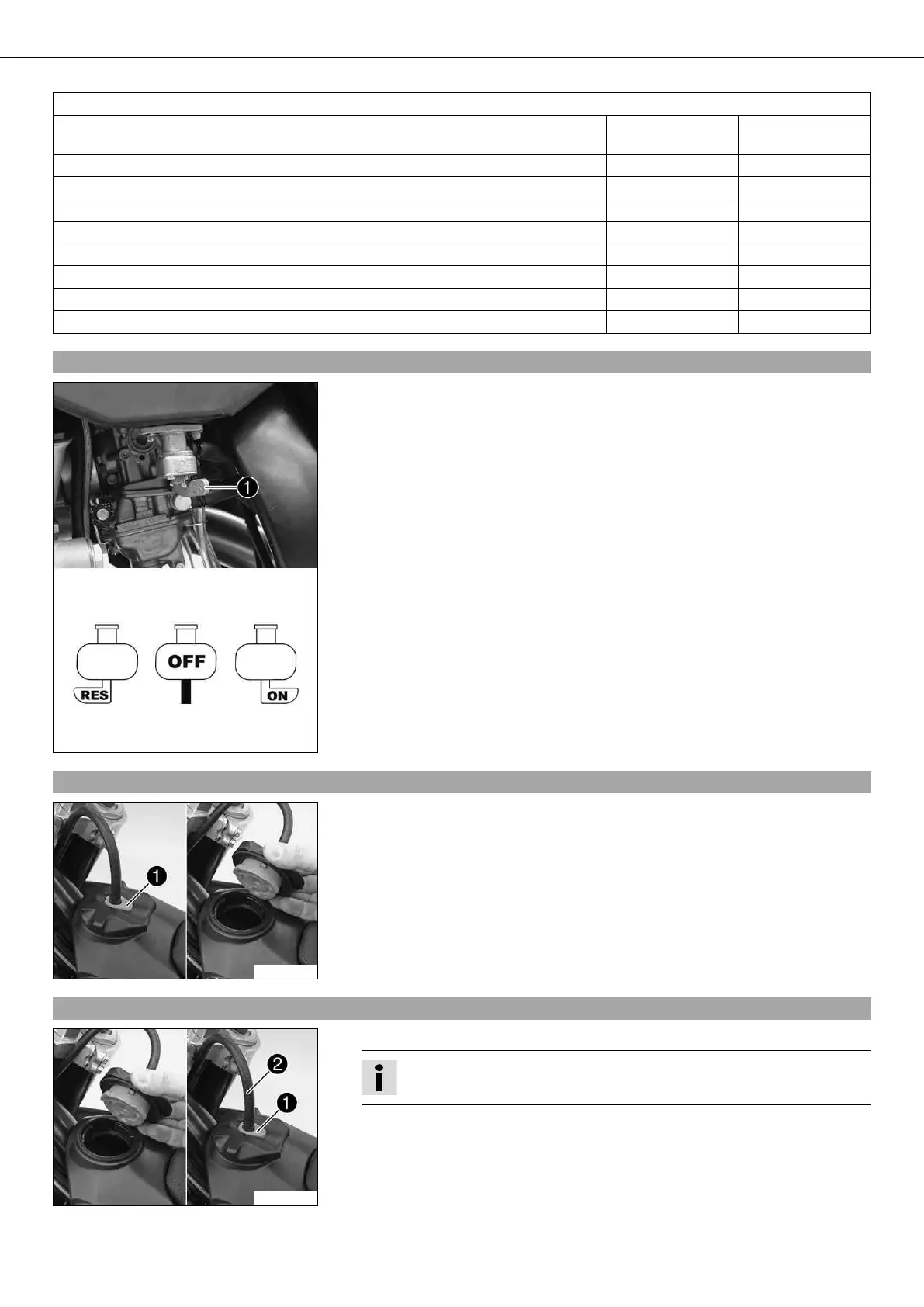
The fuel tap is on the left of the fuel tank.
With the tap handle on the fuel tap, you can open or close the supply of fuel to the
carburetor.
Possible states
• Fuel supply closed OFF – No fuel can flow from the tank to the carburetor.
• Fuel supply open ON – Fuel can flow from the tank to the carburetor. The fuel tank
empties down to the reserve.
• Reserve fuel supply open RES – Fuel can flow from the tank to the carburetor. The
fuel tank empties completely.
5.30Opening filler cap
400199-10
– Press release button , turn filler cap counterclockwise and lift it free.
5.31Closing filler cap
400199-11
– Replace the filler cap and turn clockwise until the release button locks in place.
Info
Run the fuel tank breather hose without kinks.








 To Next Page