Putting into service
Control box
Quantron S
23
Modifying a letter:
- Select the letter in area (1) and position the cursor
using keys (6).
- Using arrow keys (3), move the cursor on the letter
selected in the letter area (7).
- Press Enter key.
The selected letter is positioned in the name creation
area. The cursor moves to the right of one space.
- Repeat procedure until name is completed.
- Press on function OK (5).
The text is memorized in the control box. The screen
displays the previous menu.
Replacing a letter:
An isolated letter can be replaced by another. Deleting
an isolated letter is not possible.
Fully deleting a name:
- Press on the button C/100%.
- Press on function OK.
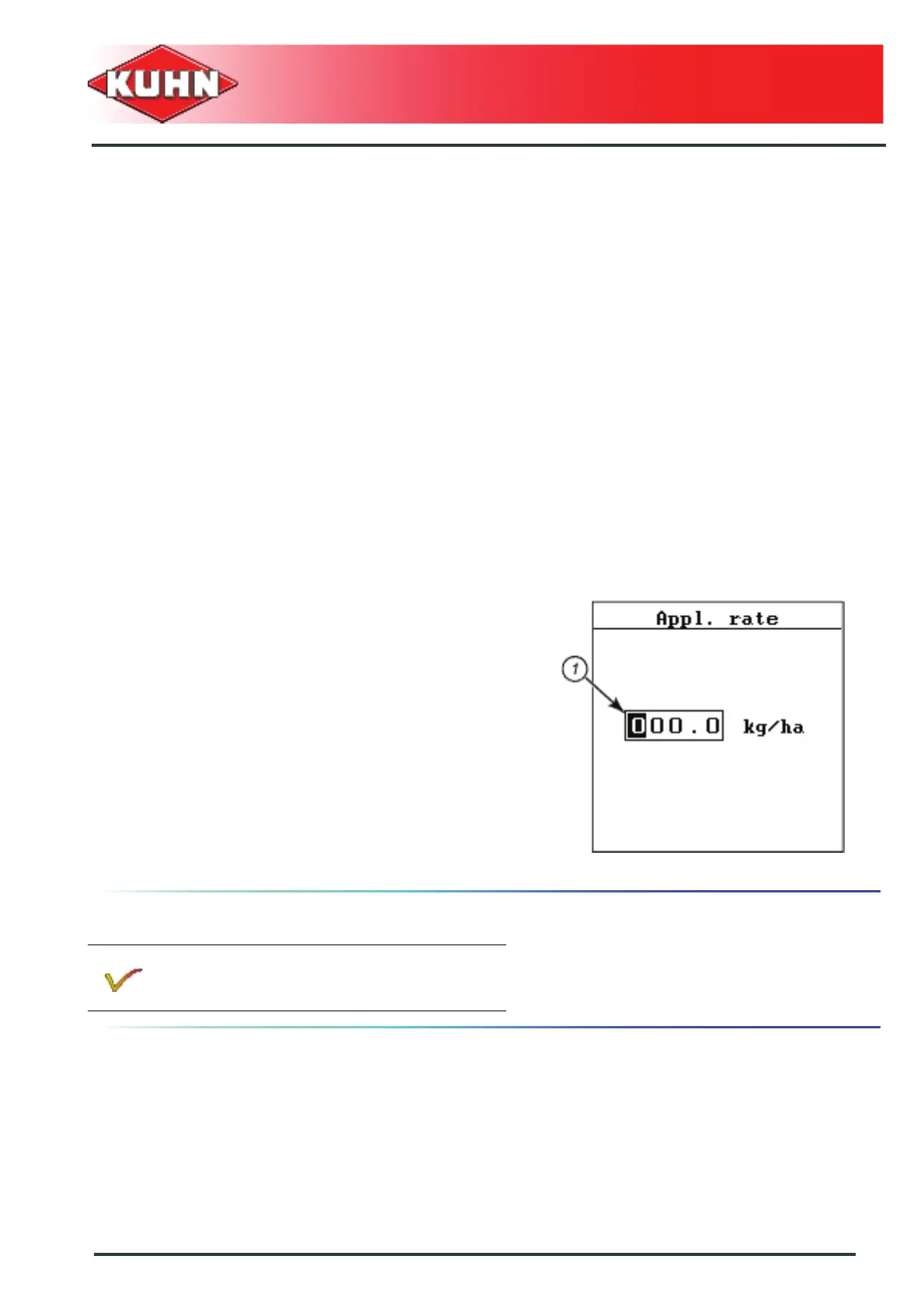
Entering values using the arrow keys
Certain menus enable entering numerical values
(Example: Volume).
To move cursor (1), use right and left arrow keys.
Enter the required digit using the vertical arrows:
- Upward arrow: Increasing the selected value.
- Downward arrow: Reducing the value selected.
- Confirm entry by pressing Enter key.
Software updating
Software updating can only be performed by
authorized persons.


 To Next Page