Control box
22
Quantron S
Putting into service
Specific functions
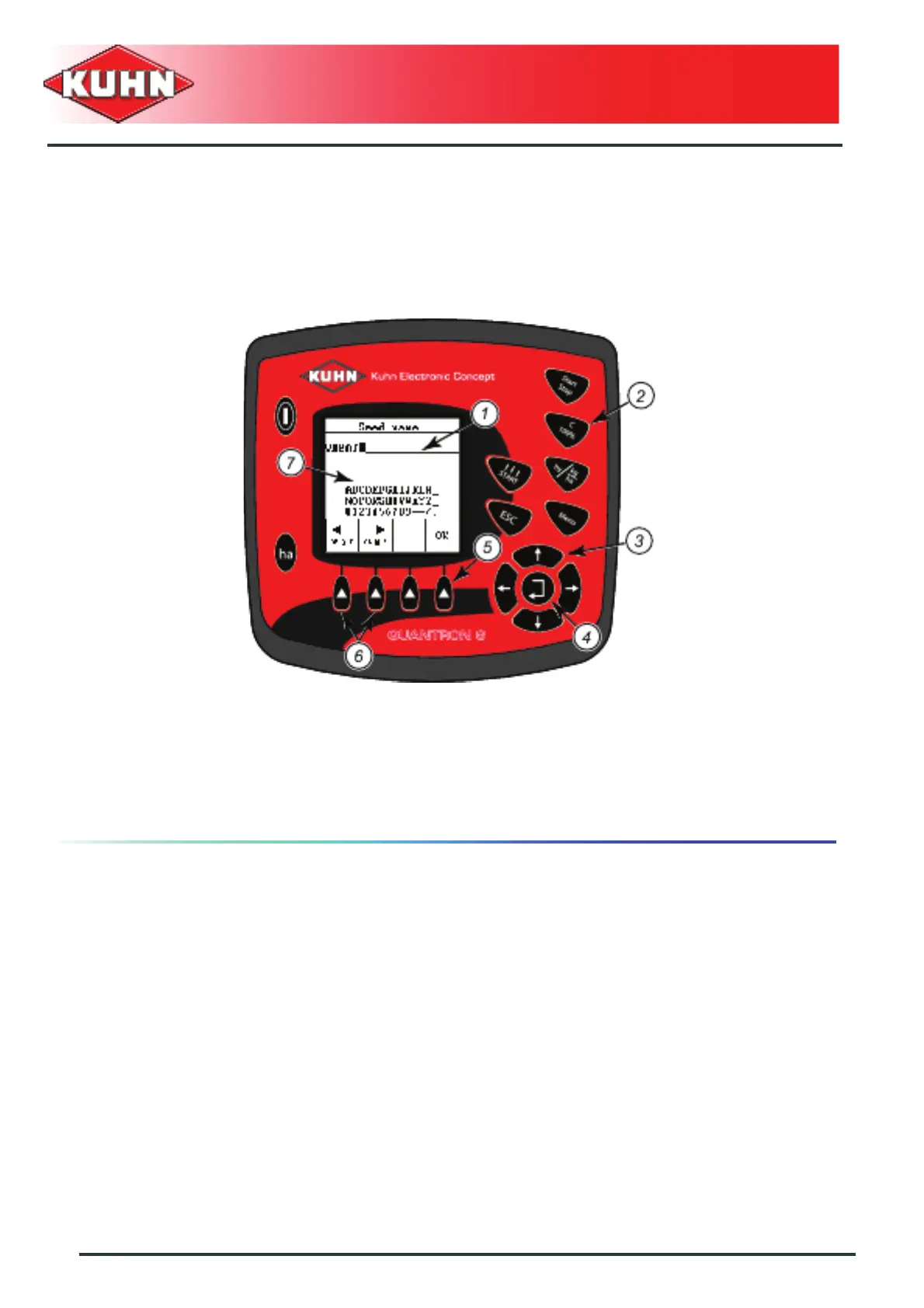
Text entry (Example: seed name)
Some menus enable creating a name.
0
1 : Entry area 2 : Fully deleting a name
3 : Keys for navigating in the letter area 4 : Key for confirming the letter entry
5 : Function key (OK) for confirming the selected
name and return to the previous menu
6 : Navigation keys in the name entry
area
7 : Area with letters available for printing (depends
on the language)



 To Next Page