4-5
Copying > Copying Functions
Zoom
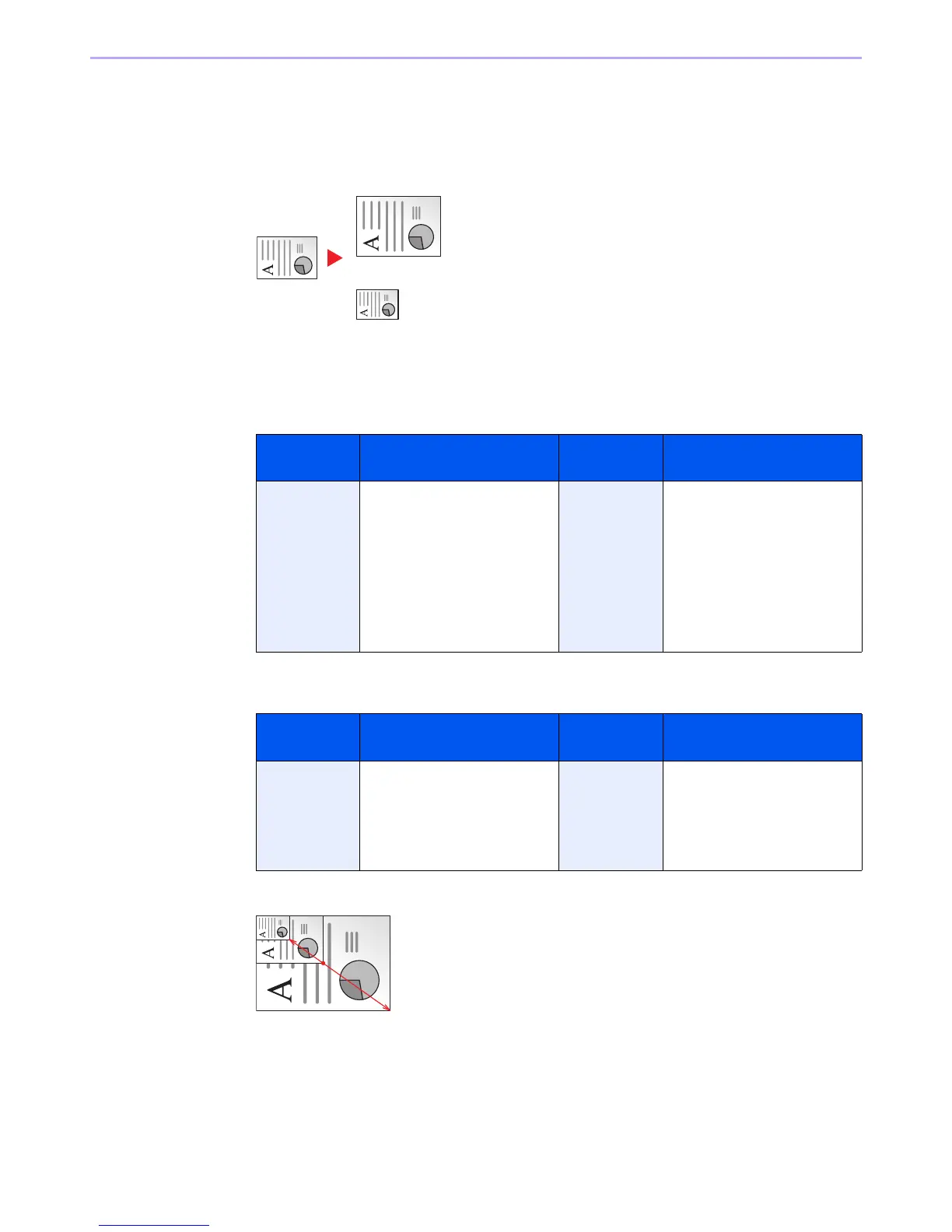
Adjust the zoom to reduce or enlarge the image.
Auto
Adjusts the image to match the paper size.
Standard Zoom
Adjusts the image to match present sizes.
Standard Zoom (Other)
Zoom Entry
Specify the image size in 1% increment between 25% - 400% of the original.
1
Display the screen.
1 Referring to Basic Operation on page 4-2, display the screen.
Model Zoom Level
(Original Copy)
Model Zoom Level
(Original Copy)
Inch Models 400% (Max.)
200%
129% (STMT >> Letter)
100%
78% (Legal >> Letter)
64% (Letter >> STMT)
50%
25% (Min.)
Metric Models 400% (Max.)
200%
141% (A5 >> A4)
100%
90% (Folio >> A4)
70% (A4 >> A5)
50%
25% (Min.)
Model Zoom Level
(Original Copy)
Model Zoom Level
(Original Copy)
Inch Models 141% (A5 >> A4)
115% (B5 >> A4)
90% (Folio >>
86% (A4 >> B5)
70% (A4 >> A5)
Metric Models 129% (STMT >> Letter)
115% (B5 >> A4)
86% (A4 >> B5)
78% (Legal >> Letter)
64% (Letter >> STMT)


 To Next Page
 Loading...











