EasyManua.ls Logo

Kyocera ECOSYS FS-3540MFP - Multi Purpose Tray; Cassette

Kyocera ECOSYS FS-3540MFP
352 pages
Print Icon
To Next Page IconTo Next Page
To Previous Page IconTo Previous Page
Loading...
10-23
Troubleshooting > Clearing Paper Jams
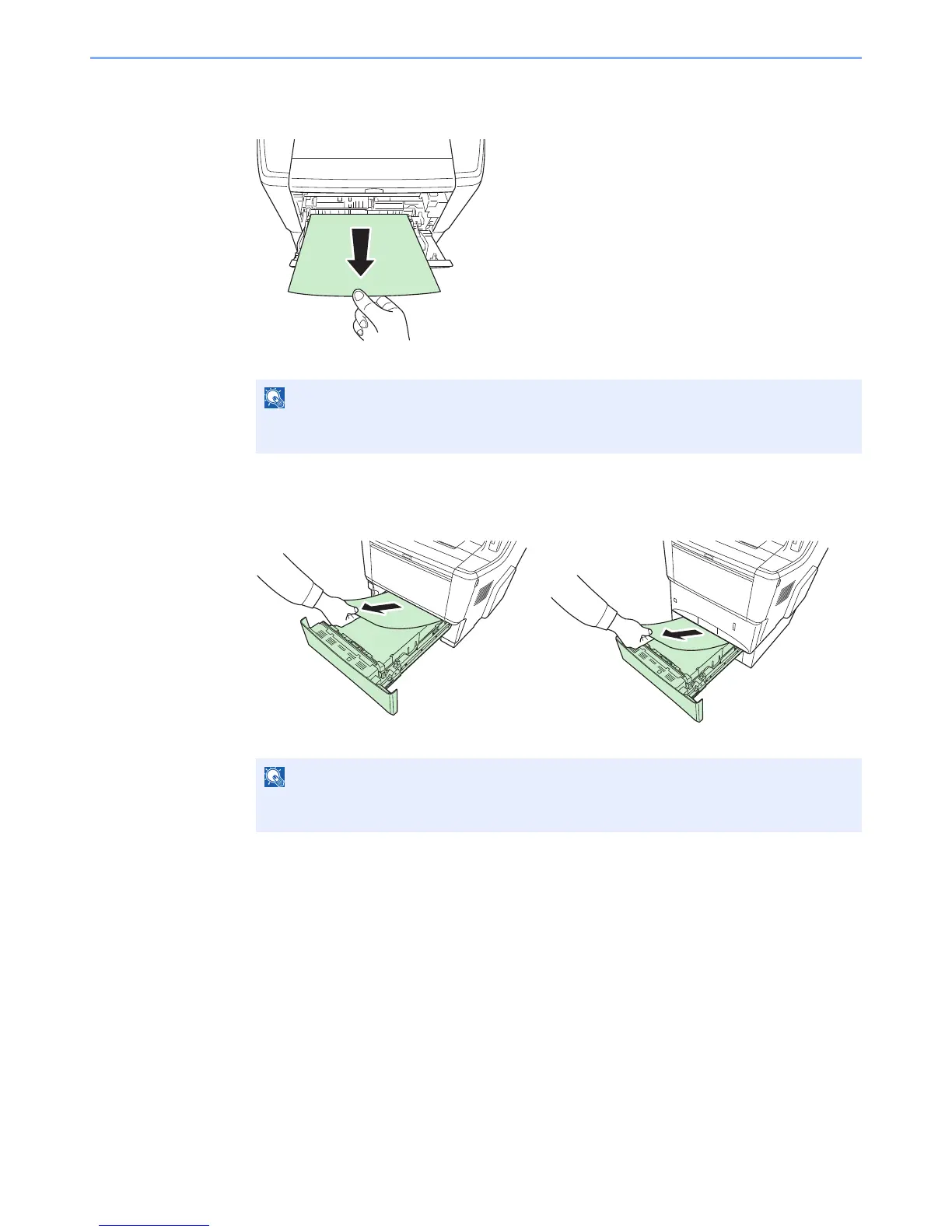
Multi Purpose Tray
Follow the steps below to clear paper jams in the multi purpose tray.
Open and close the top cover and front cover to clear the error.
Cassette
Follow the steps below to clear paper jams in cassette.
Check to see if paper is loaded correctly. If not, reload the paper.

NOTE
If the paper cannot be removed, do not try to forcefully remove it. Go to paper jam inside the
machine on page 10-25.
NOTE
If the paper cannot be removed, do not try to forcefully remove it. Go to paper jam inside the
machine on page 10-25.

Table of Contents

Related product manuals