10-13
Troubleshooting > Responding to Error Messages
Responding to Error Messages
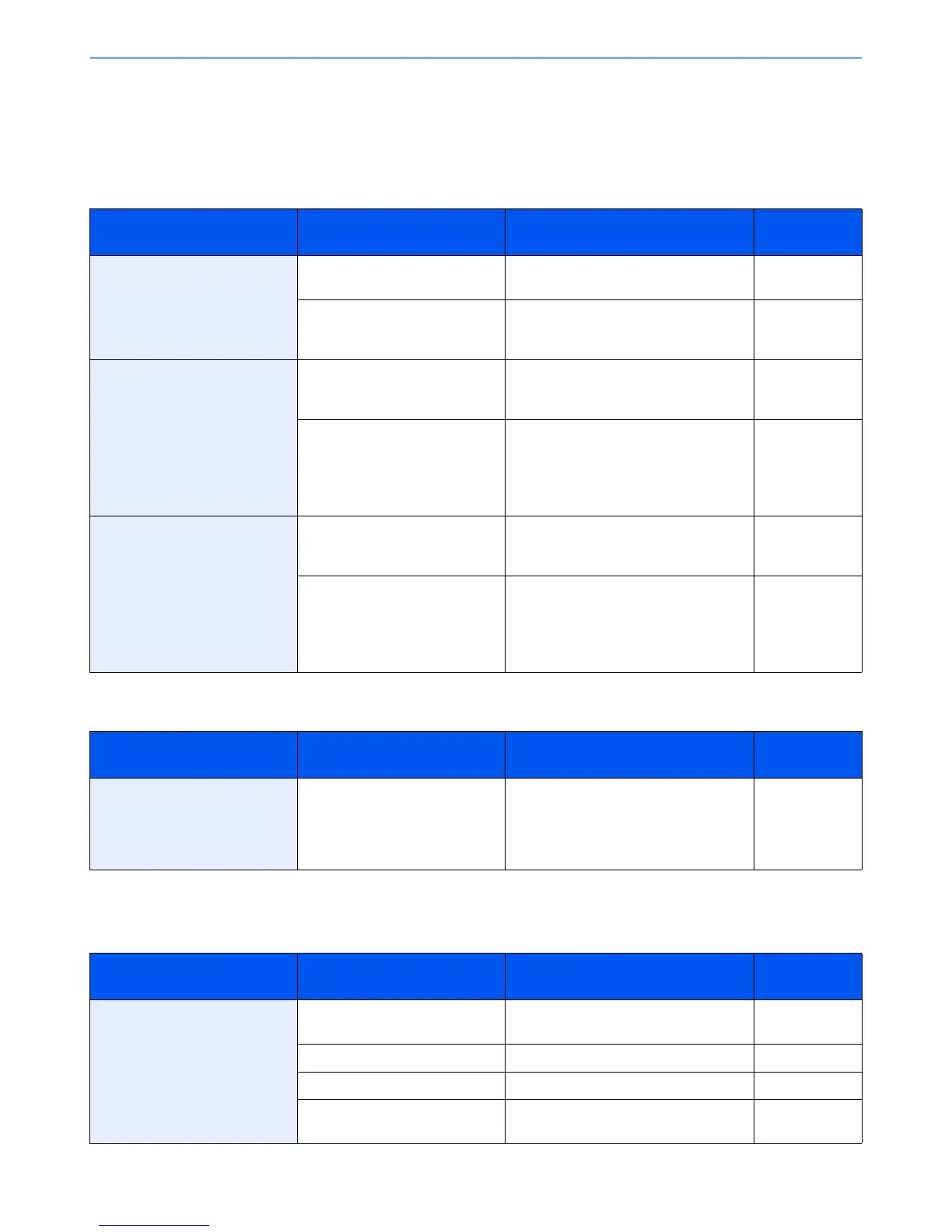
If the touch panel displays any of these messages, follow the corresponding procedure.
A
B
C
Error Message Checkpoints Corrective Actions Reference
Page
Activation error. — Failed to activate the application.
Contact administrator.
—
— Expansion Authentication is disabled.
Turn the main power switch off and on. If
the error exists, contact administrator.
—
Add the following paper in
cassette #.
Does the selected paper size
matchs the paper size loaded in
the specified paper source?
Press [Continue] to continue printing.
Press [Cancel] to cancel the job.
—
Is the indicated cassette out of
paper?
Load paper.
Press [Paper Selection] to select the
other paper source. Press [Continue] to
print on the paper in the currently
selected paper source.
3-3
Add the following paper in multi
purpose tray.
Does the selected paper size
matches the paper size loaded in
the specified paper source?
Press [Continue] to continue printing.
Press [Cancel] to cancel the job.
—
Is the paper of the selected size
loaded in the multi purpose tray?
Load paper.
Press [Paper Selection] to select the
other paper source. Press [Continue] to
print on the paper in the currently
selected paper source.
3-7
Error Message Checkpoints Corrective Actions Reference
Page
Box limit exceeded.*
* When Auto Error Clear is set to [On], processing resumes automatically after a set amount of time elapses.
— Document box is full, and no further
storage is available; Job is canceled.
Press [End]. Try to perform the job again
after printing or deleting data from the
Document box.
—
Error Message Checkpoints Corrective Actions Reference
Page
Cannot connect to Authentication
Server.*
— Set machine time to match the server’s
time.
9-22
— Check the domain name. 9-25
— Check the host name. 9-25
— Check the connection status with the
server.
—


 To Next Page
 Loading...











